The Problem: Claude Code Struggles with Vector Database APIs
When building applications with vector databases like Weaviate, Claude Code faces a fundamental challenge: vector database APIs are complex. They offer multiple search strategies (semantic, hybrid, BM25), generative modules, multi-tenant support, and specialized query patterns. Without guidance, Claude Code might produce syntactically correct but suboptimal queries—using the wrong search strategy, missing performance parameters, or failing to leverage powerful features like Weaviate's Query Agent.
This is where Weaviate Agent Skills change everything.
What Weaviate Agent Skills Actually Do
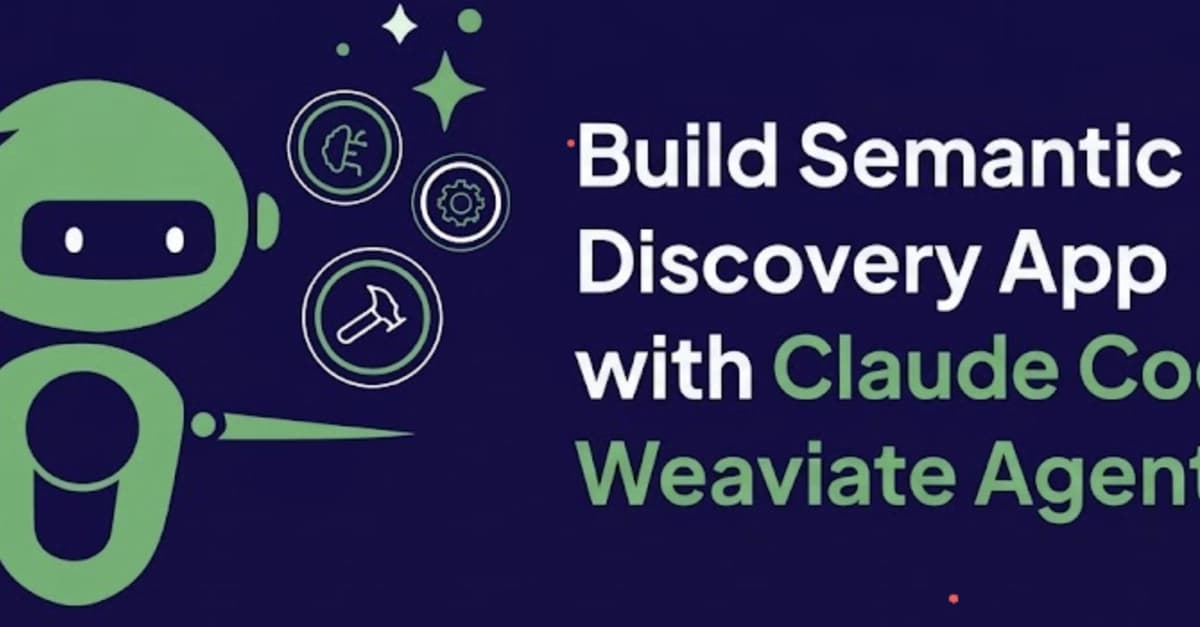
Weaviate has released an official set of Agent Skills specifically designed for Claude Code and other agent-based development environments. These aren't MCP servers—they're structured configuration files that Claude Code loads at session start from your .claude/skills/ directory.

Each skill provides:
- Correct usage patterns for Weaviate operations
- Parameter recommendations with explanations
- Decision logic for when to use which search strategy
- Natural language instructions that Claude Code understands
The Two Types of Skills You Get
The repository is organized into two main parts:
Weaviate Core Skills (
skills/weaviate/): Focused scripts for specific tasks:- Schema inspection and management
- Data ingestion and batch operations
- Vector search (semantic, hybrid, keyword)
- Collection creation and configuration
Cookbook Skills (
skills/weaviate-cookbooks/): End-to-end project examples:- Full application workflows combining FastAPI, Next.js, and Weaviate
- Complete RAG implementations
- Multi-step retrieval patterns
How to Use Them Right Now
Installation
Clone the skills into your project:
mkdir -p .claude/skills
cd .claude/skills
git clone https://github.com/weaviate/agent-skills
Or add them as a submodule:
git submodule add https://github.com/weaviate/agent-skills .claude/skills/weaviate-agent-skills
Configuration
Create a .claude/config.yaml file to point to your Weaviate instance:
weaviate:
  url: "https://your-instance.weaviate.network"
  api_key: "${WEAVIATE_API_KEY}"
  headers:
    X-OpenAI-Api-Key: "${OPENAI_API_KEY}"
What Happens Next
When you open Claude Code in this project:
- It automatically detects the skills in
.claude/skills/ - Loads the manifest into the agent's context
- Claude Code now understands how to properly interact with Weaviate
- You can ask natural language questions about your data
Real Example: Building a Movie Discovery App
The source article demonstrates building a semantic movie discovery application. With the skills loaded, you can tell Claude Code:

"Create a Next.js page that lets users search for movies by natural language description. Use Weaviate for semantic search and include filters for genre and year."
Claude Code will:
- Use the schema inspection skill to understand your movie collection structure
- Apply the hybrid search skill with proper weighting between BM25 and vector search
- Implement the Query Agent skill for natural language to GraphQL conversion
- Generate production-ready code with correct error handling and pagination
Why This Beats Generic Prompting
Without Agent Skills, you'd need to:
- Manually explain Weaviate's API patterns in each prompt
- Correct Claude Code when it chooses suboptimal search strategies
- Write extensive documentation about parameter tuning
- Handle edge cases through trial and error
With Agent Skills:
- The knowledge is baked into the session
- Claude Code makes informed decisions about which Weaviate feature to use
- Parameter defaults are optimized
- Your prompts become higher-level: "implement semantic search" instead of "write a GraphQL query with these specific parameters"
When to Use Agent Skills vs. MCP Servers
Use Agent Skills when:
- You're building applications that interact with Weaviate
- You want to share consistent Weaviate patterns across your team
- You need Claude Code to understand your specific data model
- You want zero runtime dependencies (skills are just files)
Use MCP servers when:
- You need real-time data from external APIs
- You're connecting to services that require authentication
- You need to execute actions (not just query data)
- You're working with multiple different external systems
The Bigger Picture: Agent Skills as Team Multipliers
This follows Anthropic's broader strategy of making AI agents more capable through structured knowledge. What makes Weaviate Agent Skills particularly powerful is their portability:

- Commit them to your repository - Every team member automatically gets the same capabilities
- Version control them - Update search patterns and share improvements via Git
- Customize them - Extend the base skills with your company-specific patterns
- Combine them - Use Weaviate skills alongside other Agent Skills in the same project
Getting Started Checklist
mkdir -p .claude/skillscd .claude/skills && git clone https://github.com/weaviate/agent-skills- Create
.claude/config.yamlwith your Weaviate credentials - Add
WEAVIATE_API_KEYto your environment variables - Open Claude Code and ask: "What Weaviate skills are available?"
- Start building: "Create a semantic search endpoint for our product catalog"
The skills work with Weaviate Cloud, self-hosted instances, and local deployments. They're compatible with any Claude Code project—Next.js, FastAPI, Express, or plain Node.js.
What's Next
Weaviate plans to expand these skills with more cookbooks and integration patterns. Given the rapid adoption of vector databases in AI applications, expect more database vendors to release similar Agent Skills. This pattern—official, vendor-maintained skills for Claude Code—could become standard for any service with a complex API.
For now, if you're building anything with Weaviate and Claude Code, these skills eliminate the most frustrating part of the process: teaching Claude how to properly use the database. The teaching is already done.