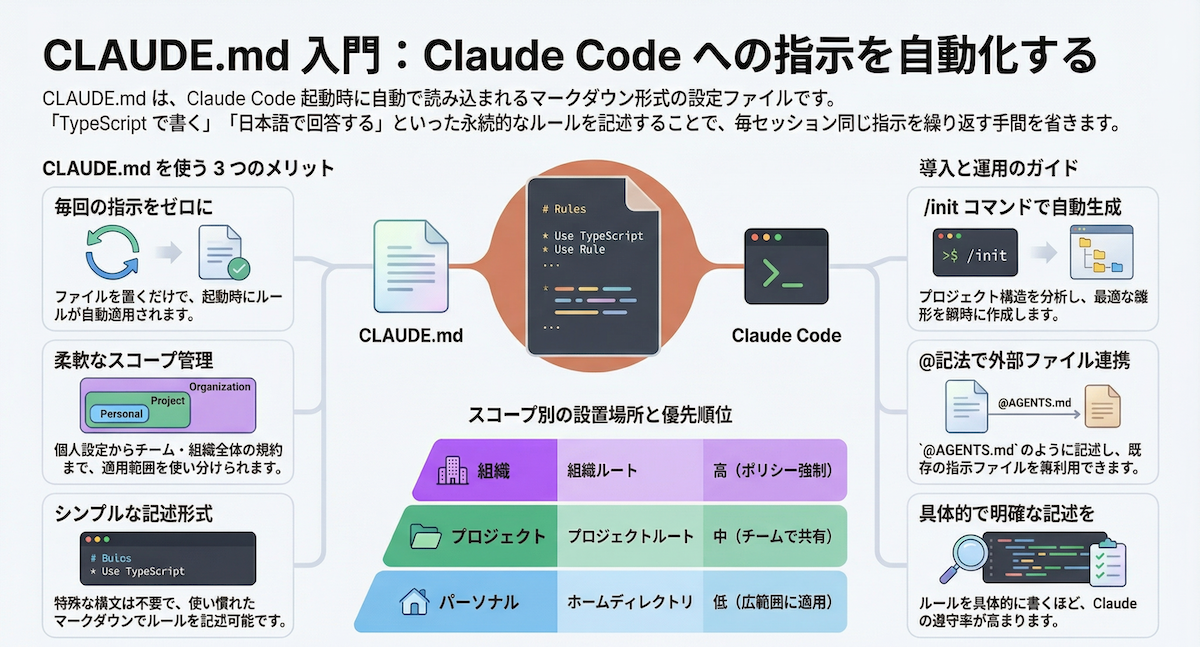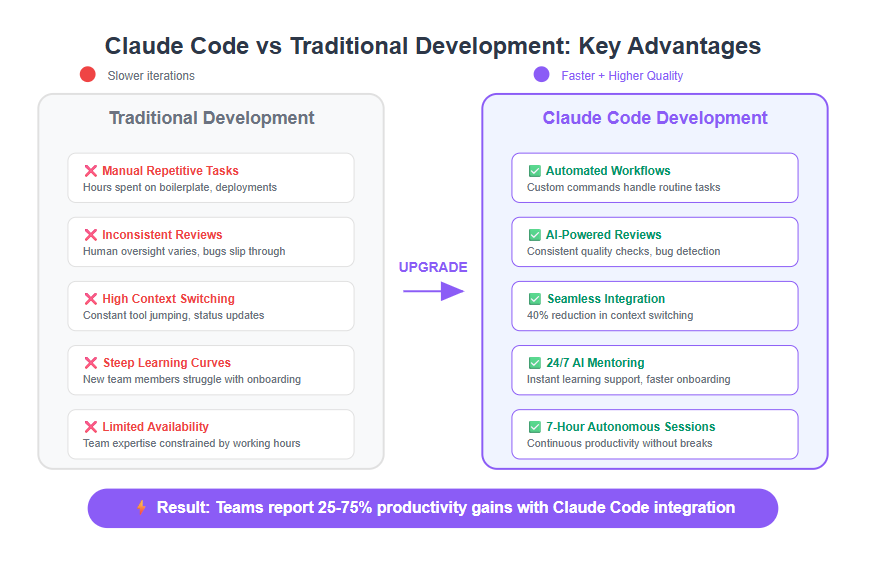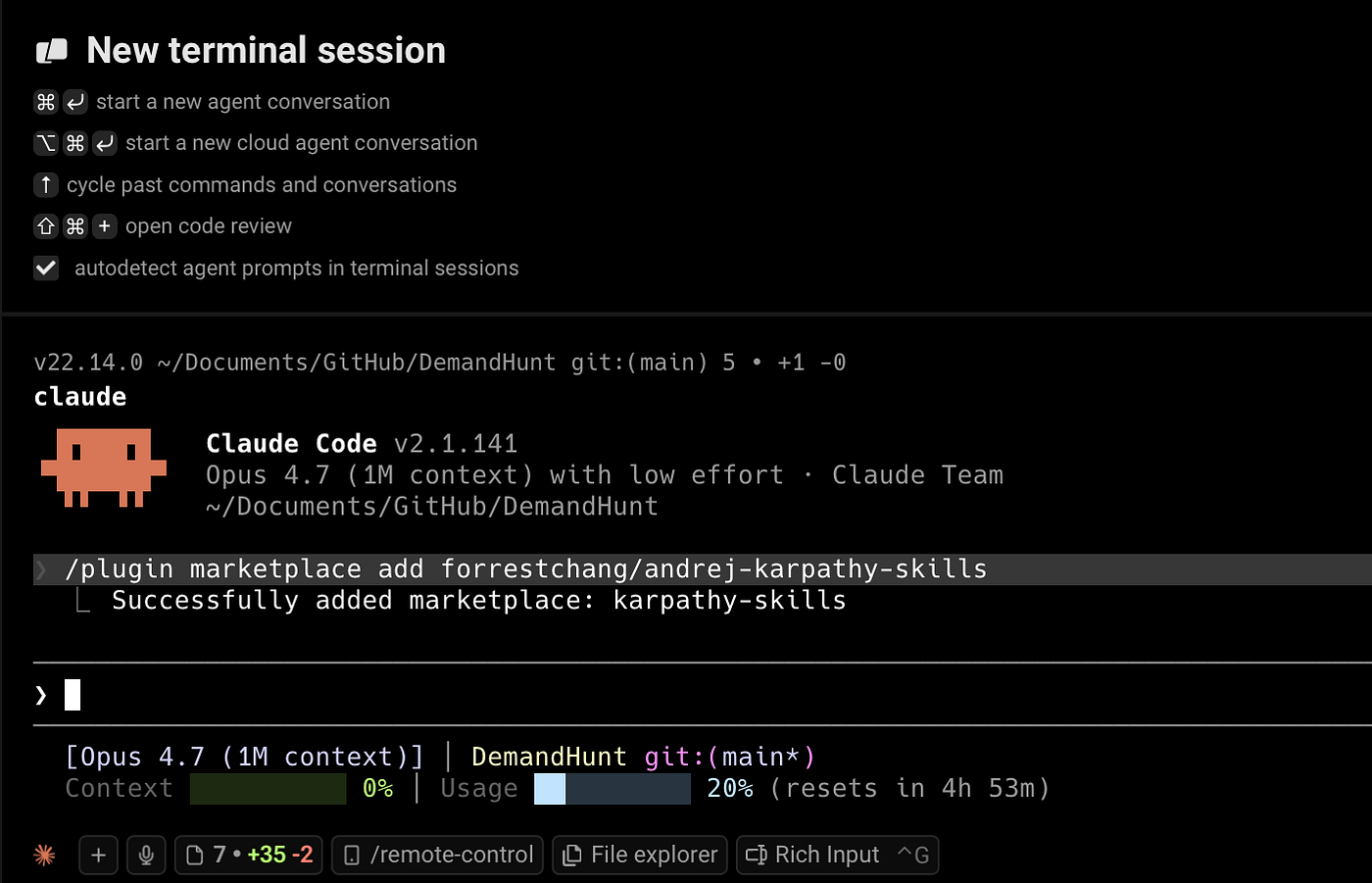
If you're still typing the same project instructions every time you use Claude Code, you're wasting tokens and time. The CLAUDE.md file and /init command solve this permanently.
What CLAUDE.md Actually Does
CLAUDE.md is a project-specific configuration file that sits in your repository root. Unlike a README for humans, it's written specifically for Claude Code—giving it persistent context about your project that survives across sessions.
When you run claude code in a directory with a CLAUDE.md file, Claude automatically reads it before processing your request. This means:
- No more repeating "This is a React/TypeScript project using Tailwind"
- No more explaining your file structure conventions
- No more reminding Claude about your testing framework
- No more specifying code style preferences
The /init Command: Your Quick Start Button
The /init command is the fastest way to create a comprehensive CLAUDE.md file. Instead of writing from scratch:
claude code /init
This triggers Claude to analyze your current directory and generate a tailored CLAUDE.md file. It examines:
- Package.json and dependency files
- Configuration files (tsconfig, eslint, prettier)
- Existing code patterns and conventions
- Project structure and organization
Within 30 seconds, you'll have a working CLAUDE.md file that captures your project's unique characteristics.
What Goes in a Good CLAUDE.md
Your CLAUDE.md should include these sections:
# Project Context
- **Framework**: Next.js 15 with App Router
- **Styling**: Tailwind CSS with shadcn/ui components
- **Database**: PostgreSQL with Prisma ORM
- **Testing**: Vitest + React Testing Library

# Code Style Rules
- Use TypeScript strict mode
- Prefer async/await over .then()
- Export components as named exports only
- Use PascalCase for components, camelCase for utilities

# Project Structure
- `/app` - Next.js app router pages
- `/components` - Reusable UI components
- `/lib` - Utilities and shared logic
- `/prisma` - Database schema and migrations

# Important Files
- `middleware.ts` - Authentication logic
- `lib/utils.ts` - Common utility functions
- `components/ui/` - shadcn/ui components

# Testing Requirements
- Write unit tests for all utilities
- Write integration tests for API routes
- Mock external API calls

# Deployment Notes
- Environment variables required: DATABASE_URL, NEXTAUTH_SECRET
- Build command: `npm run build`
- Uses Vercel for deployment
Advanced: Multi-Project CLAUDE.md
For monorepos or complex projects, create separate CLAUDE.md files in subdirectories:
/claude.md (root level)
/apps/web/claude.md (frontend specific)
/packages/shared/claude.md (shared library)
Claude Code will read the most specific CLAUDE.md file first, then cascade up to parent directories for additional context.
When to Regenerate with /init
Run /init again when:
- You add a major new dependency or framework
- Your project structure significantly changes
- You notice Claude consistently misunderstanding your patterns
- After migrating to a new version of your main framework
The Token Economics
A well-crafted CLAUDE.md file pays for itself immediately. Instead of spending 200-500 tokens per session explaining context, you spend those tokens once—then reuse them indefinitely. For developers using Claude Code daily, this can save thousands of tokens per week.
Integration with Existing Workflows
CLAUDE.md works alongside:
- Your existing
.cursorrulesor.github/copilot-instructions.md - Project-specific
.claudeignorefiles - Model Context Protocol (MCP) servers for additional context
Commit your CLAUDE.md to version control so your entire team benefits from consistent Claude behavior.
Common Mistakes to Avoid
- Too verbose: Keep it concise. Claude needs key information, not your life story.
- Outdated information: Update when dependencies or patterns change.
- Conflicting instructions: Ensure different CLAUDE.md files in monorepos don't contradict.
- Missing critical context: Include authentication patterns, API conventions, and error handling approaches.
Start with /init, then manually refine. Within one session, you'll notice Claude making fewer assumptions and producing more context-appropriate code.