Key Takeaways
- Microsoft built an MCP server for Playwright that lets AI agents interact with web pages using the accessibility tree, eliminating the need for screenshots and vision models.
- This approach reduces hallucinations and broken selectors, working with tools like Cursor, VS Code, and Claude Desktop.
What Happened

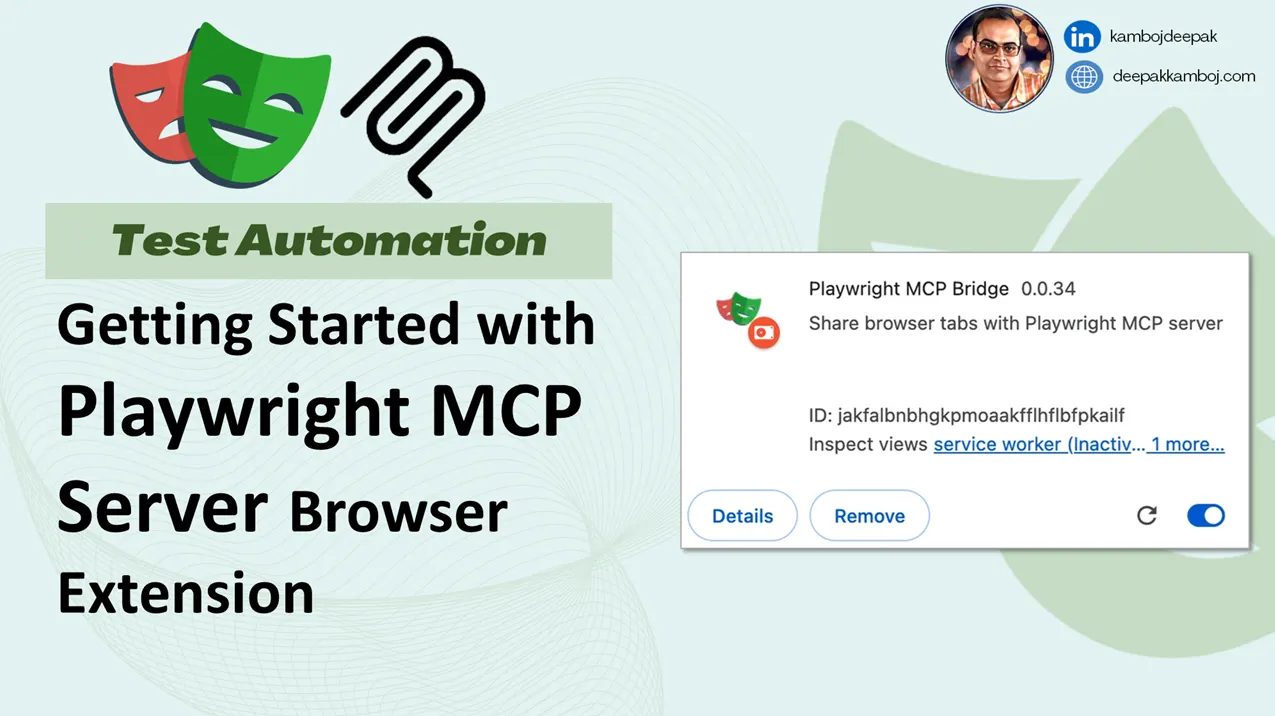
Microsoft has released an MCP (Model Context Protocol) server for Playwright, their browser automation tool. The announcement, made via a post on X by @_vmlops, highlights a fundamental shift in how AI agents interact with the web. Instead of relying on screenshots and vision models to "see" a page, the Playwright MCP server reads the accessibility tree—a structured, clean representation of the page's content and interactive elements.
This approach eliminates the ambiguity inherent in vision-based browsing, where models can hallucinate clicks or fail to locate elements due to broken selectors. The server integrates with popular AI coding tools like Cursor, VS Code, and Claude Desktop, providing a direct pipeline for LLMs to understand and act on web pages.
Technical Details
The key innovation is the use of the accessibility tree—a data structure that browsers generate to assist screen readers and other assistive technologies. This tree contains all interactive elements (buttons, links, forms) with their roles, states, and properties in a machine-readable format. By exposing this via the MCP protocol, the Playwright server gives LLMs a structured view of the page without the overhead of image processing or the risk of visual misinterpretation.
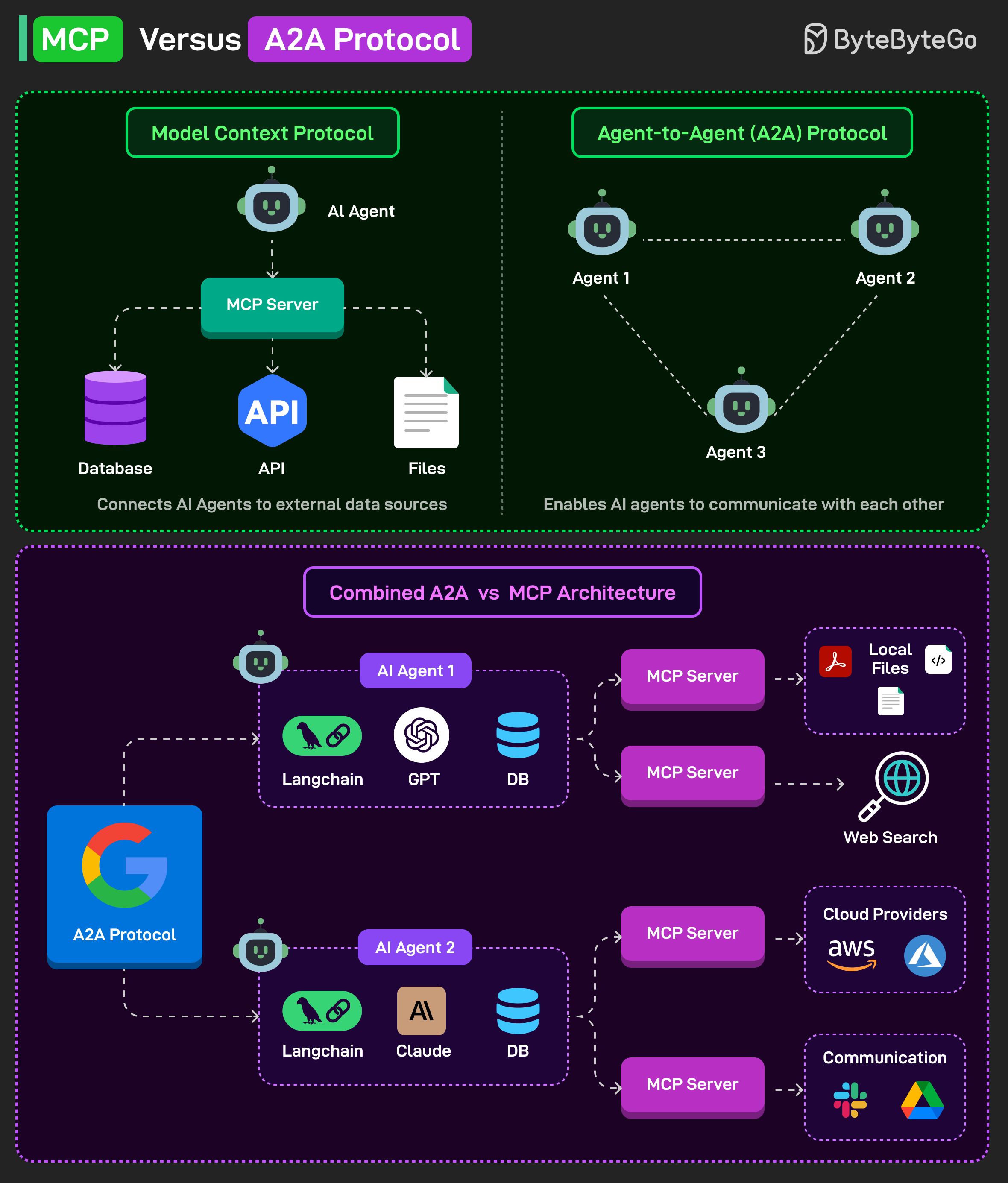
MCP, developed by Anthropic, is a protocol for connecting LLMs to external tools and data sources. By implementing an MCP server for Playwright, Microsoft enables any MCP-compatible client (like Claude Desktop) to control a browser programmatically. The server likely exposes actions like clicking, typing, navigating, and extracting text, all based on the accessibility tree rather than pixel coordinates.
How It Compares
Traditional browser agents—such as those built on Playwright or Puppeteer—often rely on one of two approaches:
- Vision-based: Take a screenshot, feed it to a vision model (like GPT-4V or Claude 3), and ask the model to describe what to click. This is slow, expensive, and prone to hallucination.
- DOM-based: Parse the HTML DOM tree to find elements. This is more reliable but still complex, as DOM trees are verbose and include non-interactive elements.
The accessibility tree approach combines the best of both: it's structured like the DOM but focused only on interactive elements, making it ideal for agent tasks.
Vision-based Slow Low High High DOM-based Fast Medium Low Low Accessibility Tree Fast High Low Very LowWhy It Matters
This is a practical improvement for anyone building AI agents that browse the web. Vision-based approaches are resource-intensive and unreliable for precise interactions—clicking the wrong button because the model misinterpreted a screenshot is a common failure mode. By using the accessibility tree, agents get a deterministic, unambiguous view of the page.
For developers using Cursor or VS Code, this means AI coding assistants can now interact with documentation, APIs, and web-based tools without the overhead of vision models. For Claude Desktop users, it enables more reliable web automation tasks.
Limitations and Caveats
While the accessibility tree is a significant improvement for standard web pages, it may not capture all visual information. For example, visual layouts, animations, and custom web components that don't properly expose their accessibility properties might still cause issues. Pages with heavy JavaScript rendering or complex SPAs might also present challenges if their accessibility trees are incomplete.
Additionally, this approach is limited to browsers and web pages—it doesn't help with desktop applications, mobile apps, or other non-web interfaces.
gentic.news Analysis
Microsoft's Playwright MCP server is a pragmatic move that addresses a real pain point in AI agent development. The browser automation space has been fragmented, with companies like Browserbase, Steel.dev, and others offering their own solutions for web agents. Microsoft's decision to build on MCP—an open protocol from Anthropic—signals a bet on ecosystem interoperability rather than a proprietary lock-in.
This follows a pattern we've seen across the AI tooling landscape: moving away from monolithic, vision-heavy approaches toward structured, deterministic interfaces. Earlier this year, we covered how Anthropic's Computer Use API similarly relied on structured inputs rather than raw screenshots. The Playwright MCP server takes that philosophy further by integrating directly with the browser's accessibility infrastructure.
For practitioners, this is a clear signal: if you're building web agents, the accessibility tree should be your default approach. Vision models can serve as a fallback for pages with poor accessibility, but the structured approach will be faster, cheaper, and more reliable for the majority of cases.
Frequently Asked Questions
What is MCP?
MCP (Model Context Protocol) is an open protocol developed by Anthropic that standardizes how LLMs connect to external tools and data sources. It allows AI agents to access databases, APIs, file systems, and now browsers through a consistent interface.
How does this differ from other browser automation tools?
Unlike traditional tools that rely on screenshots or DOM parsing, Playwright MCP uses the accessibility tree—a structured representation of interactive elements on a page. This reduces hallucinations and broken selectors, making web agents more reliable.
What tools does Playwright MCP work with?
The server integrates with any MCP-compatible client, including Claude Desktop, Cursor, and VS Code. This allows AI coding assistants and desktop agents to control the browser programmatically.
Is this better than vision-based web agents?
For most standard web pages, yes. The accessibility tree provides a deterministic, unambiguous view of interactive elements, eliminating the need for expensive and error-prone vision models. However, for pages with poor accessibility or heavy visual content, vision-based approaches may still be necessary as a fallback.
[Updated 30 Apr via devto_claudecode]
A developer's audit of Claude Code's local storage reveals a serious security blind spot: the tool writes every session to plaintext JSONL files in ~/.claude/, capturing API keys, tokens, and secrets that appear in bash output, pastes, or file reads. After 12 months of usage, the developer found ~600 cleartext secrets across 171 files, including 95 GitHub OAuth tokens and 45 AWS access keys [per dev.to]. Another user reported 5 secrets in 34 session files after 30 days in GitHub issue #50014. The files are append-only with no built-in scrubbing or rotation, meaning any malicious dependency running with user privileges gains immediate access to this credential cache.