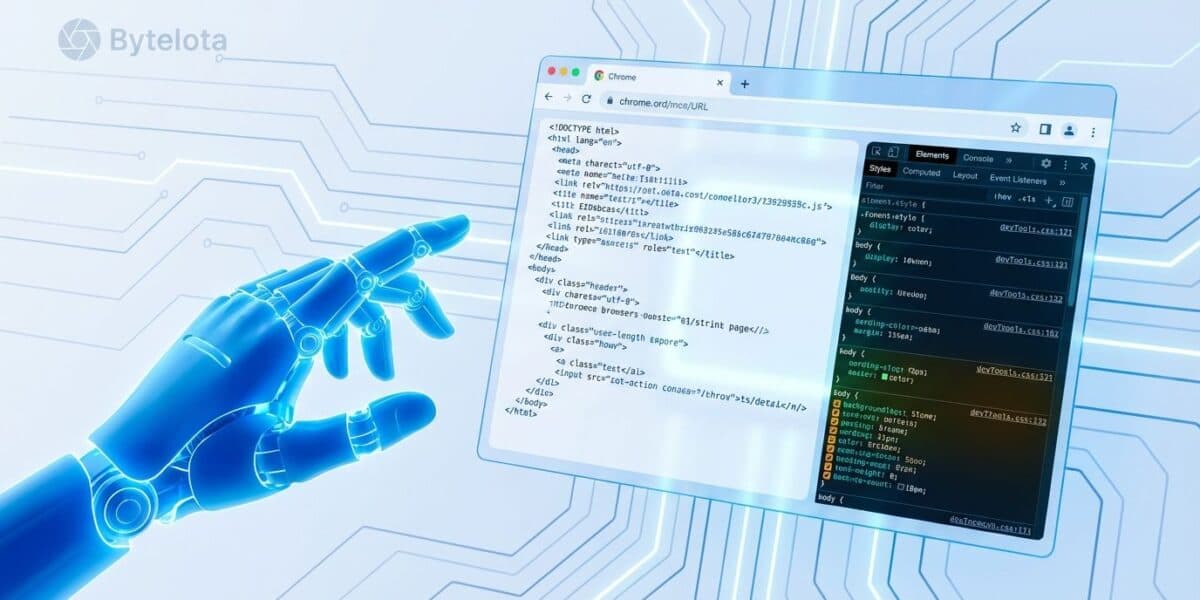
Google has released a Model Context Protocol (MCP) server that provides AI coding agents with programmatic access to the full suite of Chrome DevTools capabilities. This enables AI assistants to directly control a real Chrome browser for debugging, performance analysis, and web development tasks through popular coding environments.
Key Takeaways
- Google released a Model Context Protocol server that lets AI coding agents directly control Chrome DevTools.
- This enables automated browser debugging, network request inspection, and performance tracing through tools like Cursor and VS Code.
What's New: AI-Powered Browser Debugging
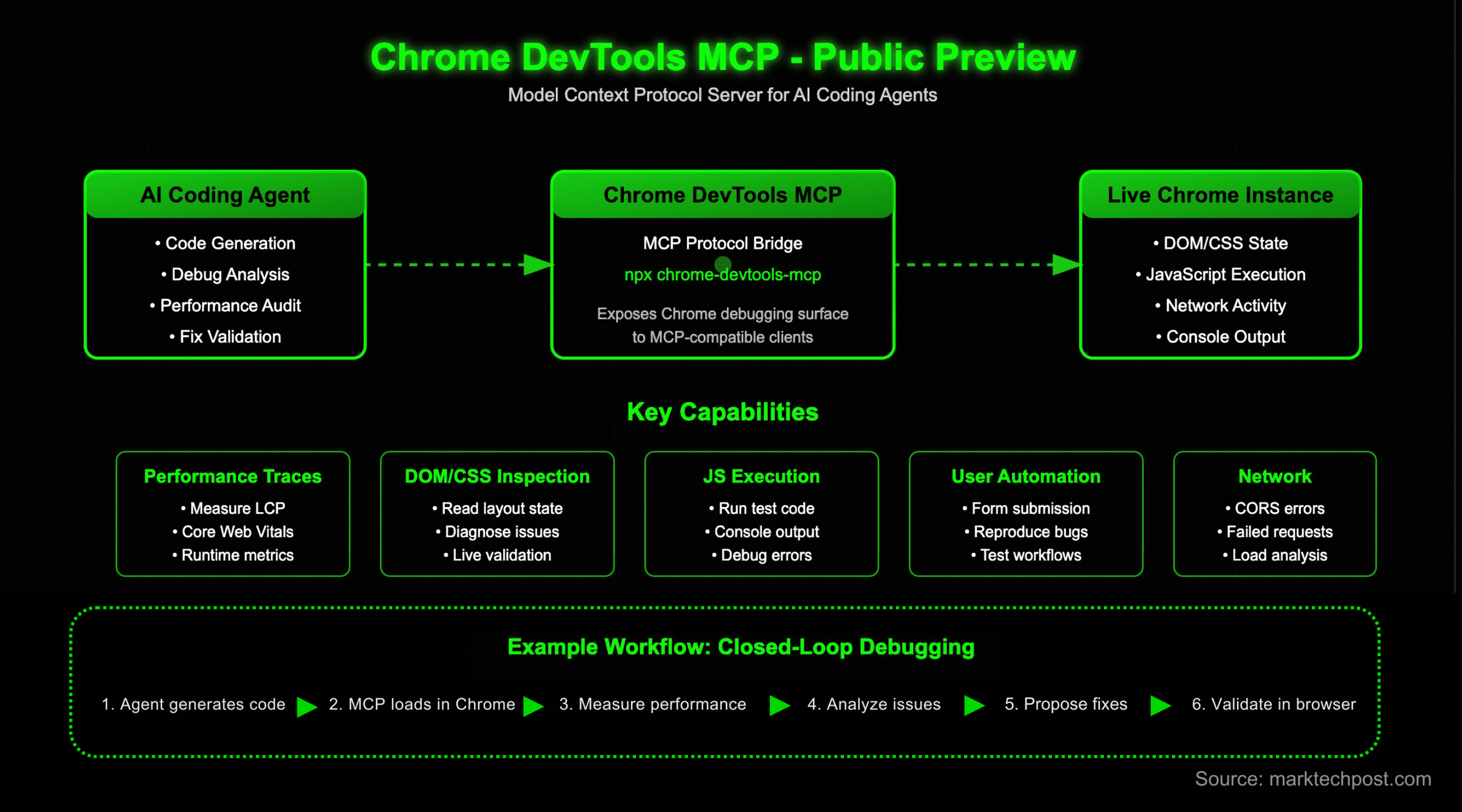
The @google/mcp-chrome-devtools server allows AI agents to:
- Open and control a real Chrome browser instance
- Click around and interact with web pages
- Inspect network requests with full details (headers, timing, payloads)
- Take screenshots of rendered pages
- Record performance traces for analyzing slow pages
- Run Lighthouse audits for web performance and accessibility
- Read console errors with source-mapped stack traces for readability
This transforms AI coding assistants from passive code generators into active debugging partners that can diagnose web application issues directly in the browser environment.
Technical Details: How It Works
The implementation uses Chrome's DevTools Protocol (CDP) through the MCP framework, which has become the emerging standard for connecting AI models to external tools and data sources. Developers can install it with a single command:
npx @google/mcp-chrome-devtools
Once running, the MCP server exposes Chrome DevTools capabilities as tools that AI agents can call through their respective platforms. The server handles the CDP communication with Chrome, while the MCP protocol standardizes the interface for AI models.
Integration Ecosystem
The server works with multiple AI development environments:
- Cursor - The AI-native code editor
- VS Code with MCP extensions
- Windsurf - Another AI-powered IDE
- Gemini CLI - Google's command-line interface for their Gemini models
- Any MCP-compatible client - The protocol is becoming widely adopted
This broad compatibility means developers aren't locked into a specific editor or AI provider—they can use their preferred tools while gaining browser debugging capabilities.
Practical Applications
Debugging Slow Pages
When an AI agent identifies a performance issue, it can now:
- Record a performance trace directly from Chrome
- Analyze the trace for bottlenecks
- Provide actionable insights with specific recommendations
Network Request Analysis
For debugging API calls or resource loading:
- List all network requests with full details
- Identify failed requests or slow responses
- Examine headers and payloads
Console Error Diagnosis
Instead of showing garbled minified stack traces:
- Access console errors through DevTools
- Apply source maps automatically
- Present readable stack traces pointing to original source code
Limitations and Considerations

- Security: Running a browser with DevTools access requires careful consideration of what pages the AI can access and what actions it can perform
- Performance: Each AI agent interaction with the browser adds latency compared to traditional debugging
- Complexity: Some debugging scenarios may require human judgment that AI agents cannot fully replicate
The MCP Ecosystem Context
Model Context Protocol, developed by Anthropic, has rapidly become the standard for connecting AI models to external tools. Google's release of this Chrome DevTools server represents a significant endorsement of the protocol and expands the available tooling ecosystem. Other MCP servers provide access to databases, file systems, APIs, and now browser debugging capabilities.
gentic.news Analysis
This release represents Google strategically embracing the emerging MCP standard while leveraging their browser dominance. Chrome commands approximately 65% of the global browser market share, making Chrome DevTools the de facto standard for web debugging. By providing MCP access to these tools, Google ensures AI development workflows remain tightly integrated with their ecosystem.
This follows Google's broader strategy of AI tooling integration, similar to their work on Project IDX and Gemini Code Assist. The timing is particularly notable as AI coding assistants evolve from simple code completion to full-stack development partners. Browser debugging has traditionally been a manual, visual process—Google's MCP server automates this through standardized interfaces.
From a competitive standpoint, this creates differentiation for Google's AI offerings while potentially locking developers deeper into Chrome's tooling. Other browser vendors would need to provide similar MCP servers or risk their debugging tools becoming second-class citizens in AI-assisted development workflows. This also pressures AI coding assistant providers to support MCP, as developers will expect browser debugging capabilities alongside code generation.
Practically, this addresses a significant gap in current AI coding assistants: the inability to interact with running applications. Most assistants can only analyze static code; now they can observe runtime behavior, network activity, and performance characteristics. This could dramatically improve the quality of AI-generated web code, as the AI can immediately test and debug its own suggestions.
Frequently Asked Questions
What is MCP (Model Context Protocol)?
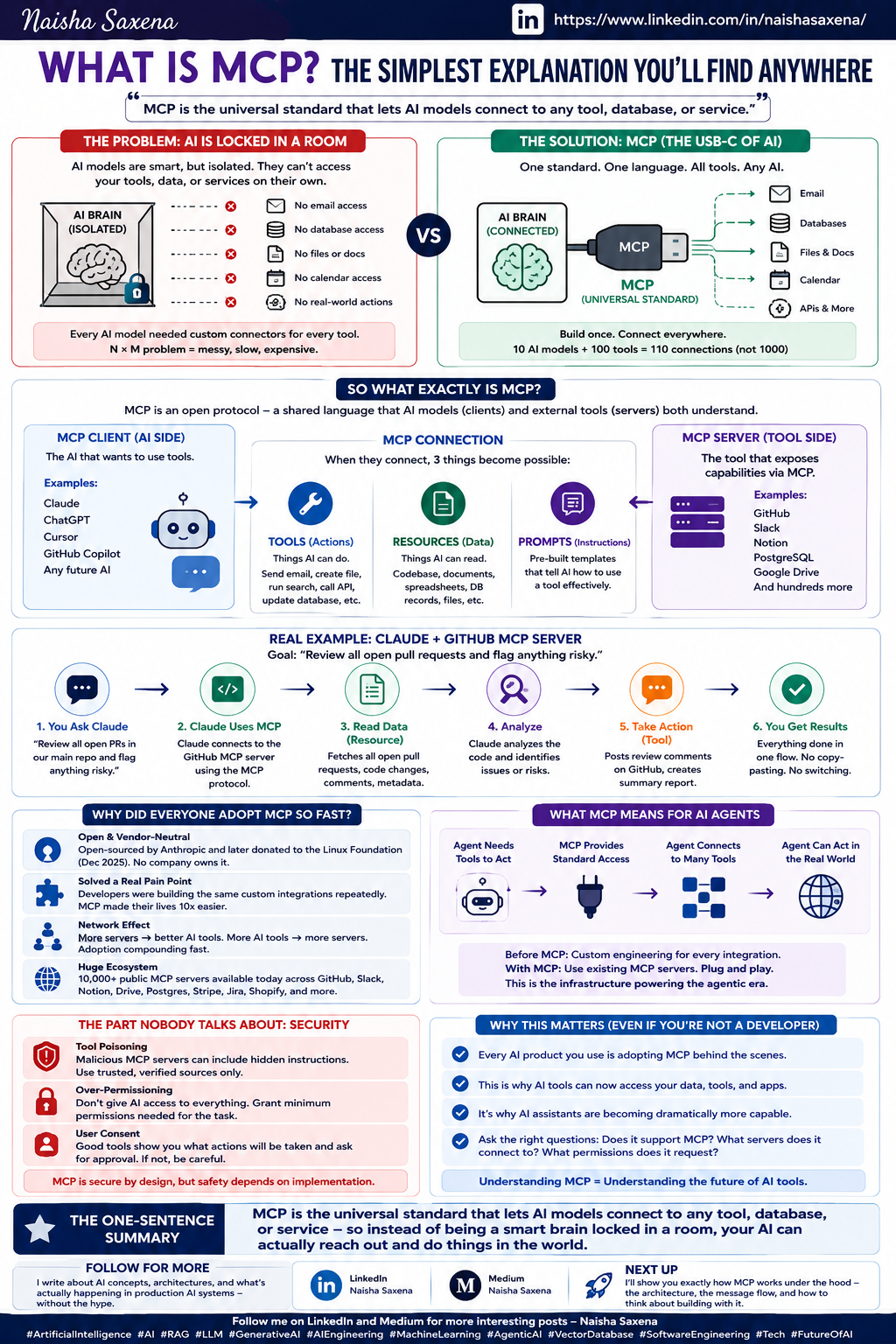
MCP is an open protocol developed by Anthropic that allows AI models to connect to external tools, data sources, and APIs. It standardizes how AI assistants access capabilities beyond their training data, similar to how plugins work for ChatGPT but with a standardized interface that works across different AI providers.
How does this differ from existing browser automation tools like Puppeteer or Playwright?
While Puppeteer and Playwright provide programmatic browser control for testing, Google's MCP server specifically enables AI agents—not just human developers—to use these capabilities. The MCP layer translates browser actions into a format AI models can understand and execute, integrating directly with AI coding assistants rather than requiring separate test scripts.
Is this only for Google's Gemini AI models?
No, the MCP server works with any MCP-compatible client, including those using OpenAI's models, Anthropic's Claude, or other AI systems. This is a tooling release, not an exclusive feature for Gemini. However, it naturally integrates well with Google's own AI offerings through Gemini CLI.
What are the security implications of AI agents controlling my browser?
The MCP server runs locally and controls a browser instance on your machine. You should be cautious about what permissions you grant and what websites the AI can access. Like any powerful tool, it requires responsible use—don't give an AI agent access to sensitive browser sessions or allow it to perform dangerous actions without supervision.