You see hundreds of ads every day—on your phone, laptop, smart TV, game console, and even smart home devices. While browser extensions like uBlock Origin can block ads in browsers, they don't touch ads in mobile apps, smart TV interfaces, or game consoles. Pi-hole solves this with a radically different approach: blocking ads at the network level for every device in your home.
Key Takeaways
- Pi-hole is a free, open-source DNS sinkhole that blocks ads, trackers, and telemetry at the network level for every device on a home WiFi.
- Running on a $5 Raspberry Pi Zero, it requires no per-device setup or ongoing fees.
What Pi-hole Does

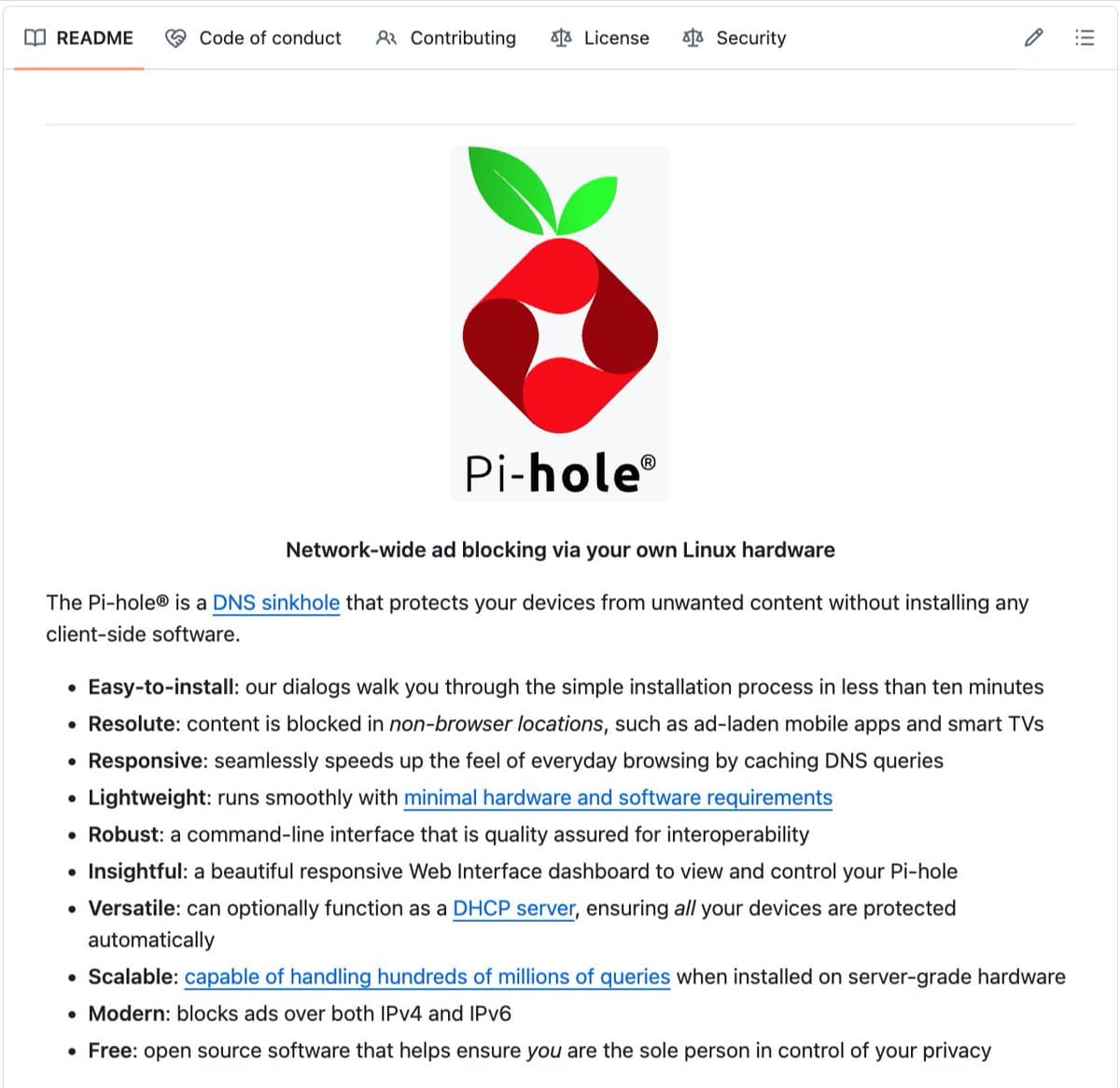
Pi-hole is a DNS sinkhole—a network appliance that intercepts DNS queries before they reach the internet. When any device on your network tries to load an ad, tracker, or telemetry endpoint, it first asks "where is this server?" Pi-hole sits between your devices and the internet, answering those requests with "that server does not exist" for known advertising and tracking domains. The ad never loads because the request never reaches the ad server.
This approach provides comprehensive blocking that traditional methods can't match:
- Ads in mobile apps and games that typically bypass browser-based blockers
- Smart TV ads on Roku, Amazon Fire TV, Samsung TVs, and other platforms
- Tracking pixels from Facebook, Google Analytics, TikTok, and other platforms
- Telemetry data from Windows, Apple devices, smart appliances, and IoT devices
- Malware domains, phishing sites, and crypto miners
- Ads on gaming consoles like Xbox, PlayStation, and Nintendo Switch
How It Works Technically
Pi-hole runs on virtually any hardware with network connectivity: a $5 Raspberry Pi Zero, an old Android phone, a retired laptop, or even a virtual machine. Once installed and connected to your network router as the primary DNS server, it begins filtering all DNS requests.
The software maintains and regularly updates blocklists of known advertising, tracking, and malicious domains. When a device queries one of these domains, Pi-hole returns a null response (0.0.0.0) instead of the actual server IP address. The connection fails silently, and the content never loads.
Because this happens at the DNS level, there's no need for:
- Browser extensions on individual devices
- App-specific configurations
- Root access or jailbreaking
- Monthly subscriptions or accounts
Users simply set their router's DNS server to point to the Pi-hole device, and every device that connects to the WiFi—whether it's a guest's phone, a new smart speaker, or a gaming console—automatically gets ad-free browsing.
Performance and Community Impact
Pi-hole users report noticeable performance improvements because ads and trackers are never downloaded in the first place. This reduces bandwidth consumption, speeds up page loads, and decreases data usage on metered connections.
The project has been developed by volunteers for over a decade and handles hundreds of millions of DNS queries daily on server-grade hardware in production deployments. With over 52,000 GitHub stars and an EUPL-1.2 license, Pi-hole remains 100% open source with no commercial version or premium tier.
Setting Up Pi-hole
- Get hardware: Raspberry Pi Zero ($5), old Android phone, or any Linux-capable device
- Install Pi-hole: One-command installer via
curl -sSL https://install.pi-hole.net | bash - Configure router: Set Pi-hole device as DNS server in router settings
- Optional customization: Whitelist specific domains, view query logs, or add custom blocklists
The initial setup takes about 30 minutes, after which the system runs autonomously with minimal maintenance.
Limitations and Considerations
While Pi-hole blocks most ads effectively, it has some limitations:
- DNS-over-HTTPS (DoH) and DNS-over-TLS (DoT): Some browsers and devices bypass local DNS settings using encrypted DNS. Router-level blocking or client configuration may be needed.
- First-party ads: Ads served from the same domain as content (like YouTube ads) may not be blocked
- Mobile networks: Devices using cellular data won't be protected unless configured to use Pi-hole via VPN
- Dynamic blocklists: Some legitimate services may break if their domains are incorrectly categorized
Despite these edge cases, Pi-hole blocks the vast majority of advertising and tracking traffic with minimal false positives.
gentic.news Analysis
Pi-hole represents a significant shift in the ad-blocking landscape from client-side to network-level solutions. While browser extensions like uBlock Origin and AdBlock Plus have dominated desktop ad blocking, they're ineffective against the growing ecosystem of smart TV ads, mobile app advertising, and IoT telemetry. Pi-hole's approach addresses this gap by operating at the infrastructure layer where all network traffic converges.
This development comes as advertising networks increasingly employ anti-ad-blocking techniques that detect and bypass browser extensions. By operating at the DNS level, Pi-hole remains largely invisible to these detection mechanisms. The timing is particularly relevant given the recent trend toward subscription-based ad-blocking services—Pi-hole offers a permanent, free alternative without the privacy concerns of some commercial blockers that sell anonymized user data.
From a technical perspective, Pi-hole's success demonstrates the enduring effectiveness of DNS-based filtering despite the rise of encrypted DNS protocols. The project's decade-long development and massive community adoption (52,000+ GitHub stars) show sustained demand for comprehensive, network-wide privacy solutions. As smart home devices proliferate—each with their own telemetry and advertising—solutions like Pi-hole will become increasingly valuable for maintaining privacy and performance in connected homes.
Frequently Asked Questions
Does Pi-hole work with streaming services like Netflix and Hulu?
Yes, Pi-hole is designed to block only advertising and tracking domains, not legitimate content. Streaming services continue to work normally, though some may have ads blocked during shows if those ads are served from separate domains.
Can Pi-hole slow down my internet connection?
No, Pi-hole typically speeds up browsing by preventing ads from loading. Since DNS resolution happens locally on your network, it can actually be faster than using external DNS servers for legitimate domains.
Do I need to keep my Raspberry Pi running 24/7?
Yes, for Pi-hole to block ads continuously, the device needs to remain powered on and connected to your network. The Raspberry Pi Zero consumes very little power (about 1-2 watts), similar to a phone charger.
Will Pi-hole break websites or apps?
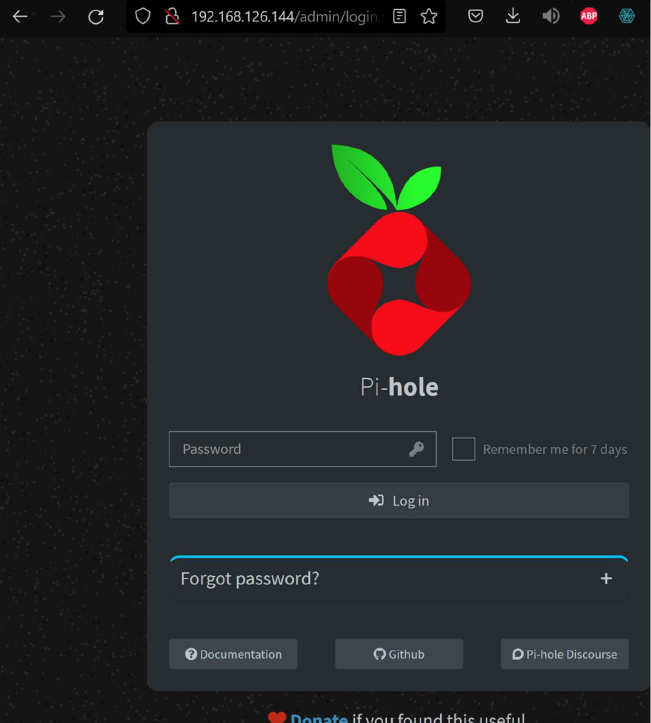
Most websites and apps work perfectly with Pi-hole. Occasionally, a legitimate service might be blocked if it shares domains with advertising networks. Pi-hole includes a web interface where you can temporarily disable blocking or whitelist specific domains if needed.
Is Pi-hole legal to use?
Yes, Pi-hole is legal in most jurisdictions. It simply filters DNS requests on your private network, similar to how parental control software works. You're not circumventing paywalls or accessing paid content without permission—just blocking unwanted advertising and tracking.