What It Does
SonarQube Cloud, the popular platform for continuous code quality and security analysis, has launched a native Model Context Protocol (MCP) server. This means you can now connect your Claude Code workspace directly to SonarQube's analysis engine.
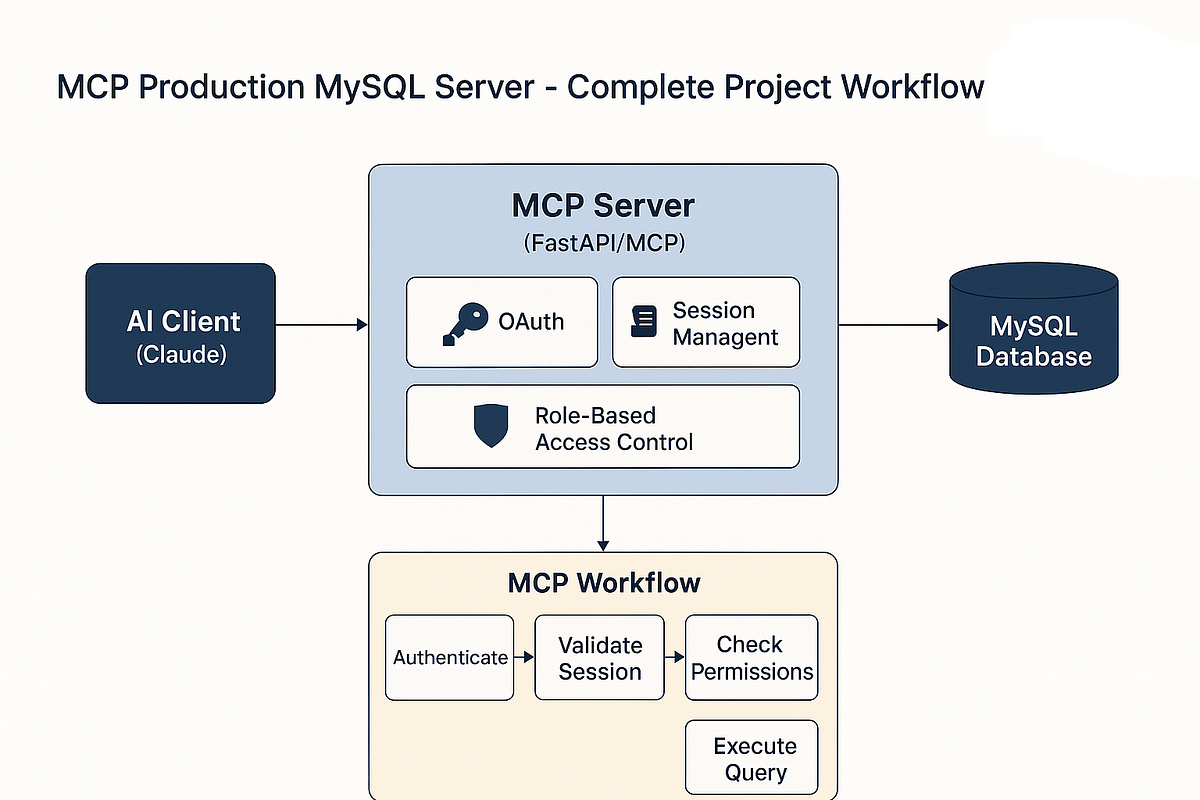
Instead of switching between your IDE and a browser tab to check SonarQube reports, the MCP server brings that context directly into Claude's working memory. Claude can query your project's current issues, understand the quality gate status, and get detailed explanations for specific vulnerabilities—all while you're writing or reviewing code.
Setup
Setting this up takes about five minutes if you already use SonarQube Cloud:
- Get Your Credentials: You'll need your SonarQube Cloud organization key and a user token with appropriate permissions.
- Configure Claude Code: Add the server to your
claude_desktop_config.json:
{
  "mcpServers": {
    "sonarqube": {
      "command": "npx",
      "args": [
        "-y",
        "@sonarsource/sonarqube-mcp-server",
        "--organization",
        "YOUR_ORG_KEY",
        "--token",
        "YOUR_USER_TOKEN"
      ]
    }
  }
}
- Restart Claude Code: The new tools will appear automatically.
When To Use It
This MCP server shines in three specific Claude Code workflows:
During Code Review: Instead of asking Claude generic questions like "are there security issues here?", you can now prompt: "Check this function against SonarQube's security rules" or "What SonarQube issues would this refactor introduce?"
When Investigating Technical Debt: Ask Claude: "Show me the 10 most critical SonarQube bugs in the current branch" or "Generate a plan to fix the security hotspots in the authentication module."
For Onboarding: New team members can use prompts like: "Explain the top 5 SonarQube code smells in our codebase and show me examples" to quickly understand your team's quality standards.
Security Note
The source material highlights a critical lesson from past authentication systems: always verify certificates. While the MCP server uses your existing SonarQube token, ensure you're connecting to the official SonarQube Cloud instance. The configuration above uses the official @sonarsource package—avoid unofficial servers that could expose your code or credentials.
What This Replaces
This eliminates the manual copy-paste dance between SonarQube and Claude Code. Previously, you'd:
- Run analysis in SonarQube
- Open the web interface
- Find relevant issues
- Copy issue IDs or code snippets
- Paste them into Claude Code
- Ask for explanations or fixes
Now, Claude has direct access to the full analysis context through structured MCP tools.