Key Takeaways
- Dusk MCP lets Claude Code drive a running Flutter app via the Semantics tree—no test files, no screenshot guessing.
- The 6-step actionability gate prevents flaky taps.
What Changed — Dusk Brings Playwright-Style Agent Testing to Flutter
Flutter developers have been stuck in a slow loop: watch your AI agent write a flutter test file, run it, copy the stack trace, paste a screenshot, and guess again. On the web, Playwright MCP solved this with an accessibility tree and stable refs. Flutter had nothing equivalent—until now.
Dusk is an open-source MCP server that attaches directly to a running Flutter app over VM Service extensions. No test file. No flutter_test harness. No build step. Just a live connection between Claude Code and your app.
What It Means For You — No More Guessing, No More Flaky Tests
Here's the concrete difference. Instead of writing a test file, building, running, and waiting:
# Old way: write, build, run, wait, repeat
testWidgets('checkout flow', (tester) async {
  await tester.tap(find.byKey(const Key('checkout')));
  await tester.pumpAndSettle();
});
With Dusk, you or your agent can drive the live app directly:
dart run fluttersdk_dusk dusk:snap
dusk:tap --ref=e7
dusk:type --ref=e3 --text "user@example.com"
dusk:screenshot
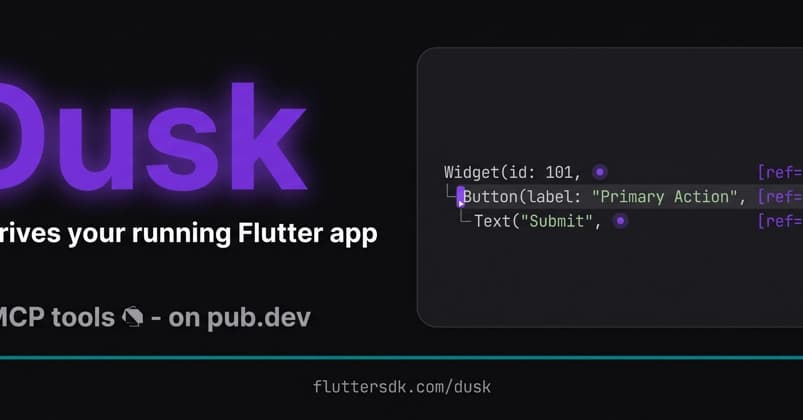
The key insight: Dusk uses Flutter's built-in Semantics tree—the same accessibility layer already in every Flutter app. It returns stable [ref=eN] tokens, so there's no brittle XPath, no coordinate guessing, and no screenshot parsing. It's the same approach that made Playwright MCP the standard for web agent testing.
32 CLI commands and 31 MCP tools are available: snap, tap, type, scroll, drag, observe, screenshot, and a hot-reload-and-snap round trip that returns the new tree, a screenshot, and any exceptions in one call.
Why It Doesn't Flake — The 6-Step Actionability Gate
This is the part that separates a demo from production-ready tooling. Every gesture passes a 6-step actionability gate before it runs:

- Not defunct
- Enabled
- Non-zero rect
- On-viewport (auto-scrolls if needed)
- Stable across 2 frames
- Actually hit-testable
Your agent never taps a button that hasn't settled. That's the boring check that makes everything else trustworthy.
Try It Now — Install in 2 Commands
flutter pub add fluttersdk_dusk
dart run fluttersdk_dusk dusk:install
dusk:install patches lib/main.dart behind kDebugMode. Release builds tree-shake the entire driver—Dusk never ships to production.
Then wire it into Claude Code:
dart run fluttersdk_dusk mcp:install
That registers the stdio MCP server for Claude Code, Cursor, Windsurf, VS Code Copilot, and any MCP-compatible agent.
Where It Fits — Not a Test Suite Replacement
Dusk doesn't replace integration_test or Patrol. It owns a different niche: the unscripted, running app. Use authored tests for regression suites. Use Dusk for ad hoc driving by humans and agents—exploratory testing, debugging, and AI-assisted development.
What I Learned
Two takeaways from the developer who built it:
The accessibility tree is the right interface for agents on Flutter—just as on the web. Semantics nodes are stable, cheap, and already there. Screenshots are the slow, expensive fallback, not the default.
The actionability gate matters more than the tool count. An agent that taps confidently on a widget that hasn't settled is worse than no automation at all.
Docs: fluttersdk.com/dusk
Agent setup: fluttersdk.com/dusk/ai
Source: dev.to
[Updated 21 Jun via devto_claudecode]
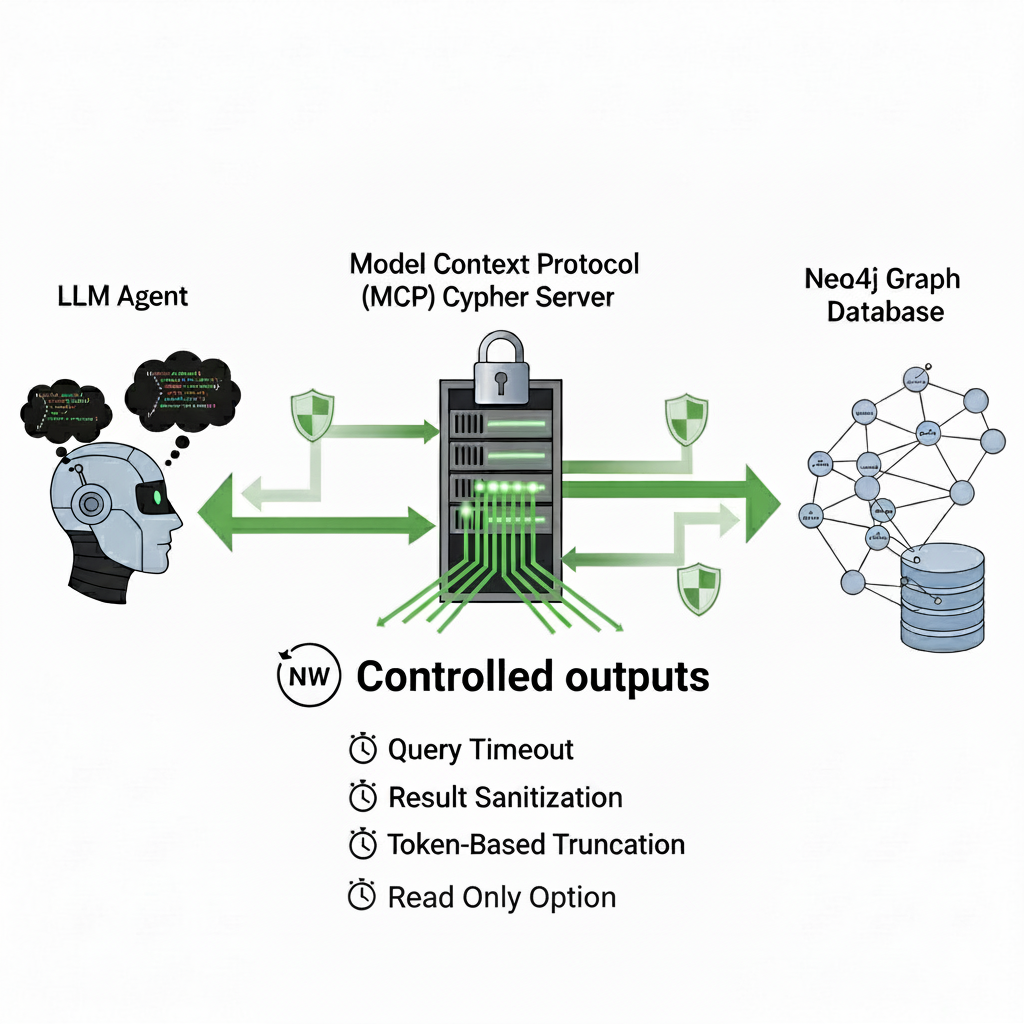
The broader MCP security landscape matters for Dusk users too. Developer rapls warns that any MCP server output should be treated as untrusted input — the same category as a stranger's form submission [per dev.to]. The risk isn't just the agent running destructive commands (which Claude Code's sandbox blocks), but the quieter threat: a planted instruction hidden inside returned content that the model can't distinguish from your own directives. Dusk returns Semantics tree refs and screenshots, so the practical attack surface is limited, but the principle applies to any tool output flowing back into agent reasoning.