The Technique — Treating CLAUDE.md Like a Critical Config File
The most effective CLAUDE.md files aren't the longest—they're the most specific about what can go wrong. The source author analyzed files from Claude Code's creator, Boris Cherny, security firms like Trail of Bits, and hackathon-winning teams. The pattern is clear: successful files document failure modes, not just descriptions.
Your instruction budget is limited. Analysis suggests frontier models can reliably follow about 150-200 instructions, and Claude Code's own system prompt consumes roughly 50 of those slots before your CLAUDE.md even loads. Adding redundant or vague rules causes uniform compliance drop—Claude starts ignoring all rules, including the critical ones.
Why It Works — The Economics of Context
Every line in your CLAUDE.md must pass this test: “Would removing this cause Claude to make a mistake it can’t recover from?” If Claude can infer it from your package.json, tsconfig.json, or file structure, don't include it. Repeating "use TypeScript" when a tsconfig.json exists is burning tokens on zero value.
The real value comes from documenting what Claude cannot possibly know: your team's specific workflow sequences, verification steps, and the architectural footguns that have caused production outages. This follows Anthropic's design philosophy for CLAUDE.md as a persistent configuration file to optimize its Claude Code agent for complex, multi-step development tasks.
How To Apply It — The 5 Essential Sections
1. Commands That Include How They Break
Don't just list commands. Document their failure modes and recovery steps.

## Commands
Run ALL commands from project root unless specified otherwise.

### Dev
- `pnpm dev` — starts Next.js on :3000. Convex dev server must be running separately.
- `npx convex dev` — run in a SECOND terminal. Will fail silently if CONVEX_DEPLOY_KEY is missing from .env.local
### Deploy
- `pnpm build && npx convex deploy` — always build FIRST. Convex deploy alone will use stale functions.
- If deploy hangs >30s, kill it. Check `npx convex logs` for schema validation errors.
2. Architecture Decisions, Not Descriptions
Document the why behind choices Claude can't infer.
## Architecture Decisions
- Auth: Clerk handles all auth. NEVER implement custom auth logic.
- Database: Convex for real-time data. Supabase for blob storage ONLY.
- State: No client state library. Convex reactive queries replace useState for all server data.

3. The Self-Improvement Loop
After Claude makes a mistake, have it add a rule to prevent recurrence.
"Fix the bug where you imported from @clerk/nextjs/server in a client component.
Then update CLAUDE.md with a rule so you never do this again."
Maintain a ## Learned Rules section that becomes a living changelog of project-specific mistakes.
4. Safety Guards
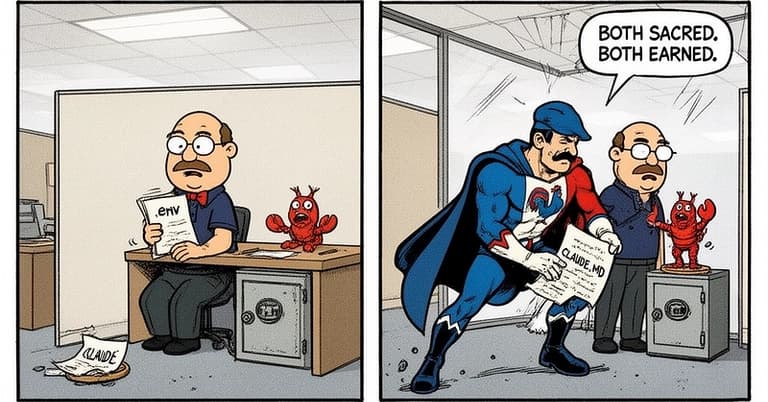
Protect your codebase like you protect secrets in .env.
## Safety
- NEVER run `rm -rf` or `rm -fr`. Use `trash` command instead.
- NEVER modify .env, .env.local, or .env.production without explicit permission.
- NEVER push directly to `main`. Always create a feature branch.
5. Prune Ruthlessly
Review your CLAUDE.md biweekly. Merge redundant rules, cut obvious ones, and keep the file focused. A bloated file makes Claude ignore everything.
The Router Pattern for Larger Projects
For projects beyond weekend scope, consider splitting instructions into multiple files referenced from a main CLAUDE.md, avoiding the single bloated file problem while maintaining organization.