Key Takeaways
- Claude Code fits the 'AI as junior dev' workflow: agentic, multi-file changes.
- But the article warns: review every line.
- Use CLAUDE.md rules and /review to enforce guardrails.
The Three AI Coding Workflows We Actually Use
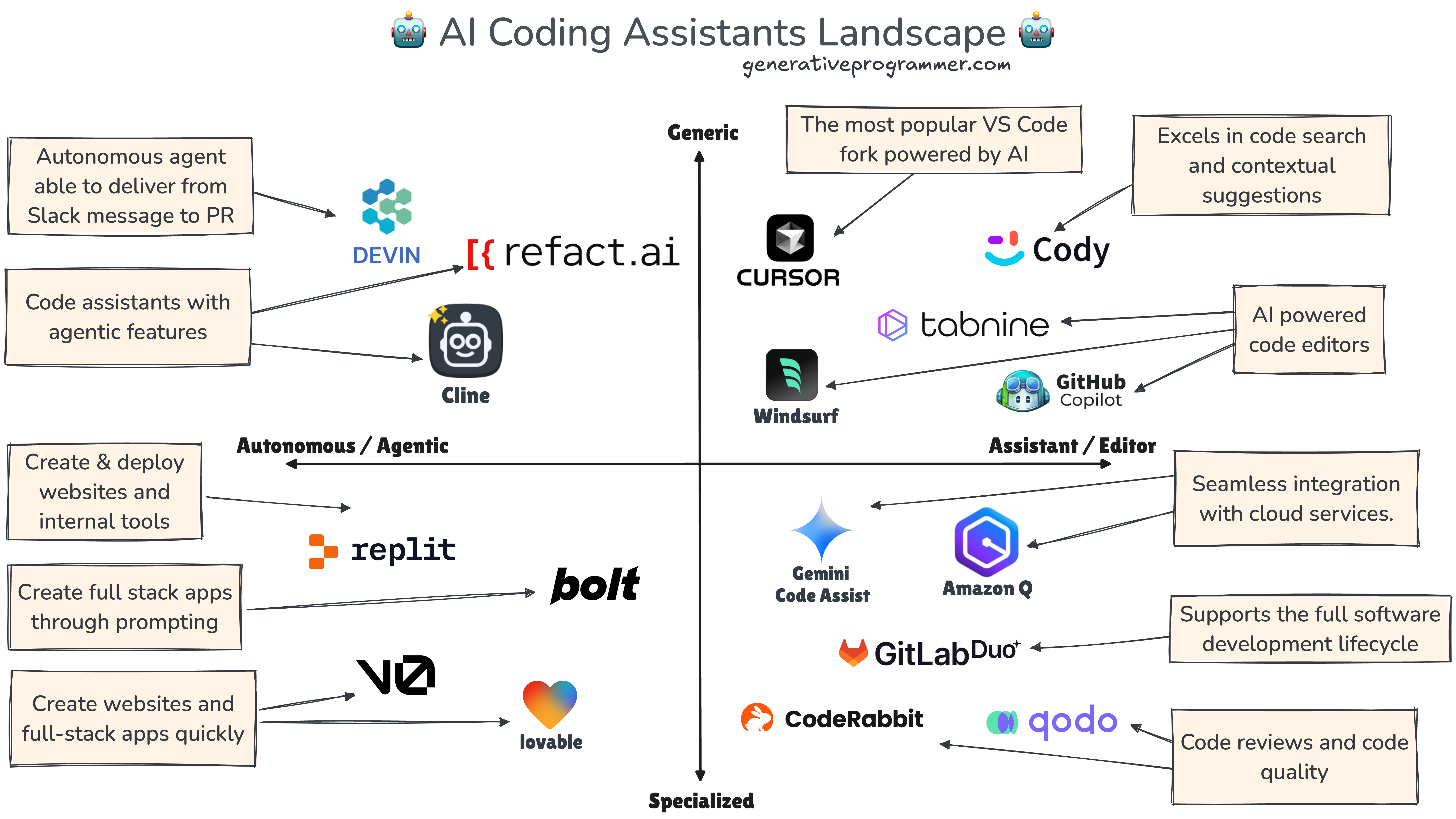
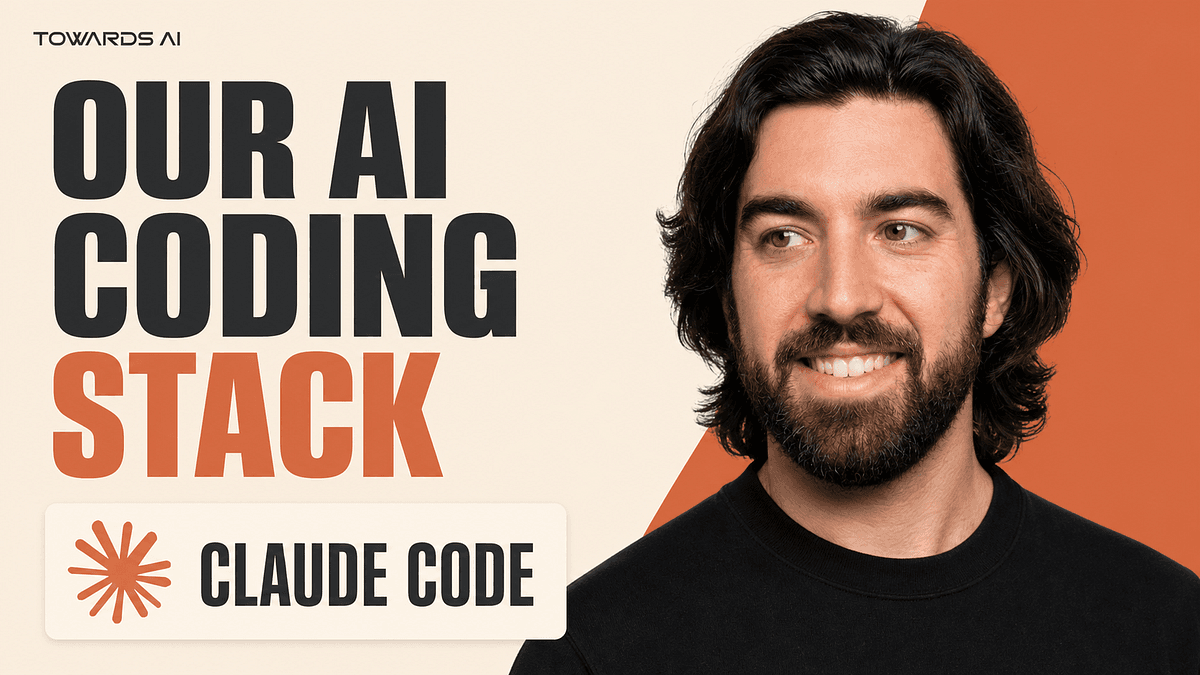
The article "The Three AI Coding Workflows We Actually Use" from Towards AI makes one thing clear: AI coding still needs you. After months of experimenting, the author distills the noise into three workflows that actually ship code. Here's what they are, and how Claude Code fits into each.
Workflow 1: AI as Autocomplete
This is the lowest-effort, highest-frequency workflow. You type, the AI suggests the next line or block. Think GitHub Copilot or Cursor's inline suggestions. It's great for boilerplate, repetitive patterns, and quick completions.
Where Claude Code fits: Claude Code isn't an autocomplete tool. But you can approximate it with /completion or by asking Claude to generate a small snippet inline. The real takeaway: don't use Claude Code for this. It's overkill for a one-line suggestion. Use a lighter tool for autocomplete, and save Claude Code for bigger tasks.
Workflow 2: AI as Pair Programmer
This is chat-driven development. You describe a problem, the AI asks clarifying questions, suggests approaches, and writes code in response. Tools like Cursor's chat or Claude Code's interactive mode excel here. The key is the back-and-forth: you steer, the AI proposes.
Where Claude Code fits: This is Claude Code's sweet spot. You can start with a prompt like:
claude "Refactor this function to handle edge cases. Ask me if you need clarification."
Claude Code will ask questions, propose a plan, and implement it. The pair programmer workflow works best when you keep the loop tight — don't let it run unattended. Use /ask to get quick answers, or /review to have Claude critique your code before you commit.
Workflow 3: AI as Junior Dev
This is the agentic workflow. The AI takes a task, explores the codebase, makes multi-file changes, and runs tests — all with minimal supervision. This is where Claude Code's agentic mode shines. The article warns: this is also where the most can go wrong. You must review every line.
Where Claude Code fits: Claude Code is built for this. You give it a task like:
claude "Add a new /health endpoint to the API, update the tests, and update the README."
Claude Code will scan your project, find the relevant files, make the changes, and run the test suite. But the article's warning is critical: AI coding still needs you. Claude Code can introduce subtle bugs, especially in edge cases or when it misunderstands business logic.
How to Make the Junior Dev Workflow Safe
- Use CLAUDE.md to set guardrails. Define coding standards, file structure, and things Claude should never do. For example:
# CLAUDE.md
- Always write tests for new functionality.
- Never modify the database schema without asking.
- Follow the existing error-handling pattern.
Run Claude Code in plan mode first. Use
/planto have Claude outline its approach before making changes. Review the plan, approve, then let it execute.Review every diff. Use
git diffbefore committing. Claude Code can generate a summary, but you need to read the actual changes.Use
/reviewafter the fact. Have Claude review its own work for bugs, security issues, and style violations.
The Bottom Line
The article's core message: AI coding still needs you. The three workflows — autocomplete, pair programmer, junior dev — each have a place. Claude Code is most powerful as a junior dev, but only if you keep the human in the loop. Set guardrails, review everything, and you'll ship faster without shipping broken code.
Try It Now
- If you're using Claude Code as a pair programmer, try the
/askcommand for a quick question before writing code. - If you're using it as a junior dev, add a CLAUDE.md with three rules that protect your codebase.
- Run
/planon your next feature to see Claude's approach before it touches a file.
Source: pub.towardsai.net