The Token Problem in Claude Code

Every Claude Code session burns tokens on context, tool calls, and verbose outputs. With Opus 4.6 and Sonnet 4.5 pricing, that adds up fast. But you don't have to sacrifice quality to save tokens. Here are seven battle-tested tactics from developers who've cut their spend significantly.
1. Structure Your CLAUDE.md for Token Economy
Your CLAUDE.md is loaded into every session, so keep it lean. Instead of a wall of text, use bullet points, code blocks, and clear directives that tell Claude exactly what to do—and what not to do. For example:
# Project Rules
- Use TypeScript, no `any` types.
- Output concise commit messages (max 50 chars).
- When refactoring, show only changed lines.
This reduces the token overhead of parsing verbose instructions and sets expectations for concise outputs.
2. Set Output Limits in CLAUDE.md
Tell Claude to keep responses short. Add directives like:
- Summarize changes in under 100 words unless asked for detail.
- Use bullet points over paragraphs.
This directly cuts the number of tokens per response, especially during long coding sessions.
3. Use /compact Before Context Overload
When your context window fills up, Claude starts re-reading earlier messages, wasting tokens. Run /compact to summarize the conversation and free up space. This is especially useful after a long debugging session—it condenses the history into a concise summary that preserves key decisions.
4. Limit File Reads with @file and # Directives
Instead of letting Claude read entire files, scope its access. Use @file:path to point to a specific file, or # to reference a function or class. For example:
claude "Refactor the #login function in @auth.ts"
This prevents Claude from scanning unrelated code, saving tokens on irrelevant context.
5. Avoid Redundant Tool Calls with --resume and Checkpoints
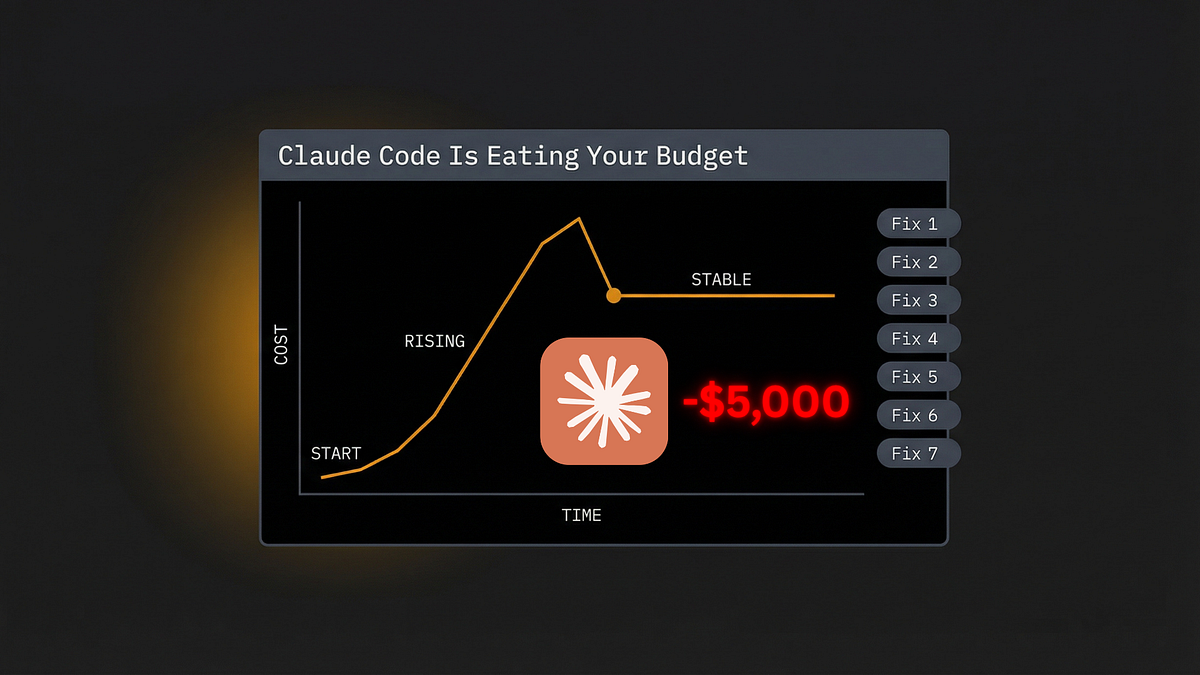
Starting a new session loses context, forcing Claude to re-read files. Use --resume to pick up where you left off, and take advantage of checkpoints to save progress. This reduces the need for repeated file reads and keeps context fresh.
6. Prune Unused MCP Servers
Every MCP server you have enabled adds tool definitions to the context window. If you're not using a server, disable it. For example, if you have a database MCP but aren't querying it, remove it from your config. This can save thousands of tokens per session.
7. Leverage Tools Like Graft for Automatic Trimming
Graft for Claude Code is a tool that automatically optimizes context, cutting token use by 42% in practice. It works by intelligently pruning irrelevant code snippets and conversation history. Install it with:
claude plugin install graft
Then let it manage context automatically, so you don't have to manually micro-manage.
Why These Tactics Work
Claude Code's token usage is driven by context length and output verbosity. By scoping inputs, compacting history, and setting output rules, you reduce the tokens processed per request. This doesn't degrade quality because Claude still gets the essential context—just less noise.
Try It Now
Start with the quick wins:
- Add output limits to your CLAUDE.md.
- Run
/compactafter every hour of work. - Scope file reads with
@fileand#. - Disable unused MCP servers.
- Install Graft for automatic trimming.
These changes can cut your token bill by up to 40% without you noticing any difference in code quality.
Source: news.google.com
[Updated 23 Aug via devto_claudecode]
Claude Code v2.1.238, released August 20, 2026, introduces keybindingFlavor for readline-style Ctrl+W editing, but more importantly for cost-conscious teams, it fixes unbounded memory growth by releasing subagent tool results after they leave the recent display window—reducing token overhead in long sessions [per dev.to]. Enterprise runners gain --defer-shutdown-max-min and --proxy-authorization-command for CI/CD, while the new headersHelper in plugin installation warrants supply-chain testing. These changes complement the token-saving tactics above, especially for automation-heavy workflows.