What the Benchmark Found
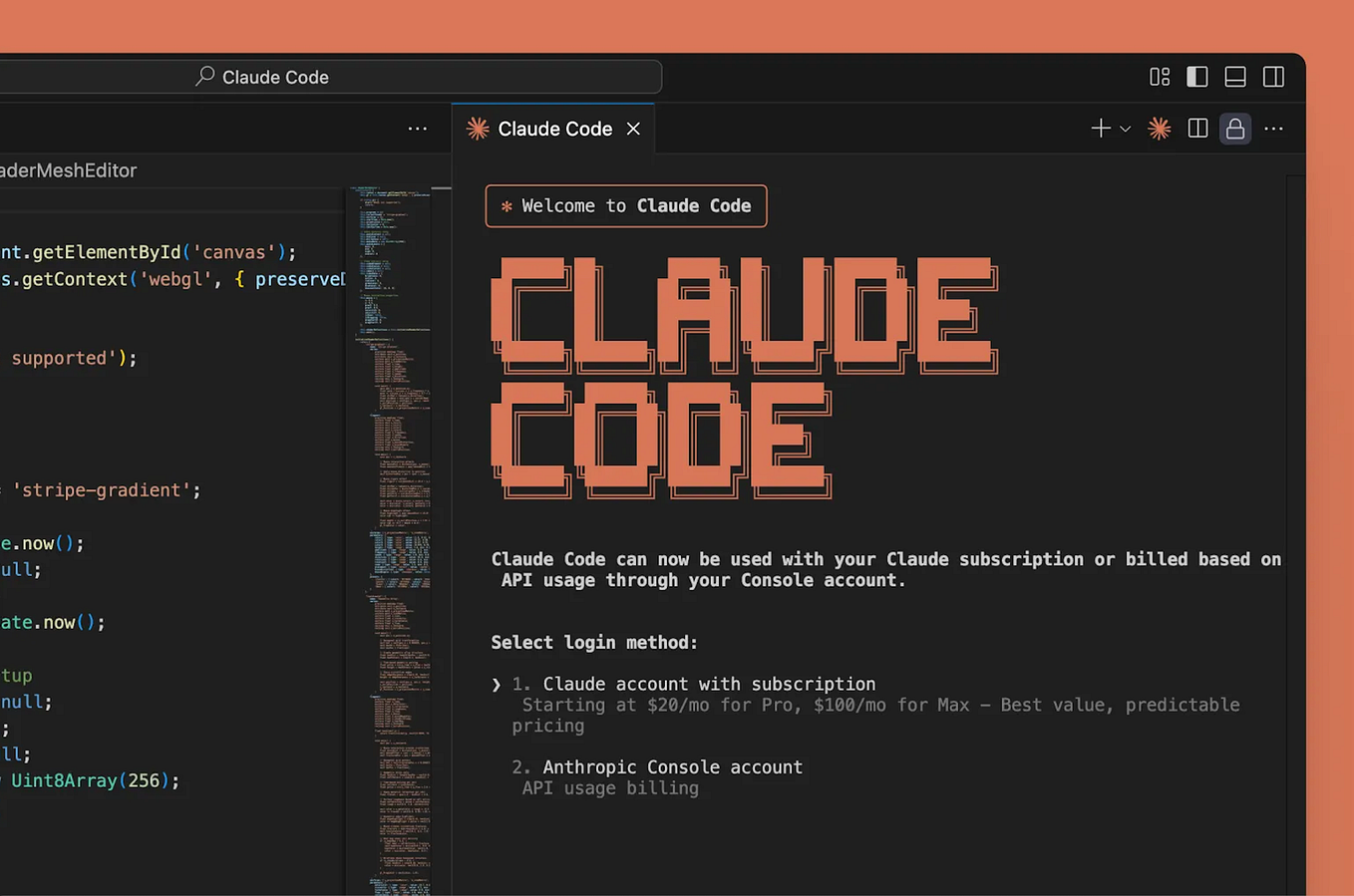
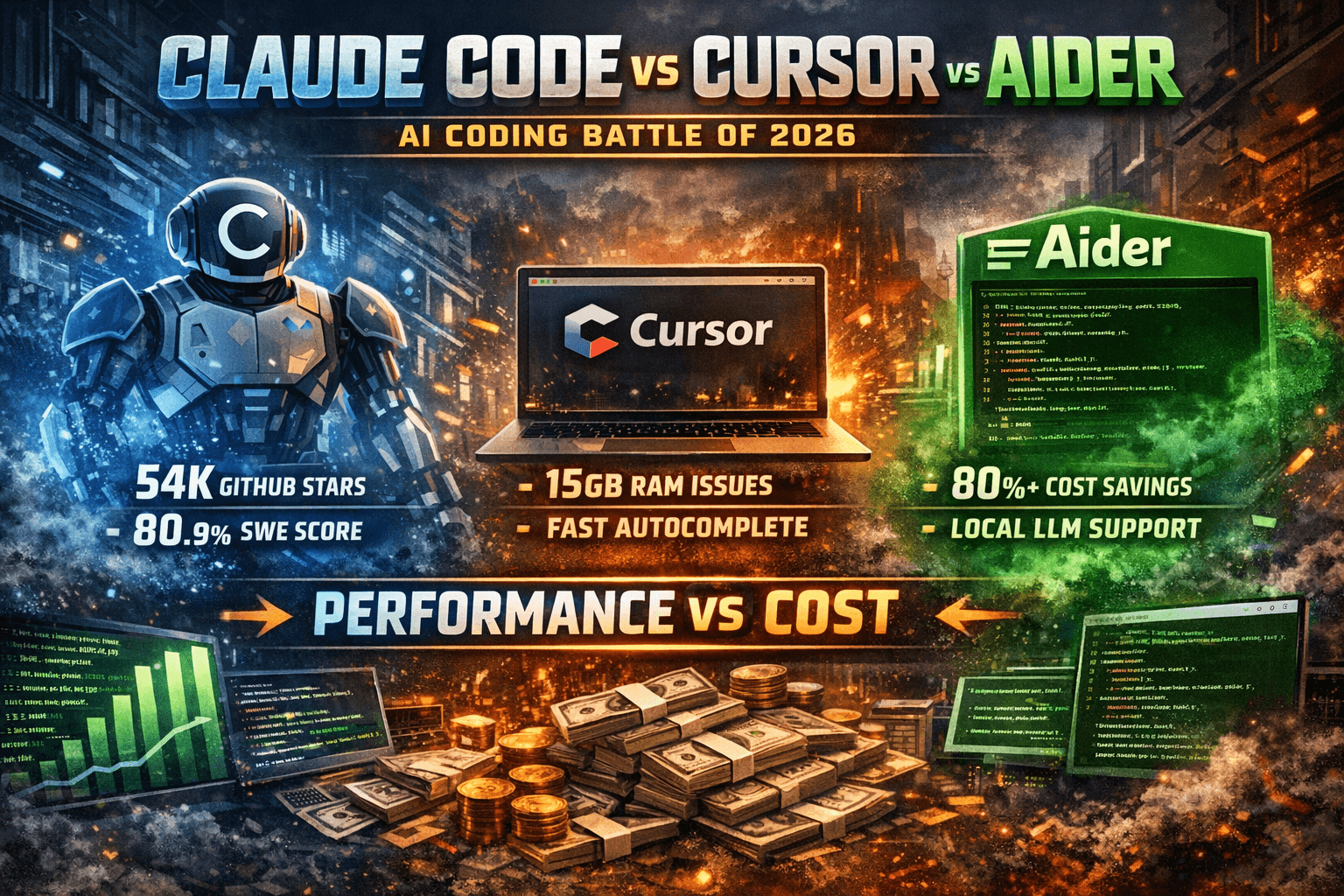
A 2026 benchmark by SitePoint directly compared Claude Code and Cursor across three critical dimensions for developers: speed, accuracy, and cost. The results show Claude Code achieving higher accuracy on coding tasks while matching Cursor's response speed. On cost, Claude Code came out ahead, offering a more economical option for daily development work.
What This Means For Your Workflow
For developers choosing between these tools, the benchmark clarifies a key trade-off: you don't have to sacrifice accuracy for speed. Claude Code's architecture—particularly its use of Claude Opus 4.6—appears optimized for correct code generation without the latency penalties seen in earlier iterations. This makes it especially suitable for complex refactoring, debugging, and implementing unfamiliar libraries where correctness is paramount.
The cost advantage matters for teams and individual developers monitoring usage. While specific pricing details weren't disclosed in the summary, the benchmark's conclusion suggests Claude Code provides better value per token, which translates to more queries or longer context windows within the same budget.
How To Capitalize on Claude Code's Accuracy
Delegate complex logic tasks: Use Claude Code for algorithm implementation, database schema design, and API integrations where subtle errors are costly. Prompt with specific constraints: "Implement a rate limiter using token bucket algorithm. Must handle 1000+ requests/sec. Return production-ready Node.js code with error handling."
Maximize context window efficiency: With competitive pricing, you can afford to provide more context. Use the
claude code --contextflag to attach entire codebase directories when working on system-wide changes.Combine with Claude's new features: The recent addition of persistent memory (March 2026) means Claude Code can maintain context about your project across sessions. Start each session with a brief recap of what you're building to leverage this continuity.
Use for code review: Given the accuracy advantage, run generated code through Claude Code again with a review prompt: "Act as senior engineer. Review this code for edge cases, security vulnerabilities, and performance issues."
When Cursor Might Still Fit
While the benchmark favors Claude Code overall, Cursor's tight IDE integration and chat-while-you-code workflow remain strengths for rapid prototyping and exploratory coding. For tasks where immediate, iterative feedback matters more than final correctness—like brainstorming implementation approaches or generating boilerplate—Cursor's workflow can still be effective.
The Bottom Line
The 2026 benchmark validates what many Claude Code users have experienced: you get production-quality code without paying a speed premium. Adjust your tool selection based on task type—use Claude Code for mission-critical development and Cursor for rapid exploration—and you'll maximize both productivity and code quality.