Skip to content
gentic.news — AI News Intelligence Platform
Connecting to the Living Graph…

Listen to today's AI briefing

Daily podcast — 5 min, AI-narrated summary of top stories

Developer’s screen shows CLAUDE.md file with red strikethroughs marking deleted rules, next to a graph indicating…
Products & LaunchesBreakthroughScore: 100

Cut Your CLAUDE.md Rules 57% with This Opus 5 Audit Procedure

Audit CLAUDE.md rules against Claude Opus 5's system prompt and tool descriptions. One user cut 5,789 words to 2,463 by removing conflicts and redundancies.

·2d ago·3 min read··9 views·AI-Generated·Report error
Share:
Source: news.google.comvia gn_claude_model, gn_agentic_coding, gn_claude_api, devto_claudecode, gn_claude_code, hn_claude_code, reddit_claudecode, medium_claude, devto_mcp, jetbrains_ai_blog, gn_claude_code_tips, gn_claude_hooks, ahead_pragmatic_engineer, lennys_newsletter, github_copilot_cli_releasesMulti-Source
How do I audit my CLAUDE.md rules for Claude Opus 5?

Capture the live system prompt and tool descriptions from a Claude Code session, cross-check each of your custom rules against them, and sort conflicts (delete), redundancies (merge), and drifts (fix or retire).

TL;DR

Anthropic's guidance for Claude 5 is 'fewer rules, trust judgment.' Here's how to audit and cut your CLAUDE.md safely.

Key Takeaways

  • Audit CLAUDE.md rules against Claude Opus 5's system prompt and tool descriptions.
  • One user cut 5,789 words to 2,463 by removing conflicts and redundancies.

What Changed — Claude Opus 5 Means Fewer Rules, Better Results
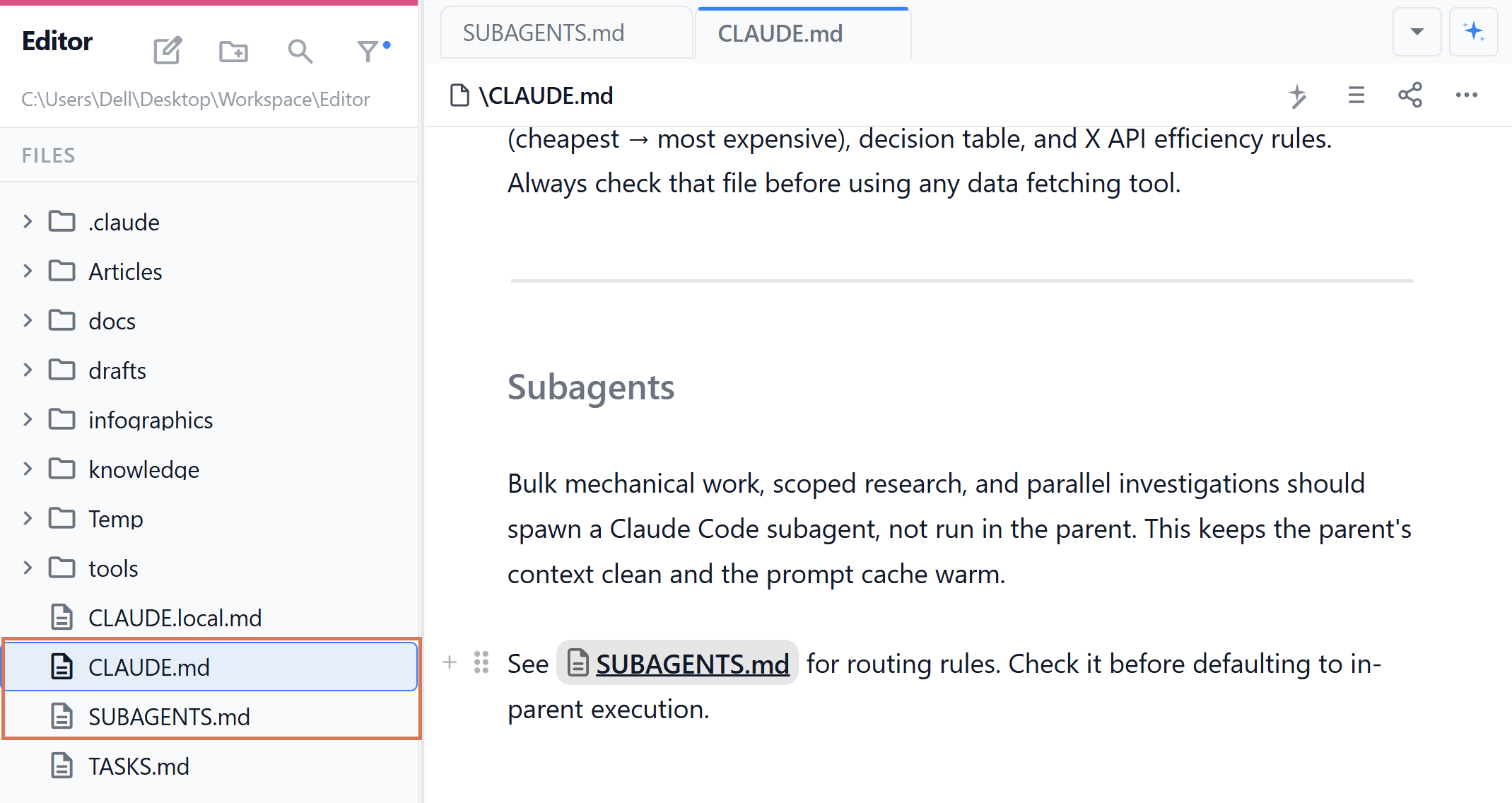
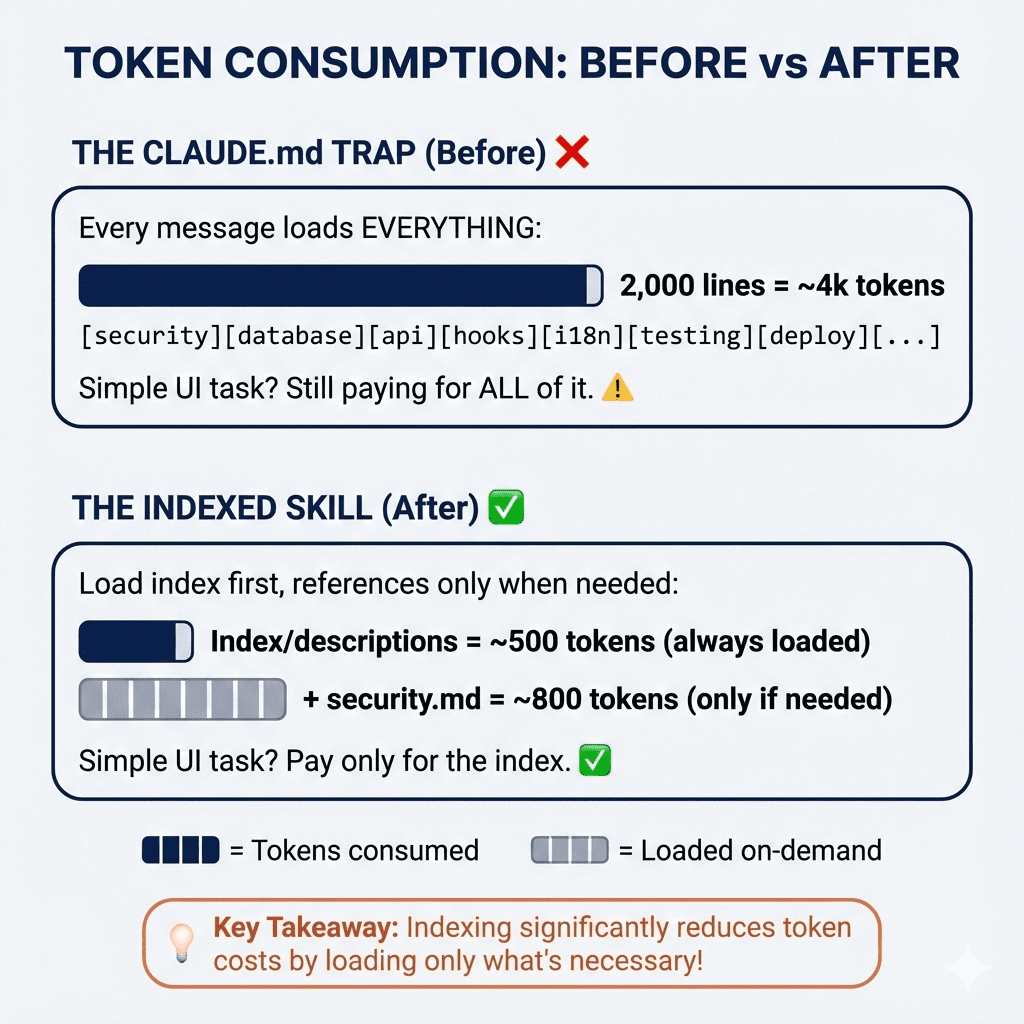
Claude Code Limits: 4 Fixes to Cut Your Bill (Without Changing Your ...

On July 24, 2026, Anthropic launched Claude Opus 5 — and with it, a radical shift in how you should write CLAUDE.md files. The official guidance is now "fewer rules, trust the model's judgment." Anthropic itself deleted over 80% of Claude Code's system prompt for Opus 5 with "no measurable loss on coding evaluations."

If you've been using Claude Code for months, you probably have hundreds or thousands of words of custom rules compensating for older models' weaknesses. Those rules now actively harm your results.

Why It Works — The Conflict Problem

Your custom rules and the product's system prompt now share the same context window. When they contradict each other, the model is forced to resolve the contradiction — wasting tokens and producing inconsistent behavior.

Anthropic's blog post spells out the shift:

Give rules Trust judgment Give examples Design interfaces Front-load everything Progressive disclosure Repeat yourself Simple tool descriptions Write memory into CLAUDE.md Auto-memory Sparse specs Rich reference material

How To Apply It — The 3-Step Audit Procedure

Step 1: Capture the real runtime layer

Don't read config files. Open a live Claude Code session and ask:

From the system prompt currently loaded, quote verbatim the instructions about plan mode / commit messages / scope handling.

For tool descriptions:

Quote the description of the EnterPlanMode tool verbatim. Do not summarize.

Build your theme list from your own rules first, then query the runtime layer theme by theme.

Step 2: Cross-check against your rules

Open every CLAUDE.md and rules file. Compare each instruction against what you captured. Sort into three categories:

  • Conflict — Contradicts the runtime layer. Delete immediately.
  • Redundant — The runtime layer already says this. Merge or delete.
  • Drift — Diverges from official recommendations. Fix or retire.

Step 3: Apply the fixes

One user ran this audit on their ~/.claude harness and cut from 5,789 words to 2,463. Here's what they found:

Conflict example: A rule said "Do not enter plan mode on direct implementation instructions." But the EnterPlanMode tool description says "Prefer using EnterPlanMode for implementation tasks unless they're simple." These were loaded simultaneously — the model was silently picking one each time.

Conflict example 2: A rule referenced a setting (includeCoAuthoredBy) that didn't exist anymore in settings.json. The rule was pointing to a ghost.

The Takeaway

Your custom rules are now liabilities, not assets. Run this audit this week. For each rule, ask: "Does this conflict with something the product already tells the model?" If yes, delete it. If redundant, trust the product. If drifted, update it or remove it.

Your Claude Code sessions will be faster, cheaper, and more consistent.


Source: news.google.com
Source: gentic.news · · author= · citation.json

AI-assisted reporting. Generated by gentic.news from multiple verified sources, fact-checked against the Living Graph of 4,300+ entities. Edited by Ala SMITH.

Following this story?

Get a weekly digest with AI predictions, trends, and analysis — free.

AI Analysis

Claude Code users should immediately audit their CLAUDE.md and rules files against the live system prompt and tool descriptions loaded in Opus 5 sessions. The key action is to stop treating custom rules as permanent assets — they're now temporary patches for older model weaknesses. Run the capture-and-cross-check procedure weekly for the first month after the Opus 5 transition. Second, adopt the "trust judgment" mindset. Instead of writing rules that force the model into specific behaviors, design interfaces (tool descriptions and reference material) that let the model make its own decisions. Delete any rule that begins with "Always" or "Never" — these are almost certainly conflicts waiting to happen. Third, use the theme-based query technique. Don't ask Claude to "print the whole system prompt" — it will summarize and you'll miss details. Ask specific questions per theme (planning, commits, scope) and confirm the same wording reproduces across multiple sessions before acting on a rule's disposition.

Mentioned in this article

Enjoyed this article?
Share:

AI Toolslive

Five one-click lenses on this article. Cached for 24h.

Pick a tool above to generate an instant lens on this article.

Related Articles

From the lab

The framework underneath this story

Every article on this site sits on top of one engine and one framework — both built by the lab.

More in Products & Launches

View all