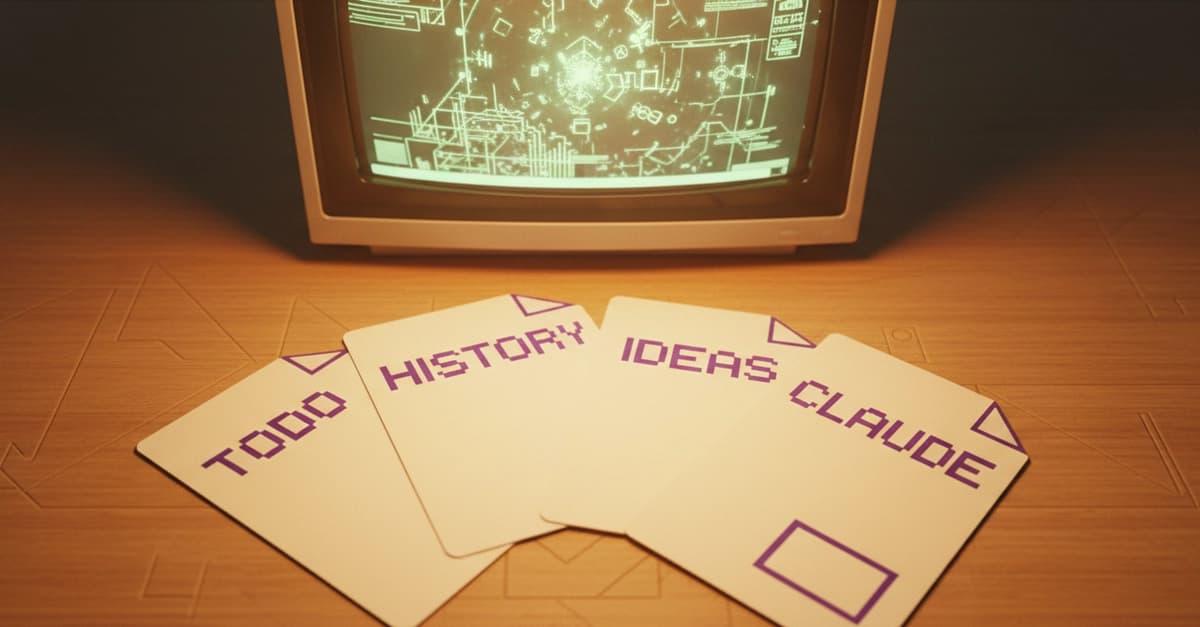
The System at a Glance
Stop copy-pasting handover prompts between Claude Code sessions. A developer's workflow reveals a minimal system that turns project management into automatic context for your AI assistant.
Four files in your project root:
CLAUDE.md: Agent instructions loaded automatically every sessionTODO.md: Current work with step-by-step tasks and checkboxesHISTORY.md: Completed work archived from TODO when doneIDEAS.md: Future work separated from active focus
Four commands in .claude/commands/:
/next: Reads TODO.md, finds first unchecked task, continues working/archive: Moves completed tasks from TODO.md to HISTORY.md/idea: Captures new ideas in IDEAS.md without interrupting flow/todo: Plans next step and writes it into TODO.md (after approval)
CLAUDE.md: Write Instructions, Not Documentation
CLAUDE.md replaces manual "Read these docs first" prompts. This isn't human documentation—it's AI configuration. Write it as direct instructions.
# [Project Name] — Agent Instructions
## Read first
1. ARCHITECTURE.md — Core patterns and constraints
2. src/ — Main source directory

## Dev environment
- Run: `npm start`
- Test: `npm test`
- API: http://localhost:3000
## Architecture rules (never violate these)
- No direct database access from UI components
- All state changes go through the store
- Use TypeScript strict mode
## Working style
- One step at a time — implement, then stop for review
- If anything is ambiguous or has meaningful trade-offs, ask first
## Verify steps
TODO items marked "Verify:" require manual testing. Never tick these off—leave them unchecked and list them for the user to confirm.
## Commits
Never commit unless the user explicitly asks.
What to include: Architecture constraints, how to run the project, non-obvious conventions, working style preferences.
What to exclude: Things derivable from code (file structure, function signatures), things that change often (current task, recent history), anything longer than a page.
The "Architecture rules" section prevents Claude from suggesting inappropriate patterns. Without explicit constraints, it might suggest React for your Custom Elements project or Express for your Fastify API.
TODO.md: Structure for AI Parsing
TODO.md contains only active work—no backlog, no ideas, no history. Structure it so Claude can find the next task instantly.
# Project: TODO

## Goal
Build a markdown editor with real-time preview.

## Next Steps

### 1) Add syntax highlighting

Implement Prism.js integration for code blocks.

#### Implementation
- [ ] Install Prism.js via npm
- [ ] Create highlight component
- [ ] Add CSS themes

#### Verify
- [ ] Verify: Code blocks show correct syntax highlighting
- [ ] Verify: Theme switching works

---

### 2) Add export functionality

Allow exporting to PDF and HTML.

...
Each task is numbered with checkboxes. Claude reads the file, finds the first unchecked box, and knows exactly where to start. The --- separator creates clean boundaries between tasks for easy archiving.
HISTORY.md & IDEAS.md: Separate Context from Clutter
HISTORY.md is a date-stamped log of completed tasks:
# Project: History

## 2025-03-21
- Step 1: Add syntax highlighting
- Step 2: Export functionality

## 2025-03-15
- Step 3: Auto-save implementation
You don't write this—/archive does. It gives Claude temporal context without cluttering the active task list.
IDEAS.md captures "maybe someday" thoughts:
# Project: Ideas

These are not prioritized. Captured here so they don't get lost.

### Collaborative editing
Add real-time collaboration using WebSockets.

### Plugin system
Allow users to write custom markdown processors.
Claude doesn't read this unless you ask. When you're mid-session and get a stray thought, type /idea collaborative editing with WebSockets and continue working.
The Four Commands That Make It Work
Create these files in .claude/commands/:
/next command:
Read `TODO.md` and continue working on the current or next task.

## Steps
1. Read `TODO.md`.
2. Find the first unchecked task.
3. Work on that task until completion or until you need clarification.
4. Update `TODO.md` with progress.
/archive command:
Move completed tasks from `TODO.md` to `HISTORY.md`.

## Steps
1. Read `TODO.md` and `HISTORY.md`.
2. Identify completed tasks (all checkboxes ticked except "Verify:" items).
3. Move those tasks to `HISTORY.md` under today's date.
4. Remove them from `TODO.md`.
5. Show what was archived.
/idea command:
Capture an idea in `IDEAS.md` without interrupting current work.

## Steps
1. The user will provide an idea description.
2. Add it to `IDEAS.md` under a `### Idea Title` heading.
3. Include a brief description.
4. Confirm it's been captured.
/todo command:
Plan the next step and add it to `TODO.md`.

## Steps
1. Read `TODO.md` to understand current progress.
2. Discuss with the user what should come next.
3. Draft a new task with implementation and verification steps.
4. Add it to `TODO.md` after the user approves.
How To Set This Up in 5 Minutes
- Create the directory structure:
mkdir -p .claude/commands
Let Claude create the files for you:
Copy this article into a Claude Code session and prompt: "Set up the 4-file, 4-command system described in this article for my current project."Customize
CLAUDE.md: Add your project-specific architecture rules, environment setup, and working preferences.Start using: Begin your next session with
/nextinstead of explaining where you left off.
Why This Beats Manual Prompts
This system solves three key problems:
- Session continuity:
/nextpicks up exactly where you left off - Context management: Separating TODO, HISTORY, and IDEAS prevents cognitive overload
- Workflow automation: Commands handle the administrative work so you can focus on coding
The beauty is in the constraints: each file has a single purpose, each command does one thing well. When you need to extend it (like adding a /verified command for manual testing), the pattern is clear and easy to follow.


