What Changed — Claude Code Channels Launched
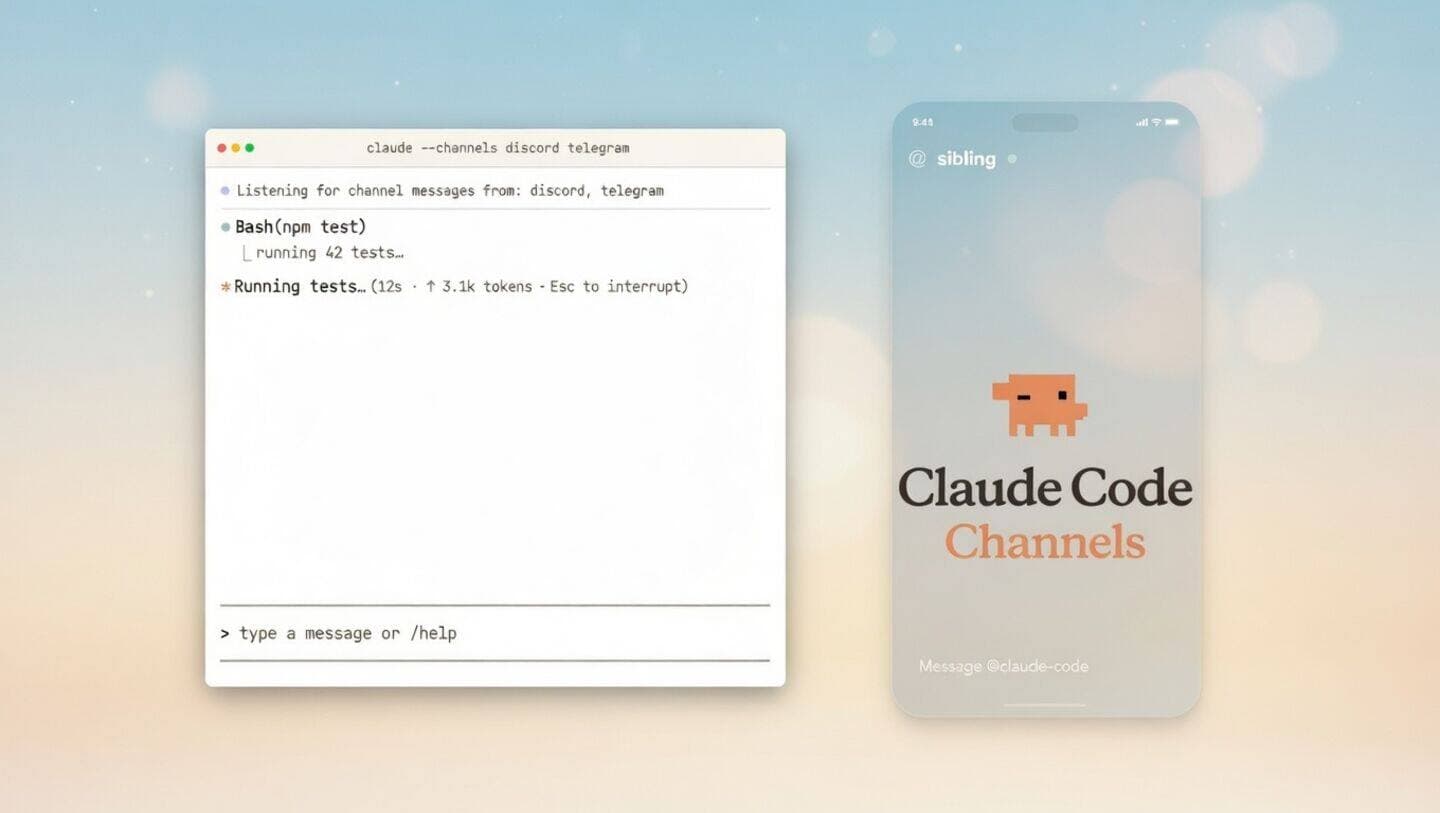
Anthropic has shipped a new feature called Claude Code Channels, which allows developers to connect their Claude Code sessions directly to external messaging platforms via MCP (Model Context Protocol). The initial supported channels are Telegram and Discord.
This update directly addresses the workflow that made OpenClaw popular—remote control of AI coding agents—but integrates it natively into Claude Code with Anthropic's security model. Instead of relying on third-party autonomous agent frameworks with potential security concerns, you can now message Claude Code from your phone or other devices.
What It Means For You — Remote Control Without Compromises
If you've been using Claude Code but wished you could delegate tasks while away from your computer, Channels solves this. The feature enables:
- Always-on agent access: Keep your Claude Code session running and message it from anywhere
- Mobile-first workflows: Send coding requests via Telegram/Discord from your phone
- Team collaboration: Share Claude Code access through Discord channels
- Security you trust: Native Anthropic implementation instead of third-party frameworks
This isn't just a convenience feature—it fundamentally changes when and how you can use Claude Code. No longer tethered to your terminal, you can now have Claude Code working on tasks while you're commuting, in meetings, or away from your desk.
Try It Now — Setting Up Your First Channel
Setting up Channels requires configuring MCP servers for your preferred messaging platform. Here's how to get started with Telegram:
- Install the Telegram MCP server:
npm install -g @modelcontextprotocol/server-telegram
- Configure your CLAUDE.md with channel settings:
# Claude Code Configuration

## Active Channels
- Telegram: @your_bot_username
- Discord: your_server/channel

## Remote Access Rules
- Accept coding tasks from authenticated users
- Log all remote requests
- Require confirmation for file system changes
- Start Claude Code with channel support:
claude code --channels telegram,discord
Once configured, you can message your Claude Code instance directly:
"@ClaudeCode refactor the auth middleware to use JWT tokens"
"Check the build status and deploy if tests pass"
"What errors are showing in the production logs?"
Security Considerations
Unlike OpenClaw's approach, Claude Code Channels maintain Anthropic's security boundaries:
- Authentication required: Only approved users can access your instance
- Audit logging: All remote interactions are logged
- Permission scoping: You control what remote users can request
- No arbitrary code execution: Channels work within Claude Code's existing safety constraints
When to Use Channels vs. Terminal
Use Channels when:
- You're mobile but need to check on ongoing tasks
- You want to delegate simple tasks to team members
- You need status updates without opening your laptop
- You're pairing remotely and want shared Claude Code access
Stick to terminal when:
- You're doing complex, multi-step development sessions
- You need to review code changes interactively
- You're working with sensitive code that shouldn't leave your machine
- You need the full context window for large refactors
The OpenClaw Replacement Reality
If you were using OpenClaw for its remote control capabilities, you can now replace it entirely. Channels provide the same core functionality—messaging your AI coding agent—without the security concerns of running arbitrary autonomous agents. The integration is smoother since it's native to Claude Code, and you maintain Anthropic's safety guarantees.
Next Steps for Power Users
- Experiment with Discord for teams: Set up a dedicated #claude-code channel where multiple developers can submit tasks
- Create shortcut commands: Use Telegram's bot commands or Discord slash commands for common requests
- Monitor usage: Check your Claude Code logs to see how Channels affect your workflow
- Combine with other MCPs: Channels work alongside your existing MCP servers for GitHub, databases, etc.
The Channels feature is available now in the latest Claude Code release. No separate installation or configuration beyond the MCP servers is required—it's built directly into the core tool.