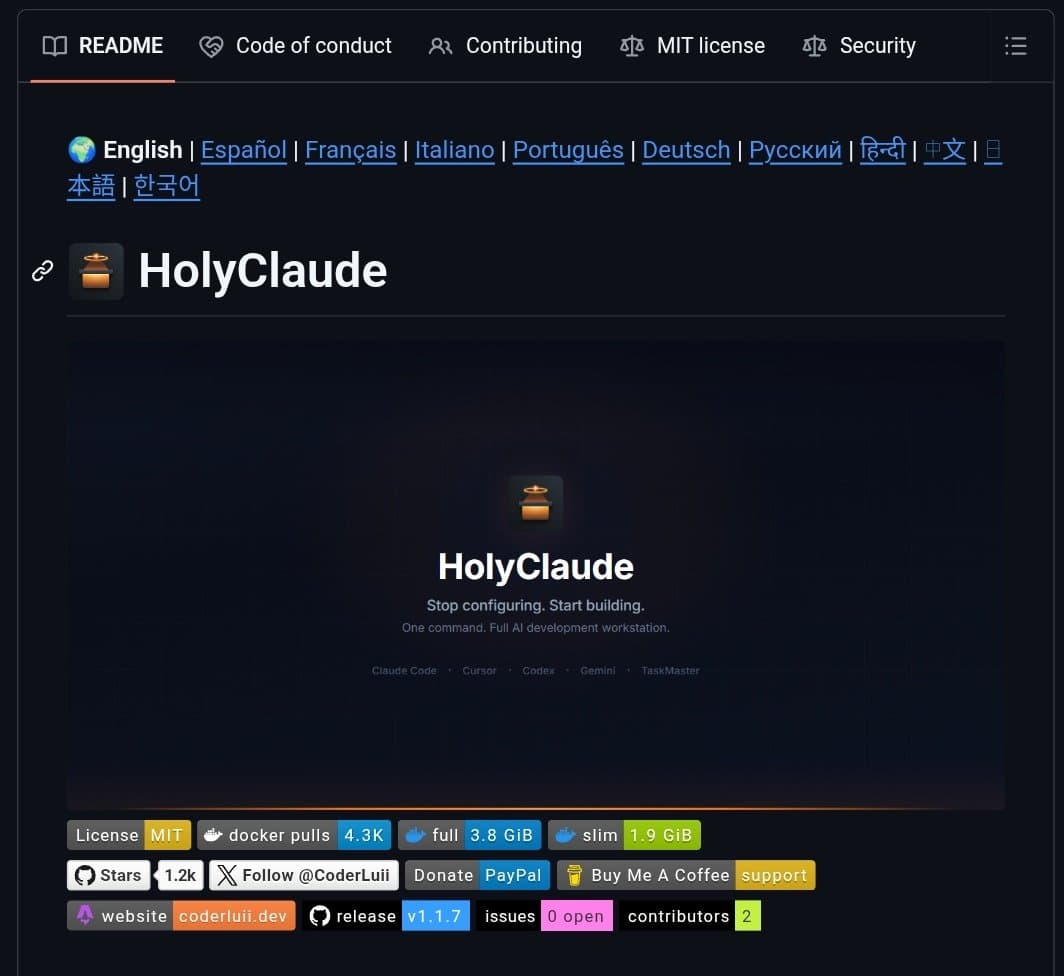
A developer has packaged an entire AI-powered coding workstation into a single Docker Compose configuration, creating what appears to be one of the most comprehensive containerized development environments to date. The setup includes multiple AI coding assistants, browser automation tools, and over 50 development utilities—all pre-configured to work together without manual setup.
What's in the Container
The Docker Compose configuration delivers a complete development environment with:
- Claude Code with browser UI: The full Claude Code interface accessible through a web browser
- Multiple AI coding CLIs: Gemini, Codex, Cursor, and TaskMaster command-line interfaces
- Browser automation: Playwright with Chromium, pre-configured to run within Docker
- Development toolchain: 50+ development tools including pandas, ffmpeg, prisma, and GitHub CLI
According to the announcement, the environment requires no configuration and specifically addresses common Docker pain points like "why won't chromium run in docker"—a frequent issue developers encounter when trying to containerize browser-based testing tools.
Technical Implementation
The project appears to solve several technical challenges simultaneously:
Browser-in-container configuration: Getting Chromium to run properly in Docker typically requires specific flags and permissions. The setup claims to have this pre-configured.
Multiple AI tool integration: Rather than choosing between Claude, Gemini, or other AI coding assistants, developers get access to all of them through unified interfaces.
Subscription integration: The setup uses existing Claude Max/Pro subscriptions, meaning users don't need separate API keys or accounts for the containerized version.
Toolchain completeness: With 50+ development tools included, the environment covers data science (pandas), multimedia processing (ffmpeg), database management (prisma), and version control (gh) workflows.
One-Command Setup
The key value proposition is simplicity: docker compose up theoretically brings up the entire environment. This contrasts with typical AI development setups that require:
- Installing multiple AI CLI tools individually
- Configuring browser automation environments
- Setting up development dependencies
- Debugging container permission issues
Limitations and Considerations
While the announcement is brief, several practical considerations emerge:
- Resource requirements: Running multiple AI tools plus Chromium in containers could be resource-intensive
- Subscription model: The setup relies on users having existing Claude subscriptions
- Security implications: Containerizing browser automation with AI tools creates a complex security surface area
- Update management: Keeping 50+ tools updated within a containerized environment presents maintenance challenges
Potential Use Cases
This type of packaged environment could serve:
- Development teams seeking standardized AI coding environments
- Education settings where consistent tooling matters
- CI/CD pipelines requiring reproducible AI-assisted coding environments
- Research projects needing controlled, versioned AI tooling
Availability
The project is available at the linked GitHub repository, though the source material doesn't specify licensing terms, maintenance plans, or community support structures.
gentic.news Analysis
This Dockerized AI workstation represents the natural evolution of two converging trends we've tracked closely: the containerization of development environments and the proliferation of specialized AI coding tools. Following our coverage of DevPod's $5M seed round for cloud-based development containers and Cursor's rapid adoption among AI-native developers, this project essentially combines these concepts into a single package.
The timing is significant. As AI coding assistants have multiplied—Claude Code, GitHub Copilot, Amazon CodeWhisperer, Tabnine, and now Google's Gemini for coding—developers face tool fragmentation. This Docker setup attempts to solve that by providing a unified environment, similar to how Codiumate's multi-agent approach tries to coordinate different AI coding strategies.
What's particularly interesting is the commercial model: leveraging existing Claude subscriptions rather than creating a new payment layer. This aligns with Anthropic's strategy of embedding their models deeply into developer workflows, a pattern we've seen accelerate since Claude 3.5 Sonnet's release with enhanced coding capabilities.
However, the technical challenges shouldn't be underestimated. Containerizing browser automation remains notoriously difficult due to sandboxing requirements and GPU acceleration needs for some AI tools. If this project has truly solved the "Chromium in Docker" problem reliably, that alone represents meaningful technical progress.
For practitioners, the key question is whether this monolithic approach will prove more maintainable than modular, single-purpose containers. The DevOps trend has been toward microservices and specialized containers, but developer experience often benefits from integrated environments. This project tests whether the AI coding toolchain has reached sufficient stability to justify a "batteries included" container approach.
Frequently Asked Questions
How does this Docker setup use my existing Claude subscription?
The container appears to integrate with Claude's authentication system, allowing users to log in with their existing Claude Max or Pro accounts. This means you're not creating a separate account or paying additional fees for the containerized version—you're accessing the same Claude service through a different interface.
What are the system requirements for running this AI coding workstation?
While specific requirements aren't listed, running multiple AI tools plus Chromium in Docker containers typically requires substantial resources. Expect to need at least 8-16GB of RAM, multiple CPU cores, and potentially GPU acceleration for optimal performance. The container will also need significant storage space for the 50+ included tools and their dependencies.
Can I customize which tools are included in the Docker environment?
Based on typical Docker Compose configurations, you should be able to modify the docker-compose.yml file to add or remove services. However, the announcement emphasizes the "no config" aspect, suggesting the default configuration is comprehensive but potentially not modular. Advanced users could likely customize the setup, but beginners might prefer the pre-configured package.
Is this environment suitable for production development or just experimentation?
The inclusion of 50+ development tools and multiple AI assistants suggests this is aimed at serious development work. However, using containerized AI tools in production raises questions about latency, reliability, and security that aren't addressed in the brief announcement. For now, this appears best suited for development and testing environments rather than production deployment.