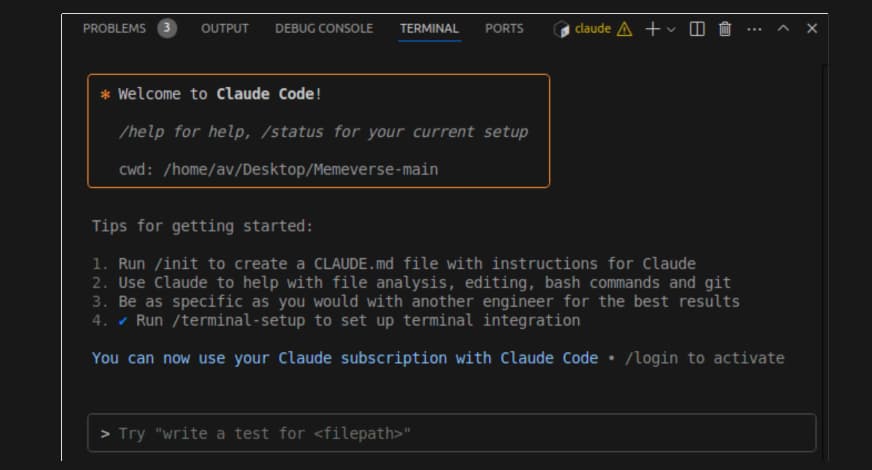
Key Takeaways
- Claude Code's OAuth flow is broken in v2.1.107, preventing new auth.
- Use
claude code auth --manualto get a token and paste it directly.
What's Broken — The OAuth Pasting Bug
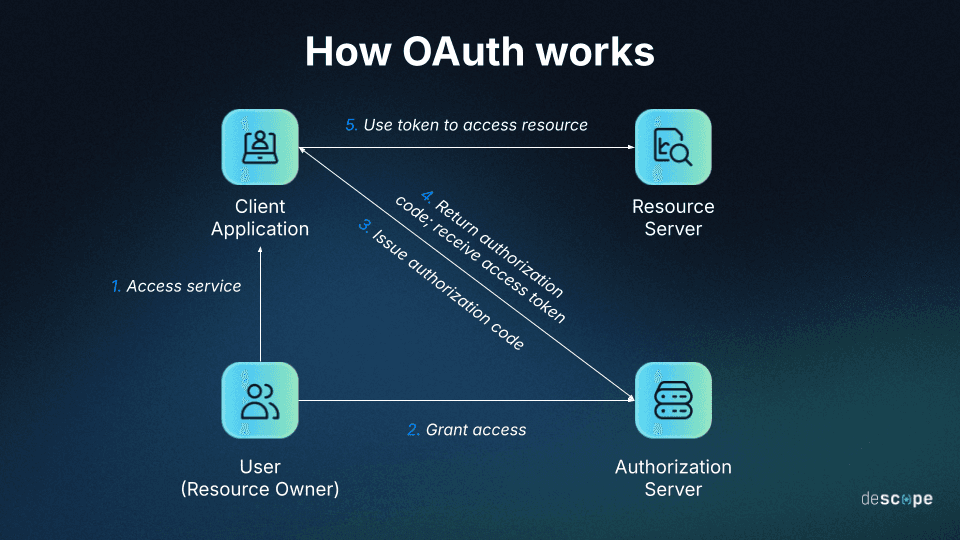
A critical bug in Claude Code version 2.1.107 is preventing new users from authenticating and existing users from re-authenticating. When running claude code auth, the process opens a browser window to claude.com, which successfully generates an authorization token. However, the terminal prompt that should accept the token—Paste code here if prompted >—fails completely.
Users report that pasting the token does nothing. Attempting to manually type the lengthy token also fails, as the interface seems to "validate" and return early after only a few characters are entered. This bug is specific to the OAuth frame within the terminal; pasting works normally everywhere else.
The Immediate Workaround — Manual Token Authentication
While Anthropic addresses the bug, you can bypass the broken OAuth flow entirely. Do not use the standard claude code auth command.
Instead, use the manual method:
Get Your Token Manually: Open your browser and go directly to
https://claude.ai/login. After logging in, you need to obtain an existing session token from your browser's cookies. The exact method varies, but a common approach is to:- Open your browser's Developer Tools (F12).
- Go to the Application or Storage tab.
- Find Cookies for
https://claude.ai. - Look for a cookie named
sessionKey. Copy its Value.
Authenticate Claude Code: In your terminal, run:
claude code auth --manualThis command will prompt you to paste the long
sessionKeyvalue directly. This prompt does not use the buggy OAuth frame and should accept the paste correctly.
What This Means For Your Workflow
If you are already authenticated, your claude code sessions should continue to work. This bug primarily blocks new installations and re-authentication events (e.g., after a token expires).
Until a fixed version is released (likely v2.1.108 or higher), avoid triggering a re-auth. If you must set up a new machine, the manual token method is your only viable path.
Note on Status: As reported, this issue was not initially reflected on Anthropic's official status page, causing frustration. Relying on community forums like Discord, Reddit, or Hacker News for immediate outage news remains a practical reality for many developer tools.
How to Stay Updated
- Check for CLI Updates: Regularly run
claude updateto get the latest version as soon as a fix is pushed. - Monitor Official Channels: Watch the Anthropic Status Page for service announcements.
- Community Sources: For real-time workarounds, developer communities on Discord (like the official Anthropic Discord) or subreddits are often the first to surface solutions.
This incident highlights a key vulnerability in the developer workflow: authentication is a single point of failure. Having a documented, manual fallback procedure is essential for any critical tool in your stack.