What the Data Shows
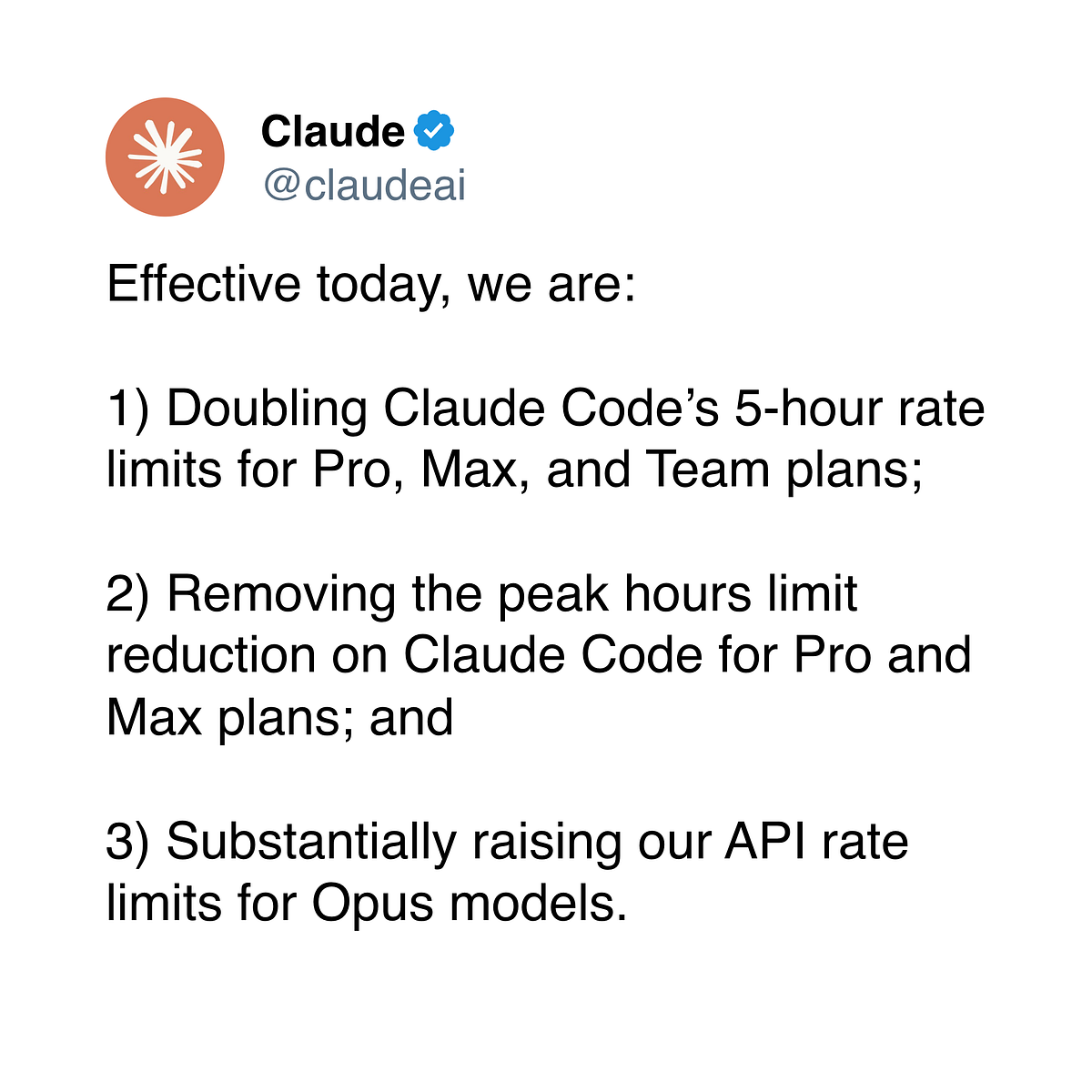
Independent tracking by developers reveals Anthropic is implementing silent token inflation—reducing the effective tokens available per session without changing the advertised context window limits. This means your claude code sessions might be hitting invisible caps sooner than expected, potentially cutting off complex tasks mid-execution.
The data comes from tracking thousands of sessions and shows Anthropic has been "visibly adjusting all 3 caps drastically over the last 3 days." While the UI still shows the same maximum context window (200K tokens for Claude 3.5 Sonnet), the actual usable tokens per session appear to be shrinking.
What This Means for Your Claude Code Workflow
When you run claude code with large projects or complex refactoring tasks, you might encounter:
- Premature session termination - Claude stops responding or loses context earlier than expected
- Reduced multi-file editing capacity - Fewer files can be loaded into context before hitting limits
- More frequent context resets - Need to restart sessions more often during long tasks
- Inefficient token usage - The same task that used to complete in one session now requires multiple
This follows Anthropic's recent expansion of Claude Code capabilities, including the Auto Mode preview and auto-fix features launched in March 2026. The company appears to be balancing increased usage against infrastructure costs.
How to Adapt Your Claude Code Usage
1. Use the /compact Flag More Aggressively
claude code --compact --project ./your-project
The --compact flag minimizes Claude's internal thinking tokens. With reduced effective tokens, this becomes essential for maximizing your actual coding capacity.
2. Implement Better CLAUDE.md Segmentation
Instead of one massive CLAUDE.md file, create task-specific instruction files:
# Structure your project like this:
CLAUDE-refactor.md
CLAUDE-debug.md
CLAUDE-tests.md

# Then run:
claude code --instructions CLAUDE-refactor.md
This allows you to load only the necessary context for each session, staying under the invisible caps.
3. Use MCP Servers for External Context
Model Context Protocol servers can help bypass some token limitations by providing context externally:
# Install and use MCP servers for:
# - Codebase search (instead of loading entire files)
# - Documentation lookup
# - API reference checking

claude code --mcp-server file-search --mcp-server docs
4. Monitor Your Own Usage
Add this to your shell profile to track approximate token usage:
# Rough token estimator for bash/zsh
function claude-token-check() {
  echo "Last session files: $(find . -name '*.md' -o -name '*.py' -o -name '*.js' | wc -l)"
  echo "CLAUDE.md size: $(wc -c < CLAUDE.md) bytes"
  echo "Approx tokens: $(( $(wc -c < CLAUDE.md) / 4 ))"
}
5. Break Large Tasks into Smaller Sessions
Instead of:
claude code "Refactor the entire authentication system and update all tests"
Do:
# Session 1
claude code "Refactor User model and service layer only"

# Session 2
claude code "Update authentication middleware"

# Session 3
claude code "Write tests for refactored components"
When This Matters Most
You'll notice the token inflation most when:
- Working with monorepos or large codebases
- Using Auto Mode for complex, multi-step tasks
- Running sessions that involve both code analysis and generation
- Working with Claude Agent integrations that chain multiple Claude Code sessions
The Bottom Line for Developers
Anthropic's silent token adjustments mean Claude Code users need to be more strategic about context management. While this might feel like a step backward, it's likely a temporary measure as Anthropic scales infrastructure. In the meantime, adopting these practices will keep your workflow productive.
Remember: This doesn't mean Claude Code is less capable—it means you need to work smarter with the tokens you have. The same powerful coding assistance is there; you just need to access it more efficiently.