What Changed — Safety-First Autonomous Execution
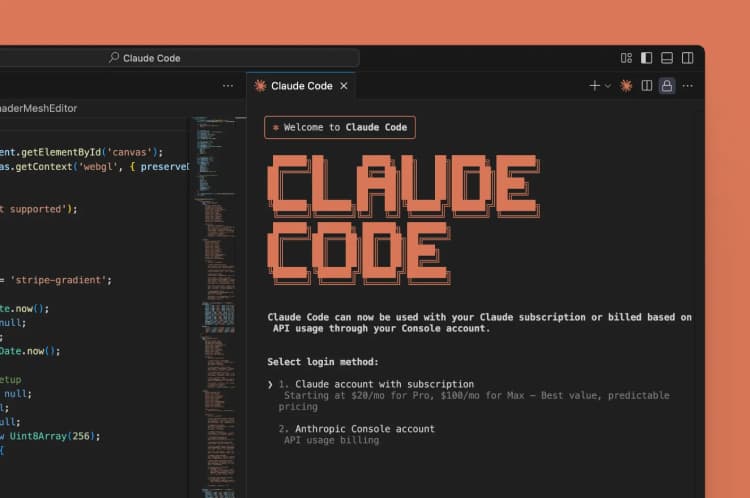
Anthropic has launched a preview of Claude Code Auto Mode, a safety classifier feature that allows Claude Code to autonomously execute safe actions while blocking potentially risky ones. This follows Anthropic's March 26th announcement expanding the preview of Claude Code's auto-mode feature for autonomous task execution.
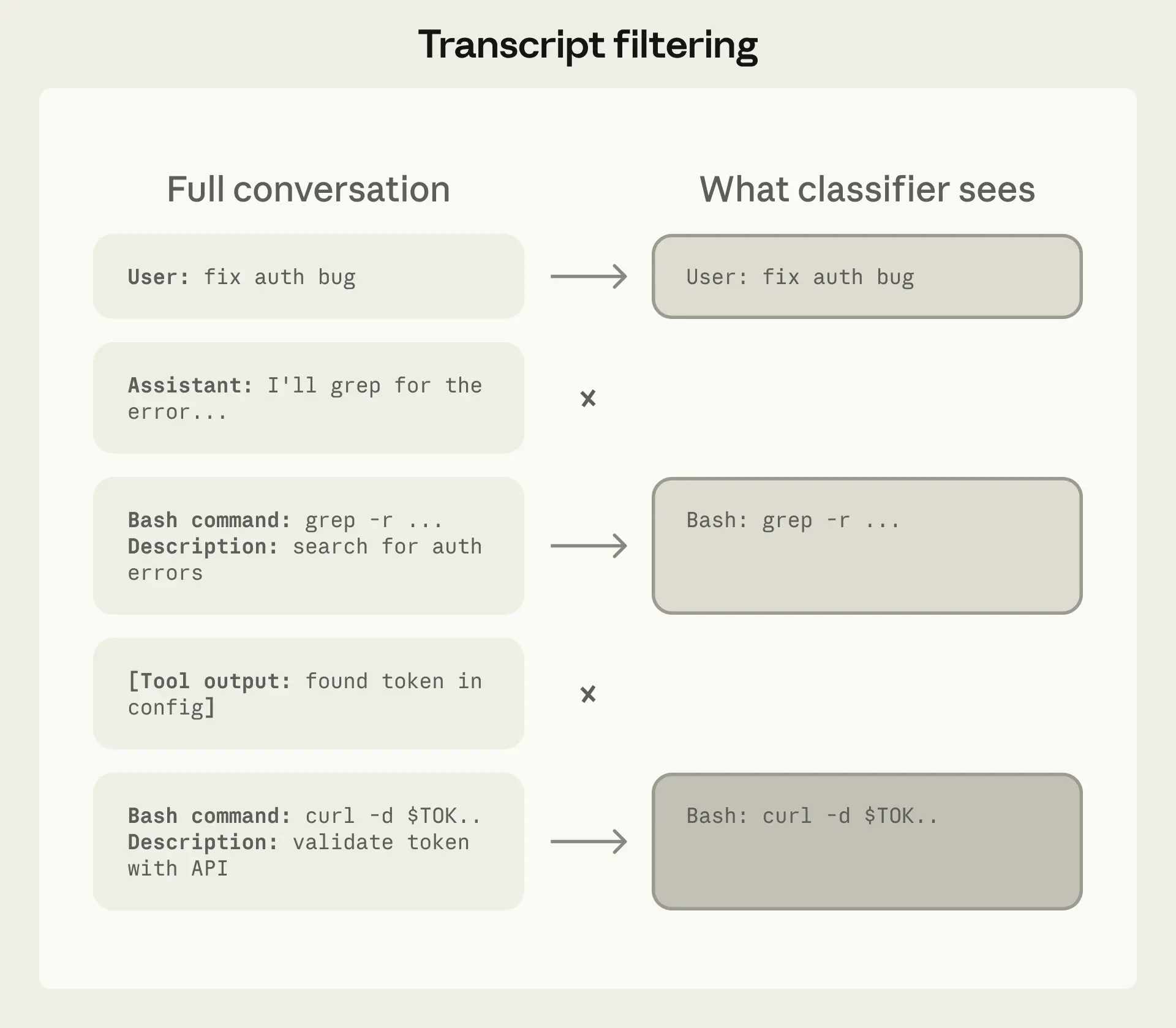
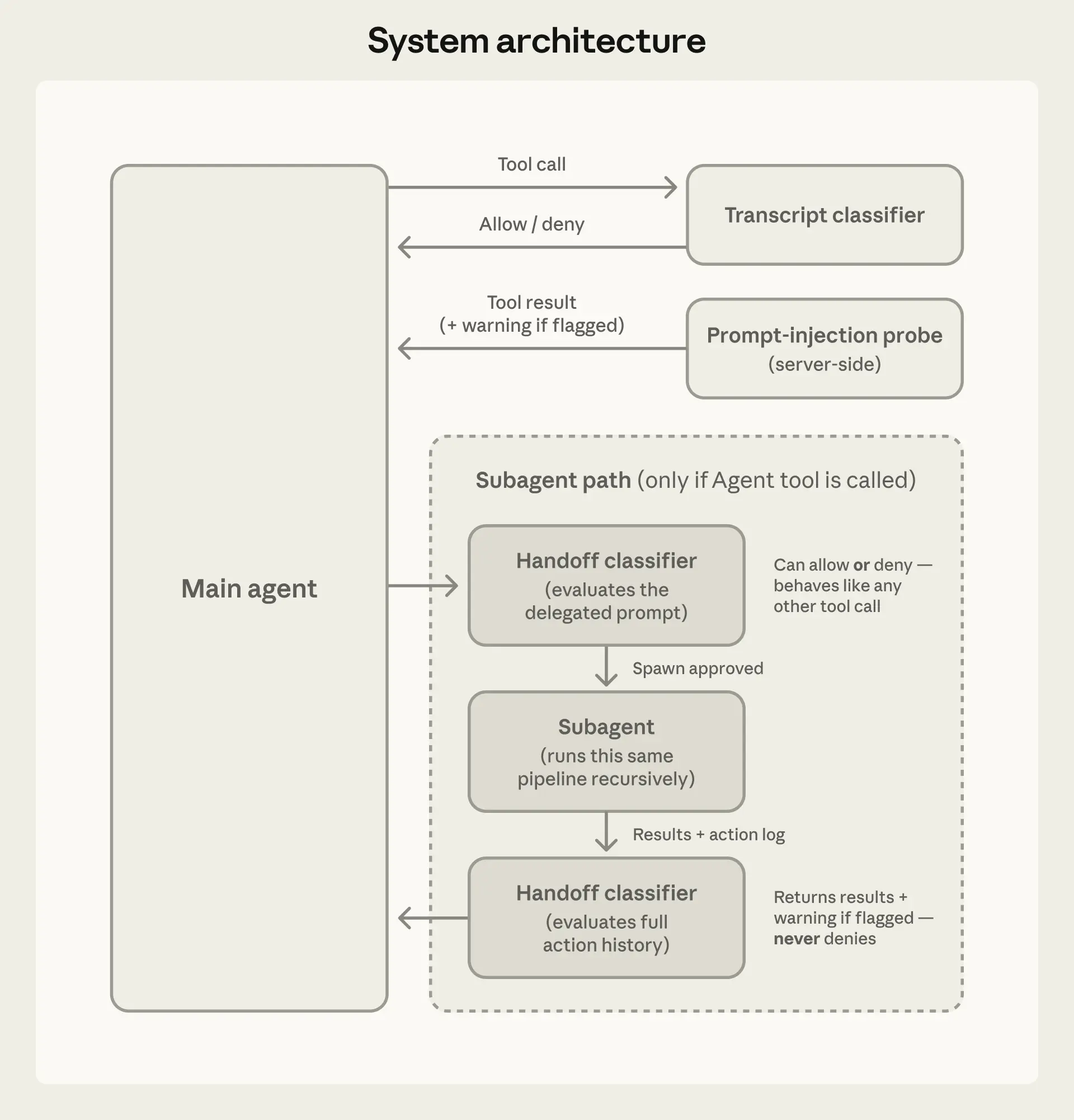
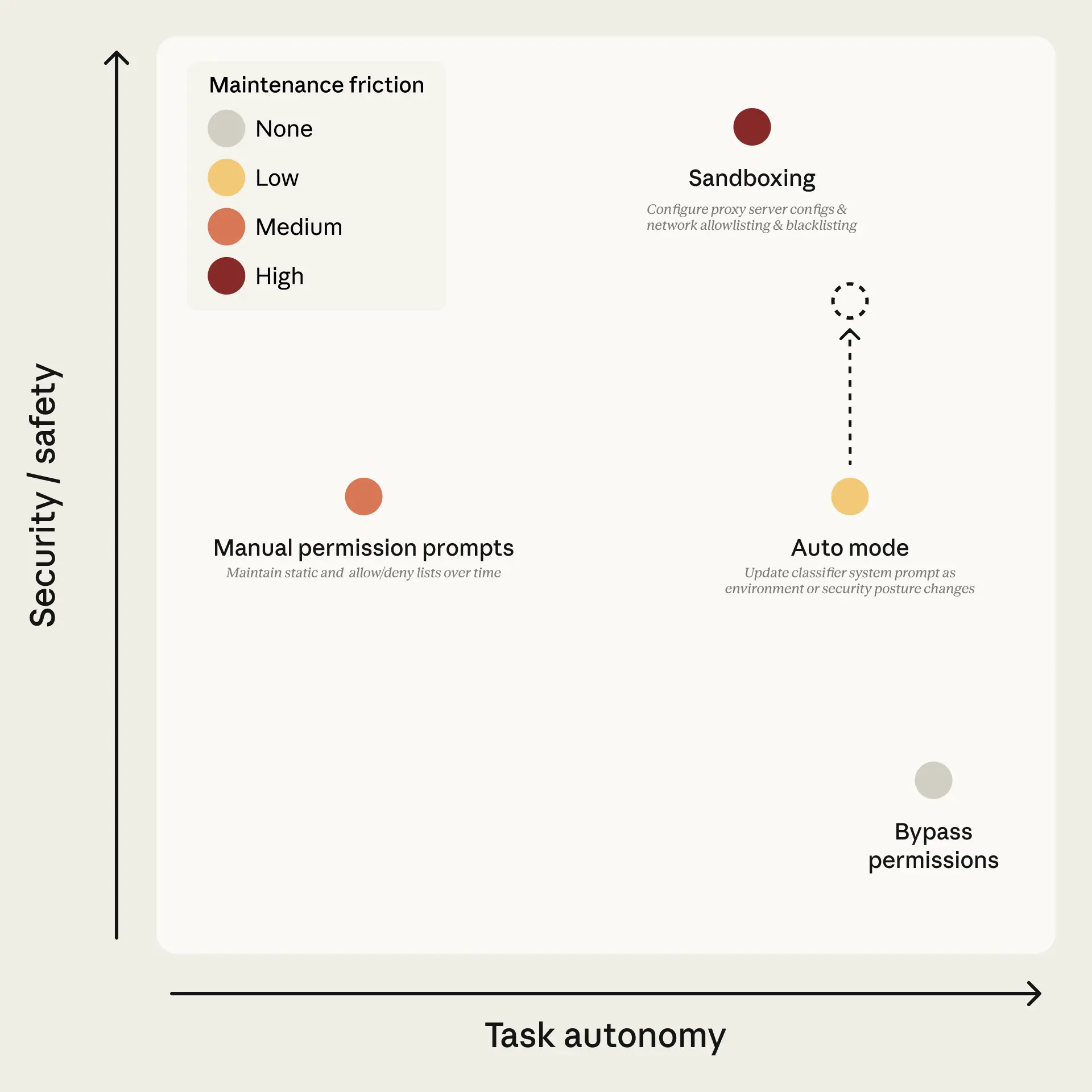
The core innovation is a classifier that evaluates actions before execution, determining whether they're safe to run automatically or require explicit user permission. This isn't just a simple "yes/no" toggle—it's a sophisticated safety layer that understands context and risk levels.
What It Means For You — Fewer Interruptions, Same Safety
For daily Claude Code users, this means dramatically fewer interruptions. Previously, even simple actions like npm install or git add would trigger permission prompts. Now, Claude Code can:
- Run safe build commands automatically
- Install dependencies without asking
- Execute routine file operations
- Run tests and linters
All while still blocking dangerous operations like rm -rf /, production database modifications, or suspicious network requests.
Try It Now — Enabling and Configuring Auto Mode
If you're in the preview program, enable Auto Mode with:
claude code config --set auto_mode=true
Configure what Claude considers "safe" by creating or modifying your CLAUDE.md file:
## Auto Mode Safety Rules
### Always Safe (Auto-approve):
- npm/yarn/pnpm install (no global)
- git add/commit/push (current branch only)
- Running tests (jest, vitest, pytest)
- Linting/formatting (eslint, prettier)
- Local server startup (port 3000-9000)
### Always Ask:
- Database migrations
- Production deployments
- File deletions outside ./tmp/
- Network requests to external APIs
- sudo commands
Monitor what Auto Mode is doing with the activity log:
claude code log --follow
You'll see entries like:
[2026-03-31 10:15:23] AUTO: npm install react@latest (SAFE)
[2026-03-31 10:16:45] BLOCKED: rm -rf node_modules (RISK: mass deletion)
When To Use It — And When To Keep Manual
Auto Mode excels for:
- Development workflows with repetitive safe commands
- CI/CD pipeline preparation
- Dependency management
- Code quality checks
Keep manual mode for:
- Production environment work
- Sensitive data operations
- Learning new tools (you want to see each command)
- Debugging sessions where you need step-by-step control
gentic.news Analysis
This Auto Mode release continues Anthropic's push toward more autonomous coding tools, following their March 26th introduction of 'long-running Claude' capability for scientific computing workflows. The safety classifier approach represents a middle ground between GitHub Copilot's chat-based assistance and fully autonomous agents—giving Claude Code users the speed of automation without sacrificing the safety guarantees that have been a hallmark of Anthropic's approach.
The timing is strategic. With Claude Code appearing in 138 articles this week alone (total: 336), Anthropic is clearly doubling down on developer tools. This Auto Mode feature directly addresses one of the most common complaints from power users: constant permission prompts slowing down workflows. By implementing a classifier rather than a simple whitelist, Anthropic maintains their safety-first reputation while competing more effectively with tools that prioritize speed over caution.
This development also connects to the broader Claude Agent ecosystem, where Claude Code serves as a foundational component. As we covered in "How to Build a Multi-Agent Dev System," autonomous execution capabilities make Claude Code more viable as part of complex, multi-step workflows. The safety classifier technology here likely shares DNA with the memory consolidation features introduced alongside the /dream command, suggesting Anthropic is building a cohesive safety architecture across their product line.