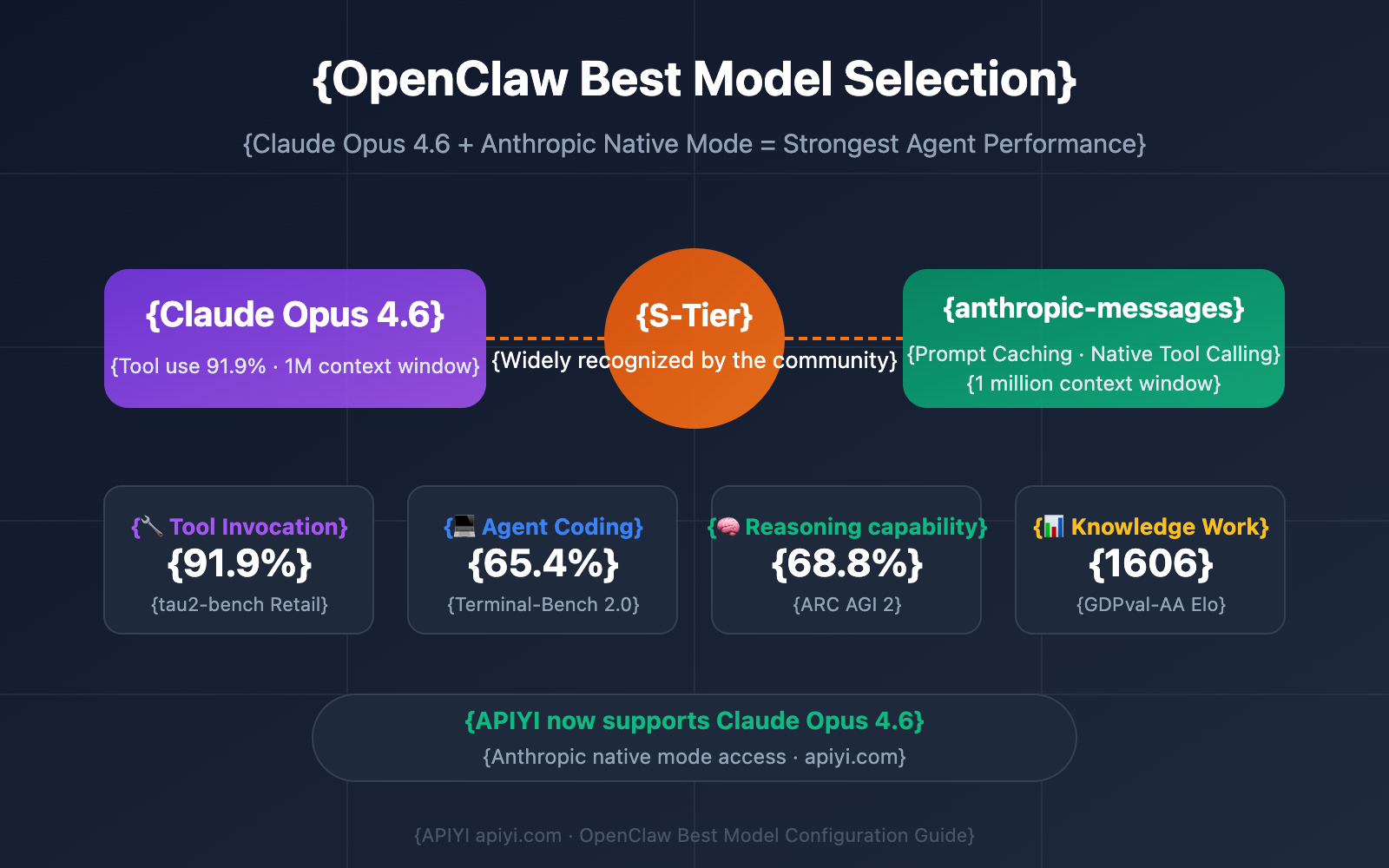
On March 27, 2026, Anthropic's status page reported elevated error rates affecting both Claude Opus 4.6 and Sonnet 4.6 models. For developers relying on Claude Code for daily work, this meant potential interruptions in agentic coding tasks, file edits, and terminal workflows.
What Happened — System-Wide Model Instability
Anthropic's automated monitoring system triggered multiple status updates indicating "Elevated error rates on Opus 4.6 and Sonnet 4.6." This wasn't an isolated incident—both primary coding models were affected simultaneously, suggesting infrastructure-level issues rather than model-specific problems.
The official incident page showed real-time updates, while the ClaudeAI subreddit's Performance Megathread became the community hub for developers sharing workarounds and confirming symptoms.
Immediate Workaround — Model Switching via CLI Flags
When your preferred model experiences errors, Claude Code provides built-in fallbacks. Instead of waiting for resolution, you can explicitly specify an alternative model using command-line flags:
# Switch from Opus 4.6 to Sonnet 4.6 (if available)
claude code --model sonnet-4.6 "refactor this authentication module"

# Or use the faster Claude 3.5 Haiku for simpler tasks
claude code --model claude-3-5-haiku-20241022 "write unit tests for this function"

# For complex reasoning tasks when Opus is down, try the previous Opus version
claude code --model opus-4.5 "analyze this production bug and suggest fixes"
This follows Claude Code's recent emphasis on structured prompting and context management—when the primary tool falters, having a backup workflow is essential.
Proactive Monitoring — Bookmark These Resources
Smart Claude Code users keep these resources readily accessible:
- Official Status Page: https://status.claude.com/
- Performance Megathread: The r/ClaudeAI community thread for real-user reports
- Model Availability Check: Before starting a long session, run a quick test:
claude code --model opus-4.6 "echo 'model test'"
If you receive errors or timeouts, switch models immediately rather than troubleshooting connectivity or prompt engineering.
Adjust Your Expectations — Model Capabilities Vary
Remember that different Claude models have different strengths. During Opus 4.6 outages:
- Sonnet 4.6 handles most coding tasks well but may struggle with extremely complex reasoning
- Haiku is excellent for quick edits, simple refactors, and boilerplate generation
- Opus 4.5 (if available) provides closer capability to 4.6 for complex problems
Adjust your task decomposition accordingly. Break complex Opus-level tasks into smaller Sonnet-manageable chunks during outages.
Long-Term Strategy — Model-Agnostic CLAUDE.md Files
Make your project's CLAUDE.md files robust to model changes. Include explicit instructions that work across Claude's model family:
## Project Context (Model-Agnostic)
- Code style: ES2023 with TypeScript strict mode
- Testing: Jest with React Testing Library
- Key patterns: Repository pattern for data access

## Task Instructions
1. Always write tests for new functions
2. Document complex business logic
3. Keep functions under 50 lines
Avoid prompts that assume Opus-level reasoning capabilities. This ensures continuity when you need to switch models temporarily.
This incident highlights the importance of understanding Claude Code's multi-model architecture. While Opus 4.6 is the flagship for complex coding tasks, the entire Claude family provides fallback options that keep you productive during infrastructure issues.