What Changed — Claude Sonnet 4.6 Launches
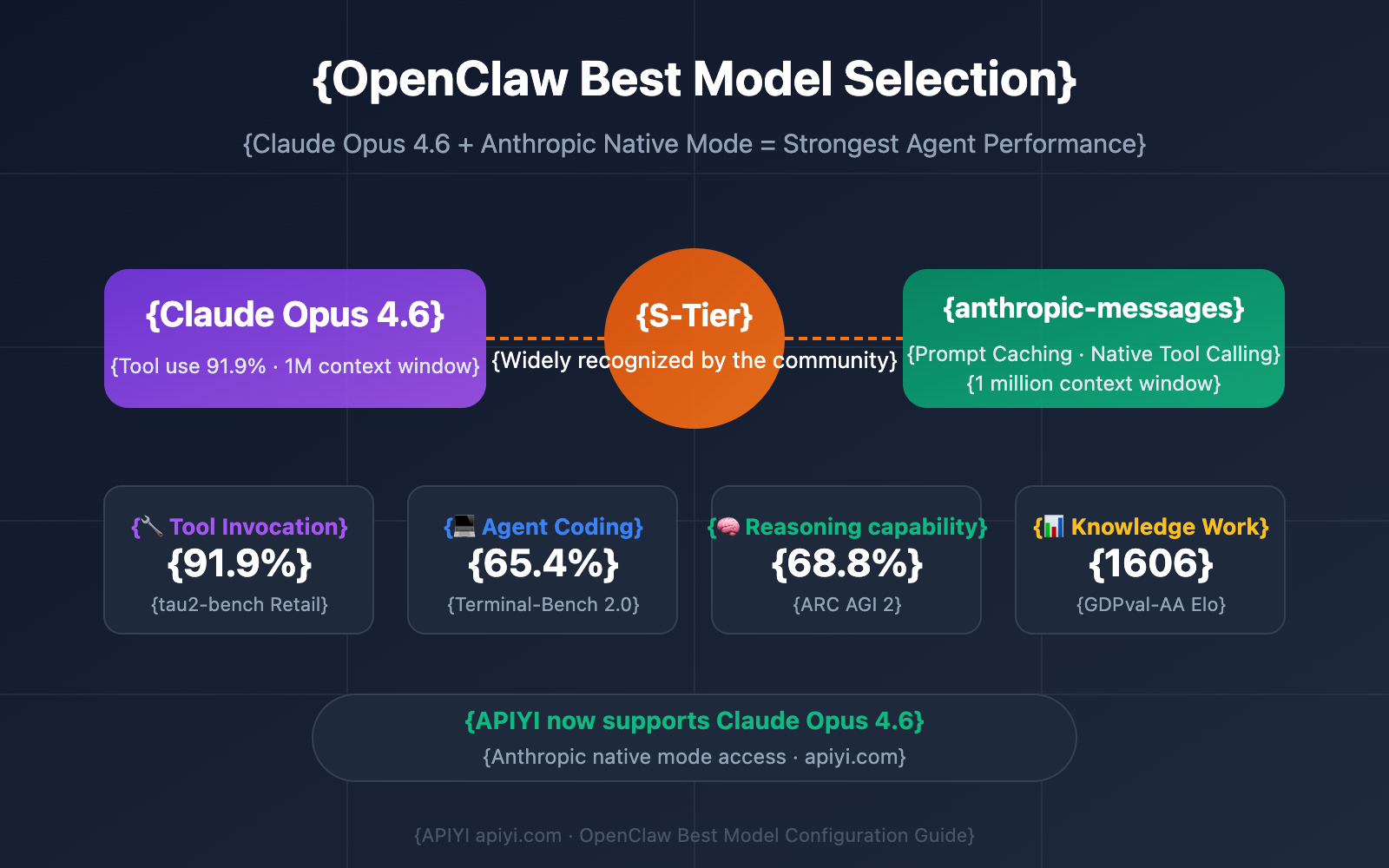
Anthropic has launched Claude Sonnet 4.6, positioning it as a "budget price, flagship-level performance" model. This continues their push on model boundaries, offering developers a new, cost-effective tier within the Claude 4.6 family that sits between the existing Sonnet and Opus models in capability.
What It Means For Your Claude Code Workflow
For daily Claude Code users, this is a direct upgrade to your default model choice. Sonnet 4.6 is designed to deliver performance close to the flagship Claude Opus 4.6 but at the lower cost associated with the Sonnet tier. This changes the token economics of your coding sessions. You can now tackle more complex reasoning tasks—like refactoring large codebases, debugging intricate logic, or designing system architecture—without automatically defaulting to the most expensive Opus model. It effectively raises the bar for what's considered a "cost-effective" coding task.
How To Configure Claude Code for Sonnet 4.6
To start using Claude Sonnet 4.6, you need to update your Claude Code configuration. The model identifier is typically claude-3-5-sonnet-4.6 or a similar variant.
- Check your current config: Run
claude code configto see your active model. - Set the new model: Use the CLI to configure it globally:
Or, set it for a specific project by creating or modifying aclaude code config --model claude-3-5-sonnet-4.6CLAUDE.mdfile in your project root and adding:<!-- CLAUDE.md --> Model: claude-3-5-sonnet-4.6 - Test the performance: Run a benchmark task you'd normally reserve for Opus, like generating a complex data pipeline or asking for a deep analysis of a performance bottleneck. Compare the output quality and token usage in your session history.
A New Strategy for Model Selection
With three capable 4.6 models (Haiku, Sonnet, Opus), your model selection strategy should become more granular:
- Claude 3.5 Haiku 4.6: Keep for ultra-fast, simple file operations, syntax corrections, and quick queries.
- Claude Sonnet 4.6: Make this your new default. Use it for feature implementation, most debugging, code reviews, and documentation.
- Claude Opus 4.6: Reserve for the most complex, multi-step problems where the absolute highest reasoning capability is required, such as designing a new subsystem from scratch or solving a weeks-old bug with minimal context.
This tiered approach maximizes the performance-per-dollar across your entire development workflow.