What Changed — The Redesigned Desktop App
Anthropic has released a significant redesign of the Claude Code desktop application, moving from a single-session interface to a parallel session model. The most notable new feature is "Routines"—pre-configured, reusable workflow templates that automate multi-step development processes. This redesign fundamentally changes how developers interact with Claude Code during complex tasks.
What It Means For You — Concrete Impact on Daily Usage
Parallel Sessions: You can now maintain multiple, independent conversations with Claude Code simultaneously. This means you can work on debugging one feature in Session A while designing a new API in Session B, without context bleed or having to restart conversations. Each session maintains its own chat history, file context, and state.
Routines: These are the game-changer. Routines let you save and replay complex multi-step workflows. For example:
- A "Code Review" Routine that automatically checks style, tests, and security
- A "Refactor" Routine that analyzes, suggests improvements, and applies changes
- A "Documentation" Routine that generates READMEs, API docs, and inline comments
Once created, Routines appear as clickable buttons in your interface, turning hours of manual prompting into one-click operations.
Enterprise Focus: The redesign emphasizes team usage with better project management, shared Routine libraries, and administrative controls—though individual developers benefit immediately from the core features.
Try It Now — How to Use These Features
1. Download the Update:
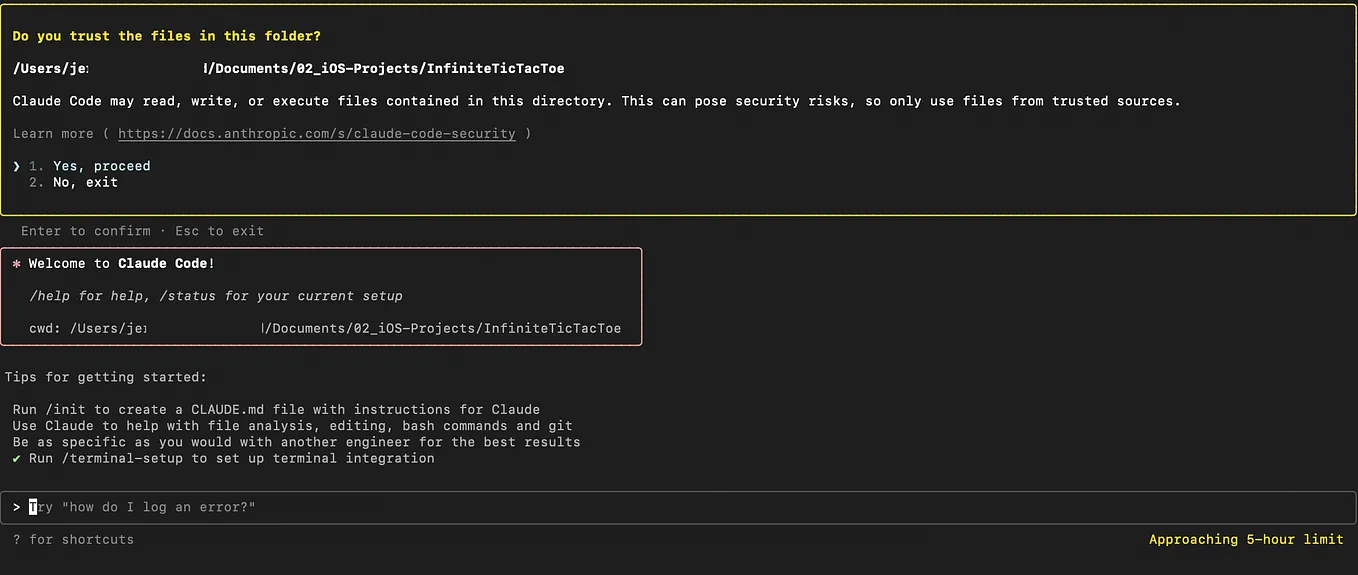
If you haven't been prompted, download the latest version from claude.ai/code. The new interface should be immediately apparent.
2. Create Your First Routine:
Start a new session and build a workflow you repeat often. For example, a "New Feature Setup" Routine might:
1. Analyze the current codebase structure
2. Create appropriate directory/file scaffolding
3. Generate boilerplate code with proper imports
4. Write initial tests
5. Update relevant configuration files
After walking through these steps manually once, click "Save as Routine" in the session menu. Name it clearly (e.g., "React Component Scaffold") and add tags for organization.
3. Use Parallel Sessions Effectively:
- Session 1: Main feature development
- Session 2: Debugging a specific issue
- Session 3: Documentation writing
Use the new session switcher (top bar) to jump between them. Each session can have different files attached and different conversation contexts.
4. Optimize Token Usage:
Parallel sessions mean you're maintaining multiple contexts simultaneously, which can increase token usage. Be strategic:
- Use
/compactin sessions where you don't need full history - Attach only relevant files to each session
- Close sessions when done instead of leaving them idle
5. Build a Personal Routine Library:
Start with these essential Routines:
- Code Review Assistant: Automated linting, vulnerability check, test coverage analysis
- Migration Helper: Database schema updates, API version transitions
- Deployment Checklist: Pre-deploy validation, configuration checks, rollback planning
The Bottom Line
This isn't just a UI refresh—it's a fundamental shift from Claude Code as a conversational assistant to Claude Code as a workflow automation platform. The ability to save and replay complex processes turns repetitive multi-hour tasks into one-click operations, while parallel sessions eliminate the frustrating context-switching penalty developers face daily.
For teams, the shared Routine libraries could standardize code quality and onboarding processes. For individual developers, it's about eliminating busywork and maintaining flow state across multiple concurrent tasks.
Update your app, build your first Routine today, and start treating Claude Code less like a chat interface and more like a programmable development environment.