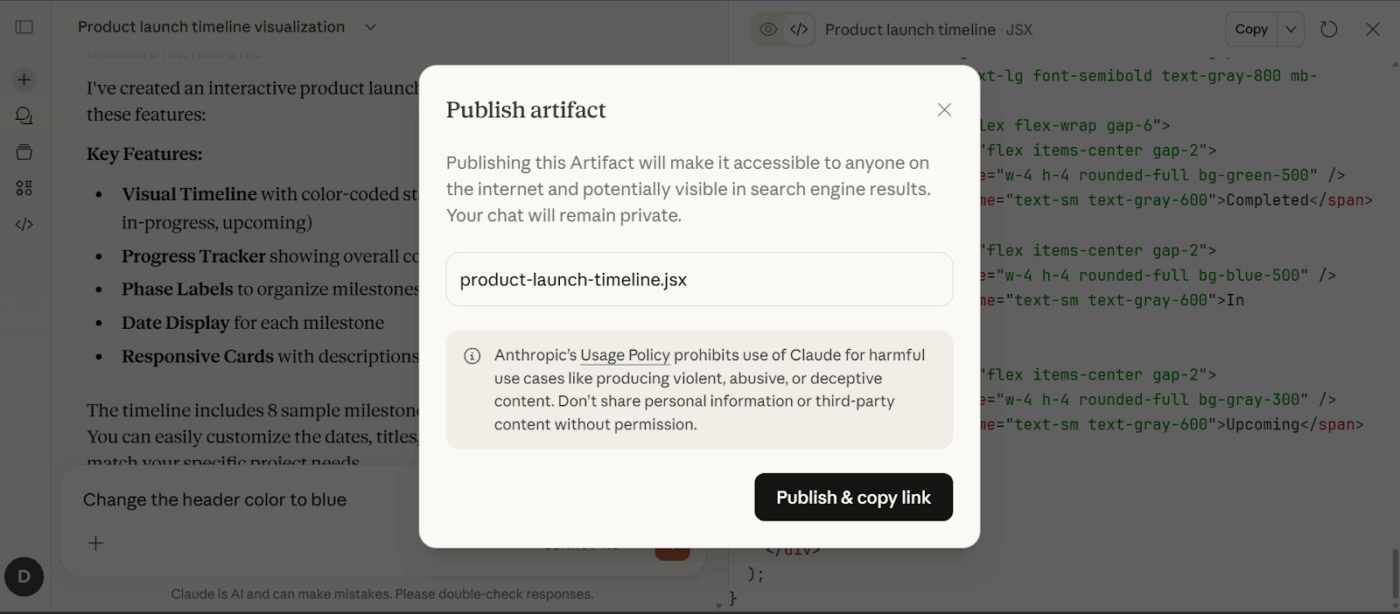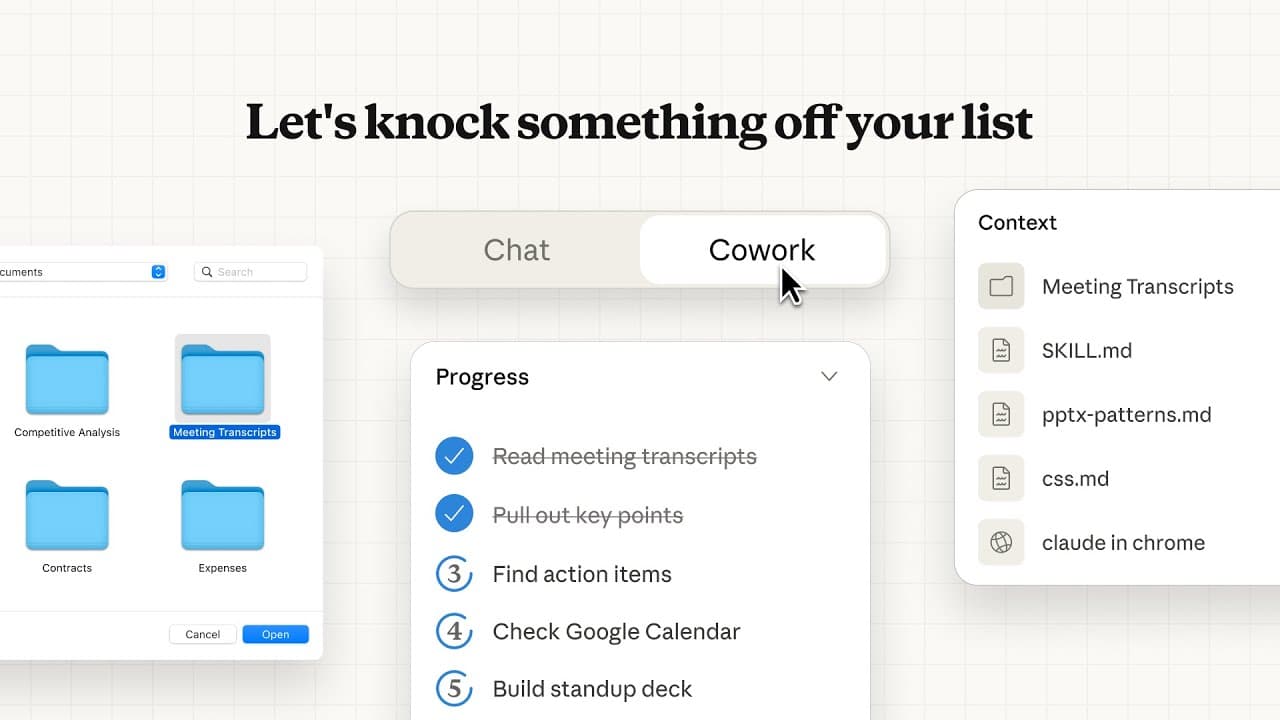
Anthropic has rolled out a significant update to its Claude Cowork collaborative AI workspace, enabling the Claude AI assistant to build live artifacts—specifically dashboards and trackers—that connect directly to a user's applications and files.
Key Takeaways
- Anthropic expanded its Claude Cowork collaborative workspace with live artifacts.
- Users can now create dashboards and trackers that pull live data from connected apps and files.
What Happened
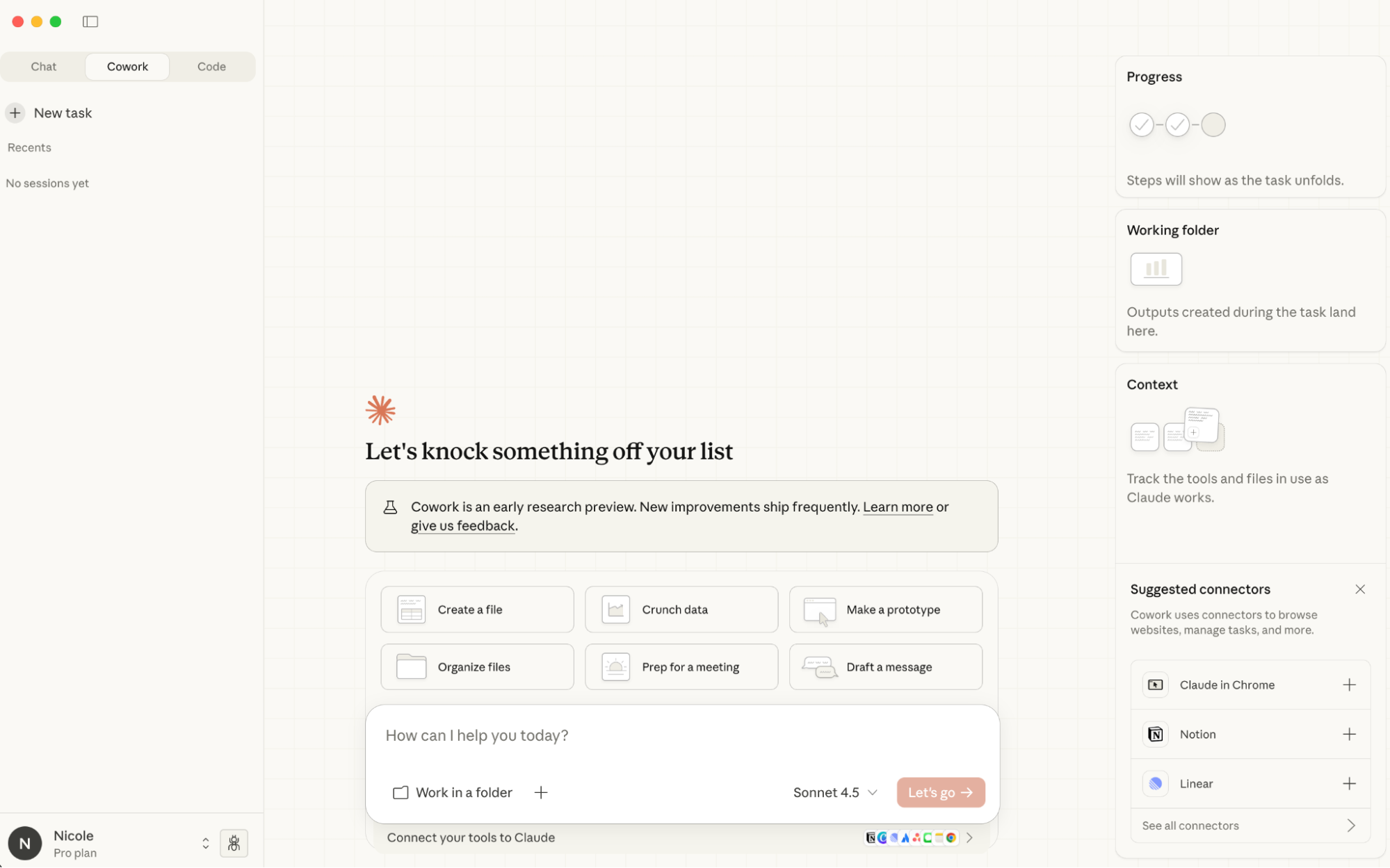
According to an announcement from the official Claude AI account, shared by developer Boris Cherny, the new feature allows users within the Cowork environment to "open one any time" to create these connected data visualizations. The core capability is that these are not static snapshots; they are described as "live" and "connected to your apps and files." This suggests a direct data pipeline from external sources (like databases, SaaS tools, or local files) into a dashboard built and managed by Claude.
Context
Claude Cowork is Anthropic's answer to collaborative AI agent spaces like ChatGPT's GPTs or custom assistants. It's designed as a persistent workspace where users can work alongside Claude on long-running projects, with context and files maintained across sessions. The addition of live artifacts represents a move beyond text generation and file analysis toward dynamic, data-driven tool creation within the workspace.
While specific technical details on the connectors or supported apps were not provided in the brief announcement, the feature implies an expansion of Claude's tool-use and API calling capabilities within Cowork. Instead of just analyzing a CSV file, Claude could now presumably build a dashboard that refreshes its metrics from that CSV (or a connected Google Sheet, Airtable base, etc.) on demand.
What This Means in Practice
For technical users, this could streamline monitoring and reporting workflows. A developer could ask Claude to "create a dashboard tracking our API error rates from Datadog and deployment frequency from GitHub," and Claude would build a live view within Cowork. A product manager could have a tracker for key metrics pulled from Mixpanel or Salesforce. The promise is interactive data environments built through natural language, reducing the need to switch between BI tools, spreadsheets, and the AI workspace.
Limitations & Open Questions
The announcement is light on implementation specifics. Key unknowns include:
- Authentication & Security: How does Claude securely connect to external apps? Is it via OAuth, API keys stored in Cowork, or a more limited set of pre-integrated services?
- Supported Data Sources: Which "apps and files" are currently connectable?
- Customization & Complexity: How configurable are these dashboards? Can they handle complex joins or data transformations?
gentic.news Analysis
This update is a direct competitive move in the rapidly evolving AI agent workspace arena. It follows Anthropic's pattern of methodically expanding Claude's capabilities from a pure chat interface toward a multifaceted assistant platform. Historically, we've seen this progression with the launch of the Claude API, then Claude Pro for longer contexts, the introduction of the Cowork concept itself, and now the integration of live data tools.
This aligns with a broader industry trend we identified in our analysis of Cognition Labs' Devin and other AI software engineers—the shift from AI as a code generator to AI as an active, persistent manager of digital workflows. While Devin focuses on executing entire software projects, Claude Cowork with live artifacts is positioning Claude as the central hub for ongoing data monitoring and project tracking. It's a more incremental, assistive approach compared to full autonomy, which may appeal to enterprises concerned with control and oversight.
The feature also subtly pressures competitors like OpenAI's ChatGPT, which offers custom GPTs and file analysis but lacks a dedicated persistent workspace with this level of integrated, live data tooling. Microsoft's Copilot in Microsoft 365 has deep app integration but is tied to the Microsoft ecosystem. Claude Cowork's live artifacts could be an attempt to create a best-of-both-worlds environment: the general-purpose reasoning of a frontier LLM with deep, live connections to a user's specific tools.
For practitioners, the key takeaway is the convergence of data visualization and natural language interfaces. The ability to spin up a dashboard with a prompt significantly lowers the barrier to data monitoring but raises questions about data governance and accuracy. Teams experimenting with AI agents should watch how securely and reliably these live connections are implemented, as this will be the major hurdle for enterprise adoption.
Frequently Asked Questions
What is Claude Cowork?
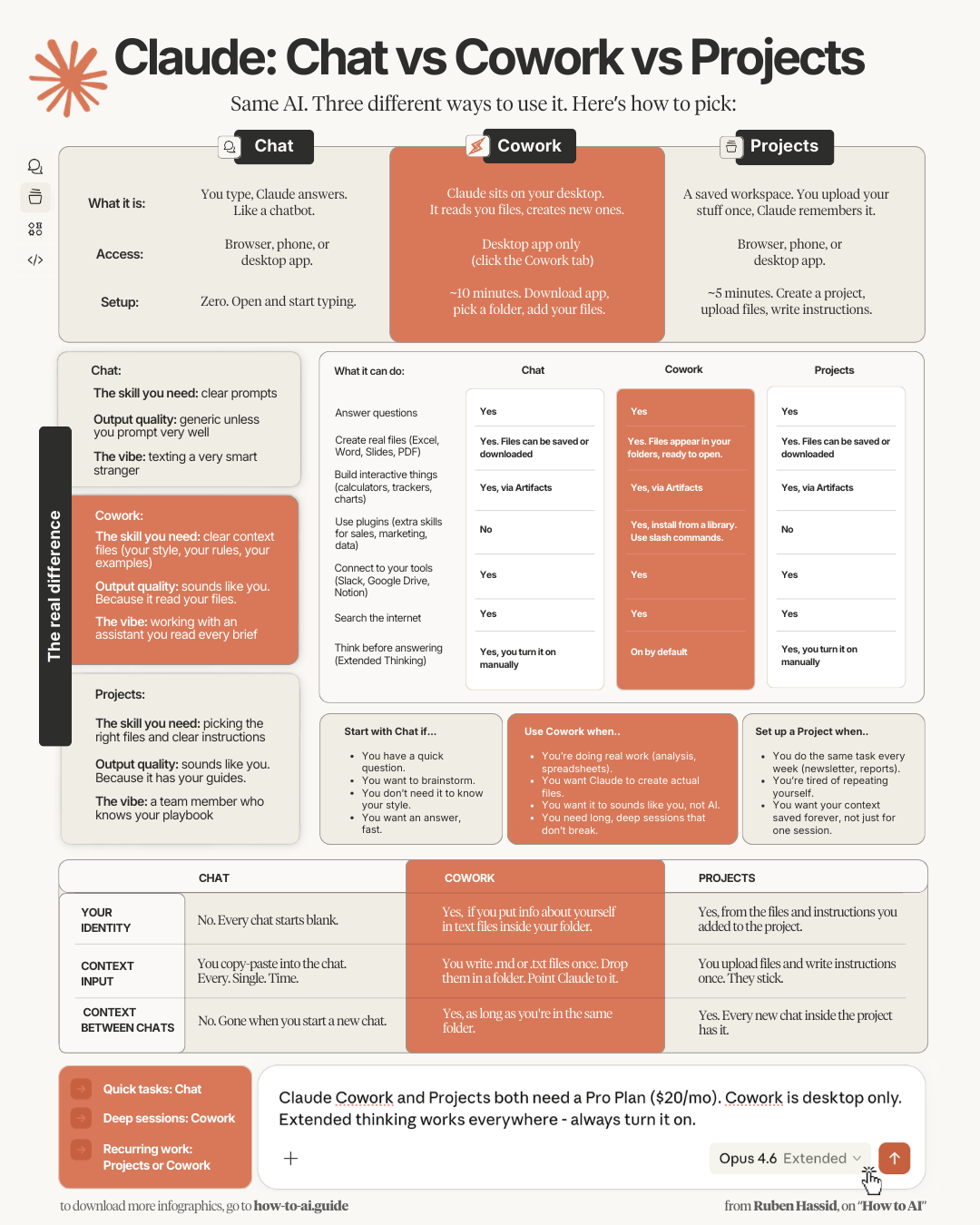
Claude Cowork is Anthropic's collaborative workspace for the Claude AI assistant. It's a persistent environment where users can work on projects with Claude, maintaining context, uploaded files, and conversation history across sessions, similar to a dedicated project room with an AI partner.
What are "live artifacts" in Claude Cowork?
Live artifacts are dynamic data visualizations—like dashboards and trackers—that Claude can now build within Cowork. They are called "live" because they connect directly to external applications and files, pulling in updated data rather than displaying a static snapshot.
Which apps and files can Claude connect to for dashboards?
The initial announcement did not provide a specific list of supported applications or file types. The feature suggests integration with common data sources, but users will need to check within Claude Cowork to see the available connectors for services like Google Sheets, databases, or SaaS analytics platforms.
Is this feature available to all Claude users?
The announcement was made via the official Claude AI channel, indicating a general rollout. However, access may depend on your Claude subscription tier (e.g., Claude Pro). The feature is part of the Cowork environment, so users likely need access to Cowork to use it.