We've all been there: you hit a cryptic error, paste it into Google, and end up on a Stack Overflow thread from 2019. The accepted answer uses a deprecated API. The comments say "this doesn't work anymore." And your AI assistant confidently generates a fix based on that same outdated answer.
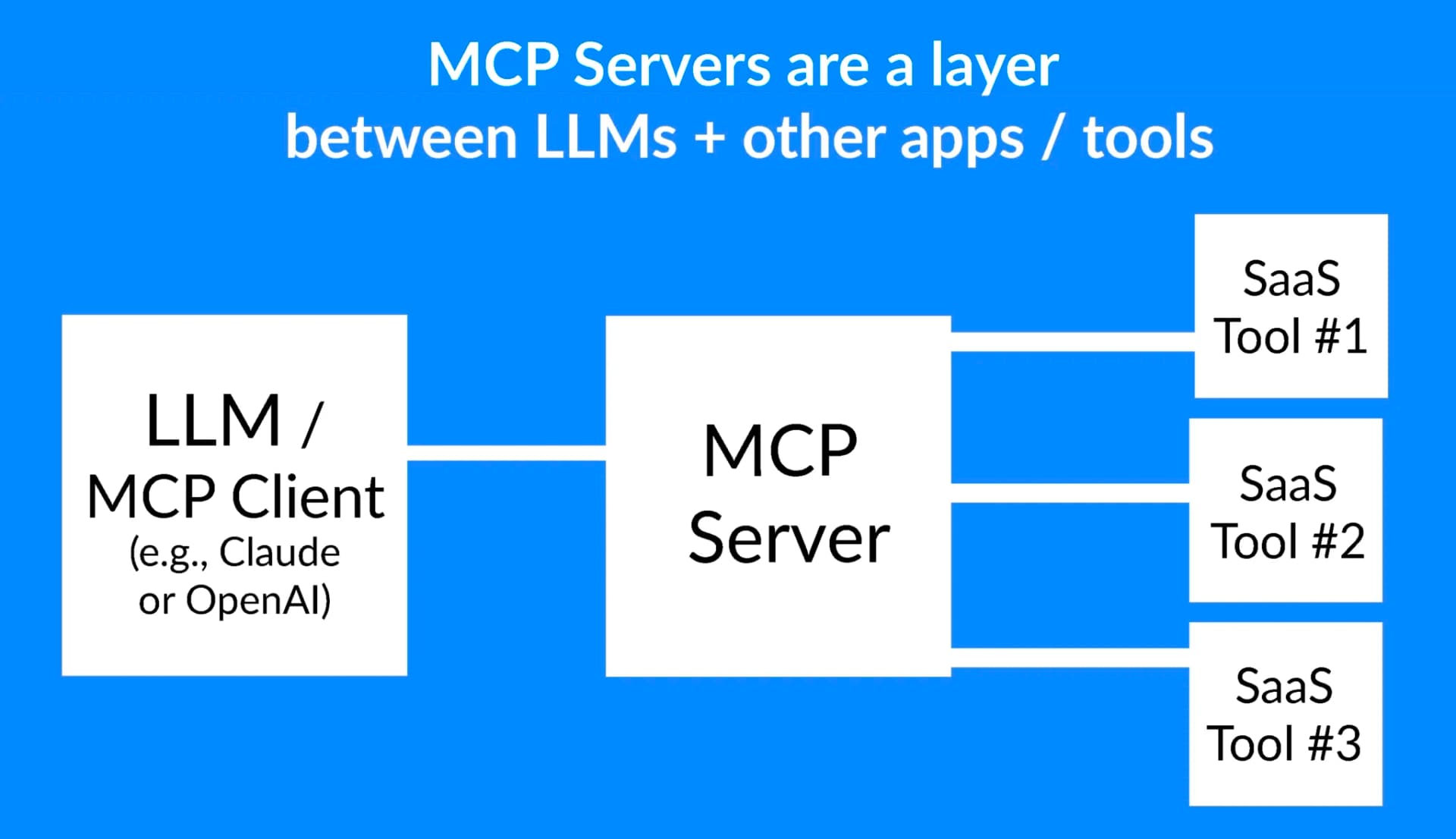
DevFix is a new MCP server designed specifically to break this loop. It's a structured problem→solution knowledge base that's both human-readable and machine-queryable via MCP, giving Claude Code access to version-aware, community-verified solutions.
What It Does — Structured Knowledge for AI Agents
DevFix enforces a strict structure that makes solutions both human-readable and machine-queryable. Every solution has:
- Problem and symptoms
- Tech stack with specific versions
- Solution with code snippet
- Caveats and verification status
This structure solves the core problem with existing sources: Stack Overflow is often stale, GitHub issues are buried in threads, and LLMs have training cutoffs. DevFix's version-aware solutions ensure Claude Code isn't suggesting fixes for Python 2 when you're on Python 3.11.
Setup — How to Install and Configure with Claude Code
DevFix is available as an MCP server. To add it to your Claude Code setup:
- Check if you have MCP enabled in your Claude Code settings
- Add the DevFix server to your configuration:
// In your Claude Code MCP configuration
{
  "mcpServers": {
    "devfix": {
      "command": "npx",
      "args": ["-y", "@devfix/mcp-server"],
      "env": {
        "DEVFIX_API_KEY": "your_api_key_here"
      }
    }
  }
}
- Restart Claude Code and the DevFix tools will be available
No browser tabs, no copy-paste between windows. The agent never leaves your terminal.
When To Use It — Specific Use Cases Where It Shines
1. Debugging Framework-Specific Errors
When you get an error like "Docker container cannot resolve host.docker.internal on Linux" or "Kotlin Multiplatform iOS build throws 'Undefined symbols for architecture arm64'", Claude Code can call search_solutions with the exact error text. DevFix returns ranked matches with similarity scores, then you can get the full solution via get_solution.
2. Version-Specific Configuration Issues
Trying to configure Next.js 15 with a specific database adapter? Searching for "Next.js 15 PostgreSQL connection" returns solutions tagged with those exact versions, not generic database connection advice.
3. Contributing Back When You Solve Something New
When Claude Code helps you solve a novel problem, it can ask: "Want me to submit this solution to DevFix?" With your approval, it calls submit_solution with the structured data. Your solution starts as "unverified" and gets labeled "submitted by agent" — but duplicate detection prevents spam by checking for >90% similar existing solutions.
The 4 MCP Tools Exposed
DevFix provides four specific tools via MCP:
1. search_solutions — Semantic Search
No keyword matching. Your query gets embedded into a 384-dimensional vector and compared against all solutions using cosine similarity via pgvector. Results come back ranked with similarity scores.
2. get_solution — Full Solution by ID
Returns the complete solution record: problem, symptoms, stack, code snippet, caveats, vote counts, verification status.
3. submit_solution — Contribute Back
Agents can submit solutions with guardrails: they always start as "unverified," agent submissions are labeled, duplicate detection prevents spam, and agents must ask the user first.
4. vote_solution — Community Verification
Three vote types: works, outdated, wrong. When a solution reaches 3+ "works" votes, it automatically upgrades to "community_verified" status.
How It Actually Works: The Agent Flow
Here's a real scenario:
- You're debugging a Kotlin Multiplatform iOS build. The linker throws
Undefined symbols for architecture arm64 - Your Claude Code agent calls
search_solutionswith the error text - DevFix returns a ranked list of matching solutions with similarity scores
- The agent reads the top match via
get_solution— it includes a code fix forbuild.gradle.kts - The agent applies the fix
- Later, if the agent solves a new problem, it asks you: "Want me to submit this solution to DevFix?" → calls
submit_solutionwith your approval
Why This Matters for Claude Code Users
This represents a shift from Claude Code being limited to its training data (with a cutoff) to having access to live, structured, version-aware knowledge. Instead of Claude Code hallucinating a solution based on outdated patterns it learned during training, it can now query a database of verified, current solutions.
The semantic search with pgvector means you don't need to craft the perfect search query. Paste the error message verbatim, and DevFix finds similar problems based on meaning, not just keywords.
Security Considerations
With the MCP ecosystem growing rapidly (over 5,000 servers indexed according to CraftedTrust's analysis), security matters. DevFix's approach of running embeddings locally with all-MiniLM-L6-v2 Sentence Transformer means no API calls to external services for the semantic search component. The MCP server communicates with DevFix's API, but the vectorization happens on their infrastructure, not yours.
When evaluating any MCP server, consider:
- Does it require sensitive API keys?
- What data does it send externally?
- Is the source code available for review?
DevFix appears to follow good practices with its structured submission flow and verification system, but always review the security implications before adding any MCP server to your workflow.



