What Changed — Evinced Proves Agentic A11y Fixes Are Production-Ready
Evinced, an accessibility testing company, announced they've harnessed agentic coding to automatically and reliably fix accessibility problems at scale. Their approach uses AI agents to scan codebases for WCAG violations, then apply automated patches — reducing manual QA time by up to 90%.
This isn't a new Claude Code feature. But it's a workflow pattern you can replicate today using tools already available: the axe-core MCP server and Claude Code's agentic loop.
What It Means For You — Your Claude Code Setup Is Already Capable
If you've been manually fixing a11y issues (alt text, ARIA attributes, color contrast), you're leaving time on the table. Claude Code can do this automatically, the same way Evinced does, with three components:
- An MCP server that runs accessibility scans (axe-core)
- Claude Code's agentic loop that iterates on findings
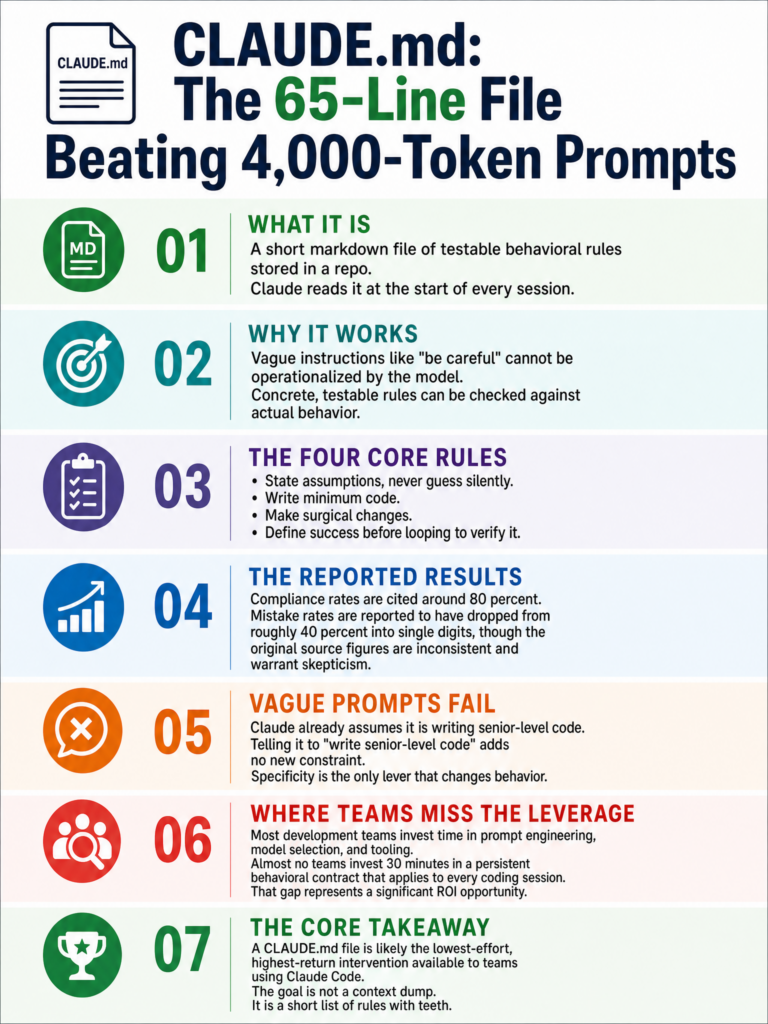
- A CLAUDE.md rule that enforces a11y standards on every commit
Try It Now — Replicate Evinced's Workflow in 5 Minutes
Step 1: Install the axe-core MCP Server
Add this to your claude.json or run directly:
# Install the MCP server globally
npm install -g @axe-core/mcp

# Add to claude.json
claude config add mcp --json '{
  "name": "axe-core",
  "command": "npx",
  "args": ["-y", "@axe-core/mcp"]
}'
Step 2: Scan and Fix in One Command
claude code --mcp axe-core "Scan all HTML and JSX files in this project for WCAG 2.2 violations. For each issue found, apply an automated fix using the axe-core MCP server. Output a summary of fixes applied."
Claude Code will:
- Run axe-core against your components
- Identify violations (missing labels, insufficient contrast, missing ARIA)
- Apply patches directly to your source files
- Summarize what changed
Step 3: Make It Automatic with CLAUDE.md
Add this to your CLAUDE.md to enforce a11y on every code change:
## Accessibility Standards

Before completing any task that modifies UI components:
1. Run `claude code --mcp axe-core "Check modified files for a11y issues"`
2. Fix all Level A and AA violations automatically
3. Do not mark a task complete until axe-core reports zero critical errors
Step 4: Batch Fix Your Entire Codebase
For existing projects, run a one-time sweep:
claude code --mcp axe-core "Run a full accessibility audit on this project. Group violations by type (missing alt text, missing labels, color contrast). Fix each group in order of severity (critical first). Commit each group separately with descriptive messages."
Why This Works — The Agentic Pattern
Evinced's secret isn't a custom model — it's the feedback loop: scan → diagnose → fix → verify. Claude Code's MCP architecture gives you this exact loop:
- Scan: axe-core runs the same engine used by browser devtools
- Diagnose: Claude interprets violations in context (which component, which line)
- Fix: Claude applies the correct ARIA attribute, label, or contrast adjustment
- Verify: axe-core re-scans to confirm the fix passes
This catches ~80% of common WCAG violations automatically. The remaining 20% (complex focus management, dynamic content) still need human review — but you've just eliminated 4 out of 5 tickets.
Pro Tips
- Start with
jsx-a11ylint rules in your ESLint config before the MCP approach — it catches surface-level issues faster - For React projects, add this to your prompt: "Use React-specific patterns:
aria-labelon buttons,htmlForon labels, semantic<nav>and<main>elements" - For design systems, create a CLAUDE.md that documents your component library's a11y patterns so fixes stay consistent
- Run scans on CI using the axe-core CLI directly, then pipe results to Claude Code for automated PR fixes
When Not To Use This
Don't rely on automated fixes for:
- Keyboard navigation flows (tab order, focus trapping)
- Screen reader announcements (live regions)
- Complex dynamic content (SPA routing announcements)
These need manual testing with a real screen reader. But for the 80% of static violations? Let Claude Code handle it.
Source: news.google.com