The Technique: Build in a Conversation, Not a Transaction
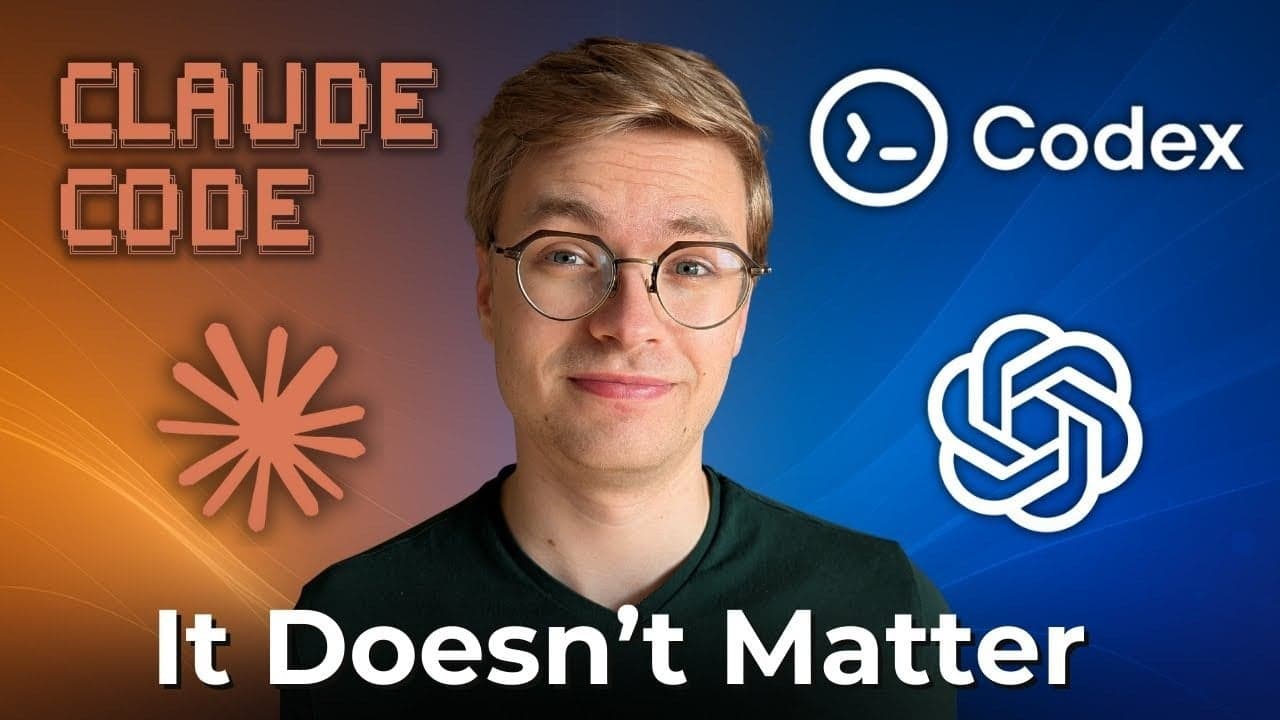
A developer building the same app with both Codex and Claude Code reported a clear preference for Claude Code's workflow. The key differentiator wasn't raw code quality in a single snippet, but the sustained, contextual collaboration Claude Code enables. While a model like Codex can excel at a discrete "fill-in-the-middle" task, Claude Code is designed for the entire development loop: planning, writing, debugging, and refactoring, all within one continuous session.
Why It Works: The Power of a 200K Context Window

This advantage stems from Claude's architectural strength: a massive 200K token context window. When you use claude code in your terminal, the entire conversation—your project's file tree from claude ls, relevant code snippets you've discussed, previous error messages, and your clarifying questions—stays active. This turns the AI into a pair programmer with a perfect memory of the last hour of work.
In contrast, using a completion-based API typically means each request is an isolated transaction. You must re-explain the project structure, the current bug, or the architectural decision you made 20 minutes ago. This constant context-switching is a major productivity tax.
How To Apply It: Structure Your Session for Maximum Flow
To leverage this, structure your claude code sessions like a dialogue with a senior dev:
Start with
claude lsand a project overview. Don't just open a single file. Give Claude the lay of the land first.claude ls # Then, in the chat: # "I'm working on a React/Express app. The main frontend is in `/client`, API routes in `/server`. I'm currently trying to fix the user auth flow that's breaking on login."Debug iteratively. Paste the error, then have Claude suggest a fix. If it doesn't work, paste the new error. Claude remembers the chain of attempts.
[You]: Here's the error: `TypeError: Cannot read properties of undefined (reading 'token')`
[Claude]: The `user` object might be null. Let's check the API response...
[You]: I added a null check, now it fails with a 401.
[Claude]: Right, so the initial fix was superficial. The real issue is the endpoint...
Use the conversation to evolve architecture. Start with "How should I structure this feature?" then immediately implement the agreed-upon plan, asking for clarifications as you code. The design rationale stays in context.
The test confirms that for the messy, non-linear process of building something new, a conversational agent integrated into your workflow (Claude Code) beats a more powerful but stateless code completer (Codex) for overall velocity and developer satisfaction.