The Technique — Vetting 40 Skills for Solo Builders
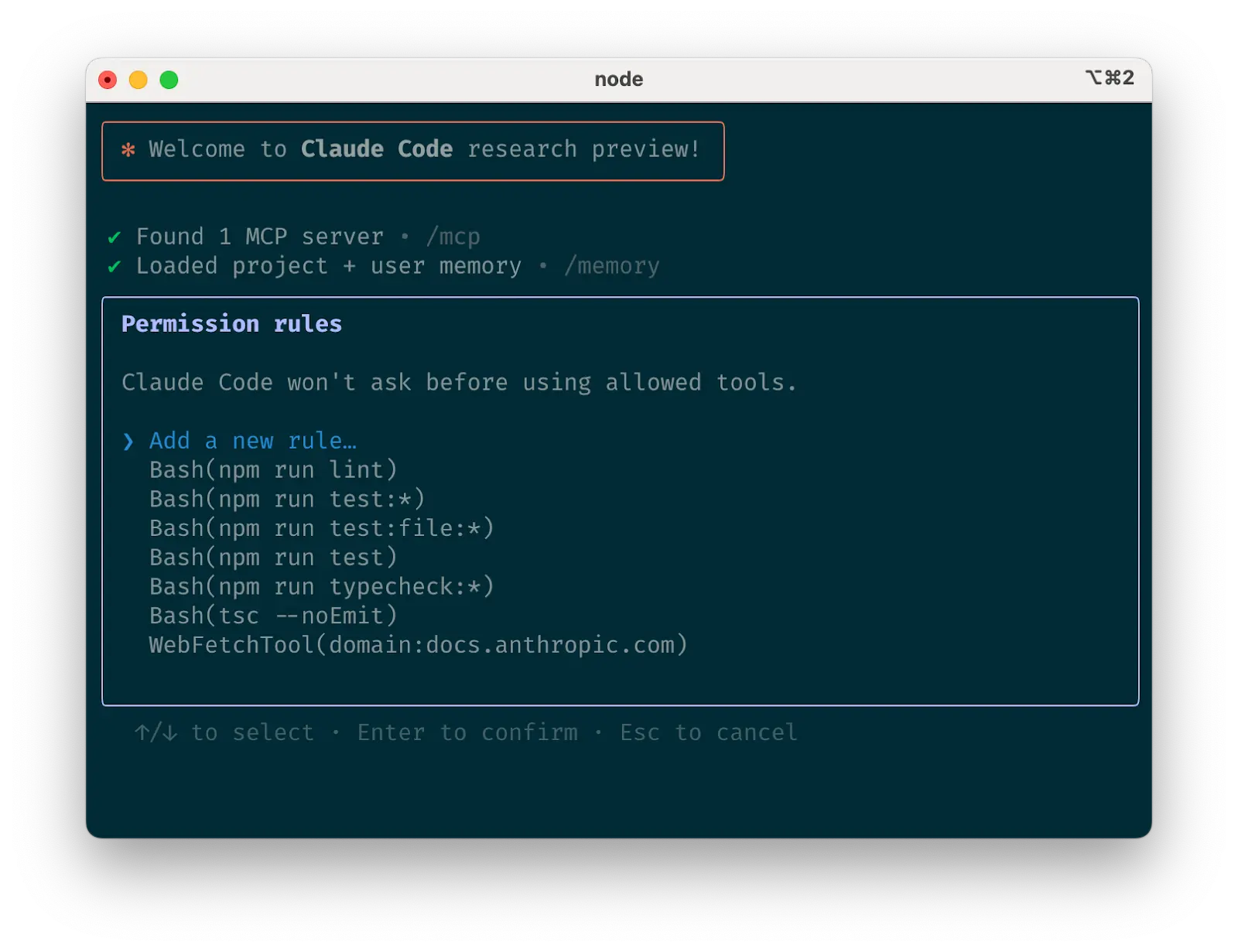
A developer recently tested 40 different Claude Code skills—a mix of MCP servers, custom prompts, and workflow scripts—to find which ones deliver tangible value for a solo developer. The goal was to cut through the noise and identify tools that solve real problems without adding complexity. This isn't about theoretical capabilities; it's about what works in daily practice.
Why It Works — The MCP Advantage and Skill Selection
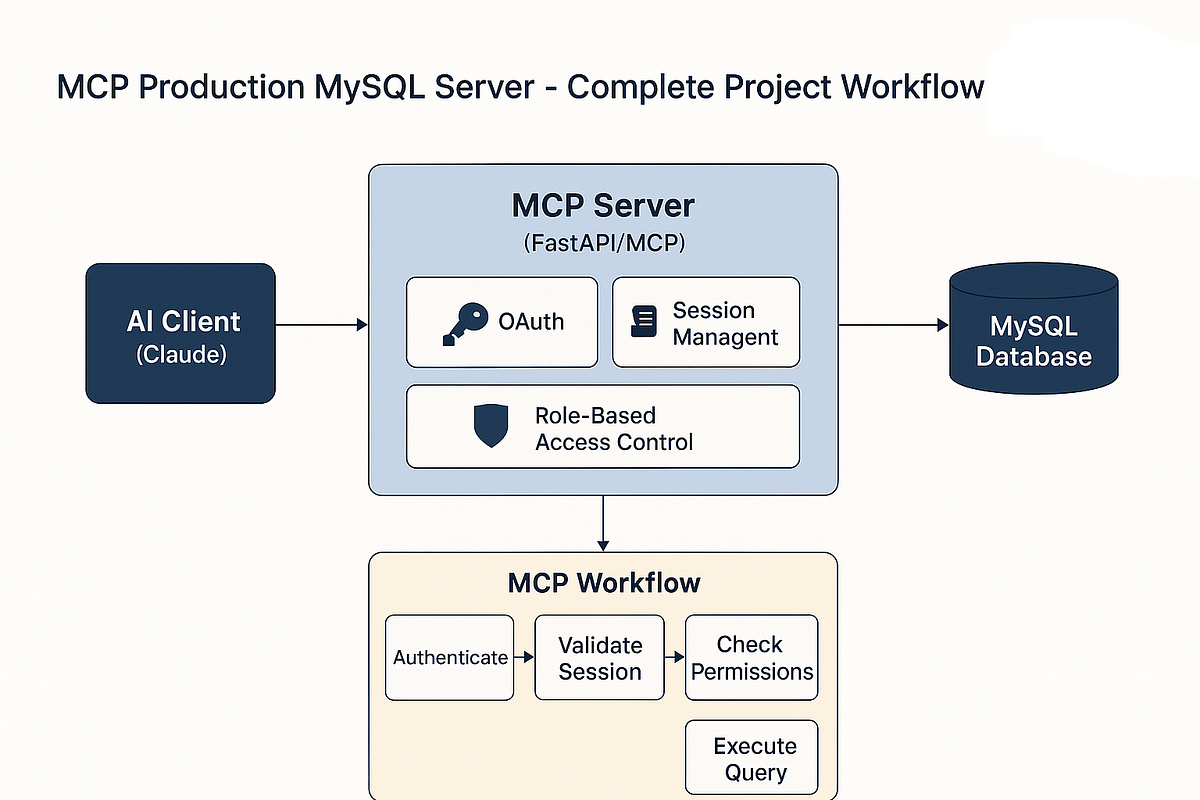
Claude Code's integration with the Model Context Protocol (MCP) is a game-changer, allowing it to connect securely to external tools and data sources. However, not all MCP servers or advertised "skills" are equally useful. The testing focused on criteria like setup simplicity, reliability, and how well a skill integrates into a natural development workflow without constant context switching. The selected skills leverage Claude Code's core strengths: direct file system access, multi-file editing, and agentic task execution.
How To Apply It — The Top 10 Skills
Here are the standout skills, categorized for immediate use. Install MCP servers via Claude Code's configuration.
1. Git History Query MCP Server
This server lets you ask Claude Code questions about your commit history in plain English. Instead of crafting complex git log commands, ask: "What changes were made to the authentication module last Tuesday?"
- Setup: Add the MCP server to your
claude_desktop_config.json. - Use Case: Quickly triaging bugs or understanding recent refactors.
2. Database Schema Explorer
Connects Claude Code directly to your development database (PostgreSQL, SQLite). It can explain schema relationships, generate sample queries, or propose migrations based on your natural language description.
- Prompt Example: "Show me the relationship between the
usersandorderstables and generate a query for last month's top customers."
3. CLAUDE.md Auto-Enhancer
A skill that analyzes your project and proactively suggests improvements to your CLAUDE.md file. It identifies missing context about build tools, test patterns, or architectural decisions that Claude Code needs to work effectively.
- How To Use: Run
claude code --analyze-contextin your project root to get recommendations.
4. PR Description Generator
After you stage changes, this skill can draft a comprehensive pull request description by analyzing your diff, linking it to existing issues, and summarizing the impact.
- Workflow:
git add .then prompt Claude Code: "Generate a PR description for these changes targeting thefeat/authbranch."
5. Regular Expression Debugger
An interactive skill for building and testing regex patterns. Provide a sample text and your desired match, and it iterates with you to craft the correct pattern, explaining each component.
6. API Endpoint Simulator
Quickly mock API endpoints by describing them. It generates a ready-to-run Node.js/Express or Python/FastAPI snippet with the specified routes, request/response shapes, and even simulated latency.
- Great For: Frontend developers blocked on backend work or testing integration logic.
7. Dependency Upgrade Advisor
Scans your package.json or pyproject.toml, cross-references with vulnerability databases and changelogs, and provides a step-by-step, low-risk upgrade plan.
8. Error Log Translator
Paste a dense stack trace or cryptic system error, and this skill translates it into plain English, hypothesizes the most likely root cause, and suggests concrete fixes.
9. Containerfile Generator
Given a description of your app's runtime environment, dependencies, and services, it produces an optimized Dockerfile or Docker Compose configuration, often better than generic templates.
10. Cross-File Refactor Assistant
The most advanced skill on the list. Describe a refactor like "Extract the payment processing logic into a separate service class," and it will plan the changes across multiple files, show you a preview, and execute them step-by-step with your approval.
- Key Prompt: Start with "I need to refactor [X]. First, show me your plan and which files will change."
Installing and Managing Skills
Most of these skills are MCP servers. Add them to your Claude Code configuration file (claude_desktop_config.json):
{
  "mcpServers": {
    "git-history": {
      "command": "npx",
      "args": ["-y", "@modelcontextprotocol/server-git-history"]
    }
  }
}
For non-MCP skills (like custom prompt workflows), document them in your project's CLAUDE.md file as reusable instruction blocks. The key is integration, not fragmentation—these skills should feel like a natural extension of Claude Code, not separate tools.