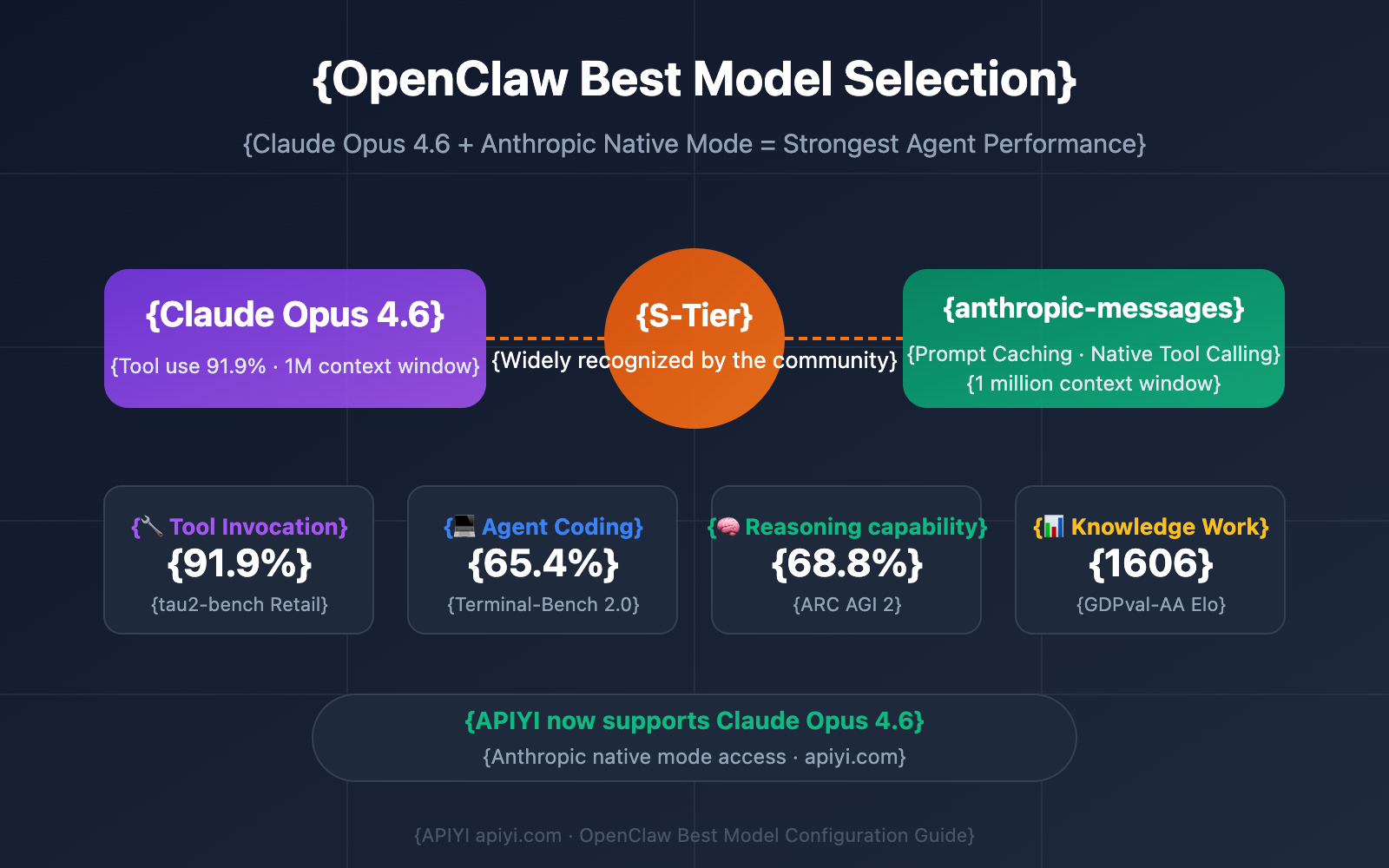
What Changed — Opus 4.6's Proactive Security Analysis
Anthropic announced that Claude Opus 4.6 identified over 500 high-severity vulnerabilities in open-source software. This wasn't a theoretical exercise—it was a practical demonstration of the model's ability to perform defensive security analysis at scale. While the specific projects weren't named, the finding demonstrates Opus 4.6's enhanced capability for systematic code review and vulnerability detection.
What This Means For Claude Code Users
Claude Code uses the same underlying models (including Opus 4.6) that performed this security analysis. This means the security auditing capabilities demonstrated in Anthropic's research are directly available through your CLI. You're not just getting a coding assistant—you're getting a security partner that can proactively identify vulnerabilities in your codebase.
How To Apply This Capability Today
1. Audit Your Dependencies
Use Claude Code to analyze your package.json, requirements.txt, or other dependency files:
claude code "Review this package.json for known vulnerability patterns and suggest safer alternatives for any high-risk dependencies" --file package.json
2. Security-Focused Code Reviews
When reviewing pull requests or existing code, add security-specific prompts:
claude code "Analyze this authentication module for common security flaws: SQL injection, XSS, authentication bypass, and improper session handling" --file auth.js
3. Create a Security-Focused CLAUDE.md
Add a security section to your project's CLAUDE.md:
## Security Review Guidelines

When reviewing code, always check for:
- Input validation and sanitization
- Proper authentication/authorization checks
- Secure configuration defaults
- Dependency vulnerabilities (run `npm audit` or equivalent)
- Logging of sensitive data
- API rate limiting implementation
4. Batch Security Analysis
For larger codebases, use Claude Code's file processing capabilities:
# Analyze multiple files for security issues
claude code "Review these API endpoints for security vulnerabilities" --file api/*.js
Why This Works Better Now
Opus 4.6's improved reasoning capabilities mean Claude Code can now:
- Connect vulnerability patterns across multiple files
- Understand complex security implications of code changes
- Provide specific remediation advice rather than generic warnings
- Prioritize findings by severity and exploitability
Limitations to Keep in Mind
While powerful, Claude Code's security analysis:
- Should complement, not replace, dedicated security tools (SAST, DAST)
- May miss novel or zero-day vulnerabilities
- Requires clear prompting to focus on security aspects
- Works best when given context about your security requirements
Next Steps for Your Workflow
- Add security prompts to your regular Claude Code sessions
- Create security templates for common audit tasks
- Integrate with your CI/CD by using Claude Code in pre-commit hooks
- Document findings in your project's security documentation
The key takeaway: Opus 4.6's security capabilities aren't locked in a research lab—they're in the tool you use every day. The same model that found 500+ open-source flaws can help you find and fix vulnerabilities in your own code.