What It Does — A Personal Board That Remembers
Runnrr is a purpose-built Kanban board for developers who use Claude Code daily. It solves a specific pain point: losing track of tasks, decisions, and notes scattered across multiple Claude sessions. Unlike generic project management tools, runnrr is designed around Claude Code's workflow.
The core innovation is context preservation. Every card you save carries the full context from your Claude session — code snippets, decisions, reasoning, and open questions. When you return to a card, Claude knows exactly where to continue without you having to reconstruct the conversation.
How It Works — Seamless Integration
Integration is dead simple. During any Claude Code session, just say:
"save this to runnrr"
That's it. The current task, note, or decision lands instantly in your runnrr Inbox. No manual copying, no context switching to another app, no formatting required.
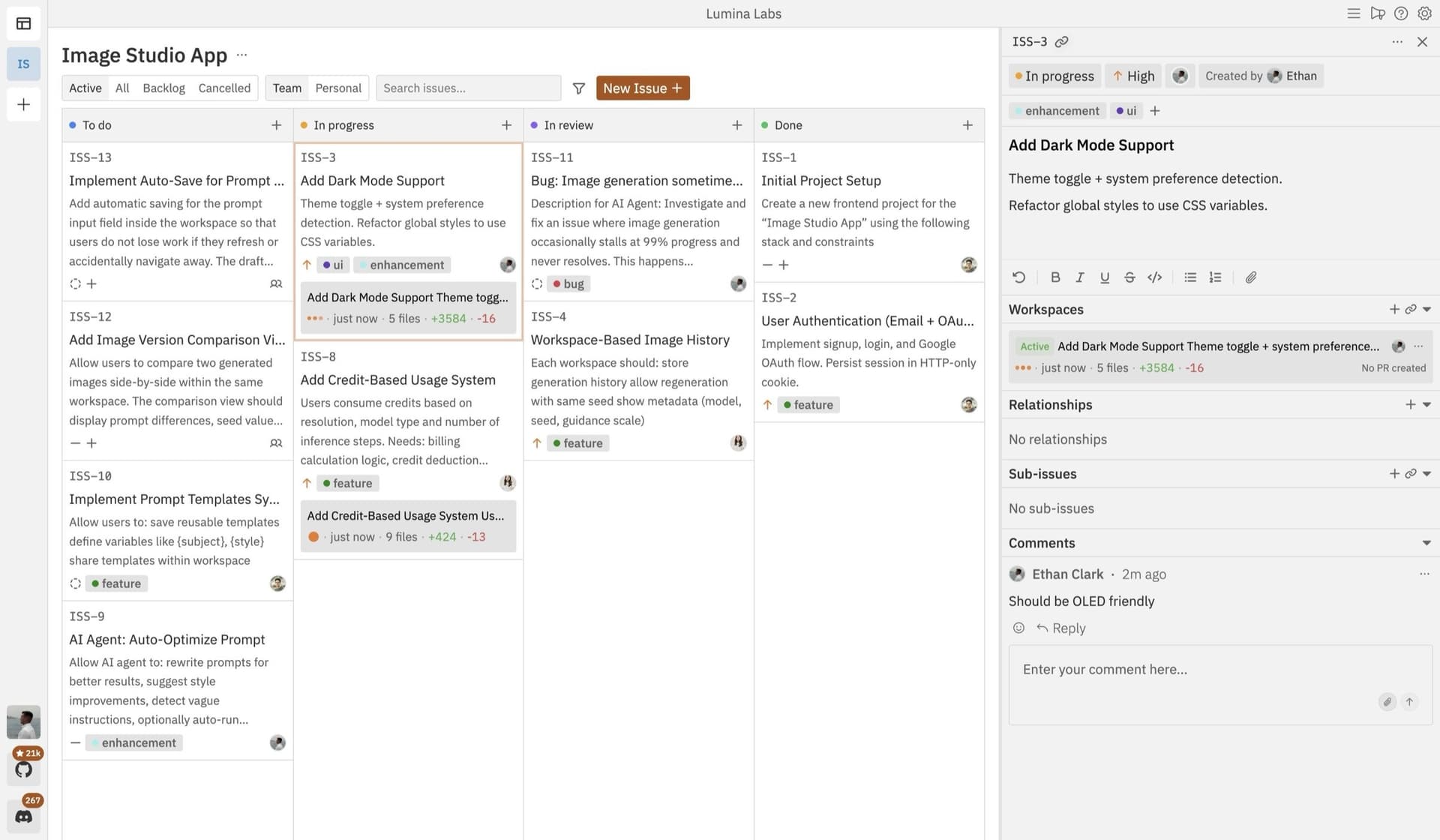
Your board follows a straightforward workflow:
Inbox → This week → In progress → Done
Cards flow from Inbox (where everything lands initially) through triage stages to completion. The entire system is designed for individual developers, not teams — no chat features, no collaboration overhead, just your work.
Why You Need This — The Context Reconstruction Problem
If you've ever spent 10 minutes trying to remember "what was I working on yesterday?" or "why did I decide to use JWT instead of session cookies?" — that's the problem runnrr solves.
From the example cards shown:
- "Retry logic for the scan endpoint" — saved after hitting rate limits
- "Decision: keep auth stateless" — from a design session with JWT rationale
- "Supabase RLS policy for tasks" — includes schema, prior decisions, and open questions
Each card preserves the exact context Claude needs to pick up where you left off. This eliminates the most frustrating part of working with AI coding assistants: context loss between sessions.
Setup — Connect in Seconds
- Sign up at runnrr.io
- Connect Claude Code via the provided skill
- Start using "save this to runnrr" in your sessions
That's the entire setup. Tasks now flow automatically from Claude sessions to your board.
When To Use It — Your New Claude Code Workflow
Use runnrr for:
Task Capture — When Claude suggests a follow-up action or you identify something to fix later
Decision Logging — Architectural decisions, library choices, or implementation approaches
Meeting Follow-ups — Action items surfaced during meetings (works with Granola MCP)
Code TODOs — Instead of leaving // TODO comments that lack context
Learning Notes — Insights about codebases, frameworks, or patterns discovered during sessions
The board becomes your single source of truth for what needs attention, prioritized visually so you know what matters now versus what can wait.
The Granola MCP Connection
Runnrr integrates with the Granola MCP server, which scans your calendar and surfaces meeting commitments. When Granola identifies action items, you can save them directly to runnrr with full meeting context attached. This creates a complete loop from meeting → Claude session → actionable card → completion.
Try This Today
Next time you're in Claude Code and:
- Hit a rate limit and need to implement retry logic
- Make a design decision worth documenting
- Identify a bug but can't fix it immediately
- Need to follow up on something later
Just say "save this to runnrr." The card appears in your Inbox with all context preserved. Tomorrow, click the card, dispatch it back to Claude, and continue exactly where you left off.
No more lost thoughts. No more reconstruction work. Just continuous flow.