The Headline vs. Your Workflow
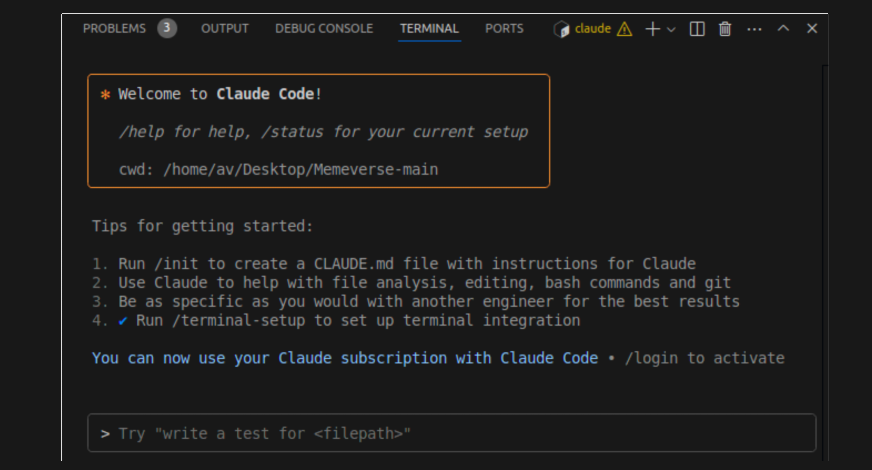
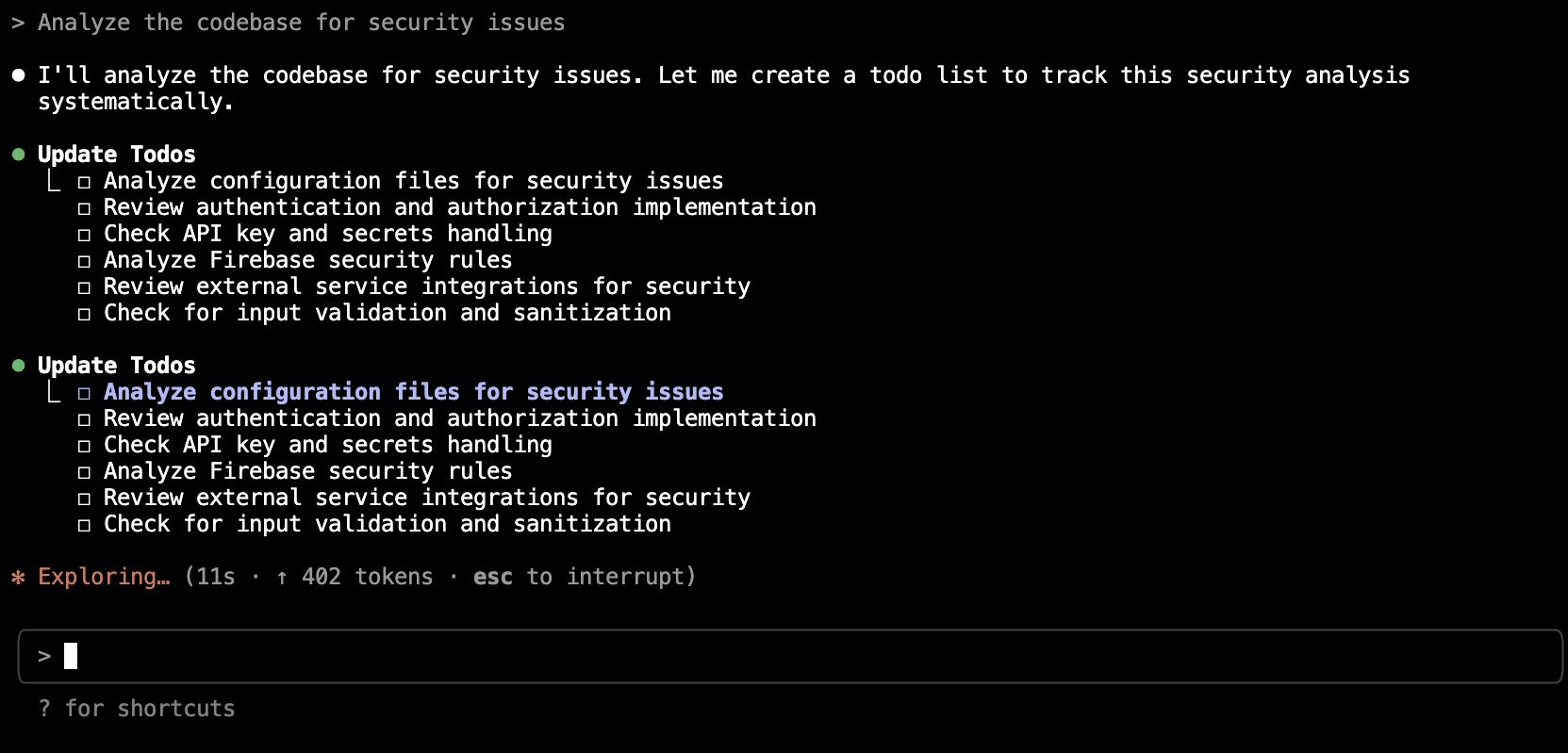
A recent report highlighted by Forbes warns that code generated by AI assistants, including Anthropic's Claude, can contain security vulnerabilities. For developers using Claude Code daily, this isn't a reason to stop—it's a critical reminder to refine your workflow. The AI is a powerful assistant, but security is a shared responsibility. Your prompts and tooling determine if the output is a prototype or production-ready code.
The Technique: Security-First Prompting
The core issue is that generic prompts like "write a login function" yield generic, often insecure, code. You must explicitly ask for security. This shifts Claude from a code generator to a security-aware collaborator.
Why It Works: Claude's training includes security concepts, but it defaults to demonstrating functionality unless guided. By priming it with security context and constraints, you activate that knowledge, leading to more robust outputs that consider edge cases and common pitfalls from the start.
How To Apply It: Your New Prompt Template
Stop asking for just features. Start asking for secure implementations. Integrate these prompts into your CLAUDE.md or use them directly.
1. The Directive Prompt:
Write a [function/endpoint] for [task]. Prioritize security. Include:
- Input validation and sanitization
- Protection against [relevant OWASP Top 10 risk, e.g., SQLi, XSS]
- Error handling that does not leak system details
- A brief comment on the security measures taken
2. The Audit Prompt (Post-Generation):
After receiving code, immediately follow up with:
Review the code you just wrote for potential security vulnerabilities. List any issues and provide a corrected version.
3. The Specification Prompt:
Provide a security context in your project's CLAUDE.md file:
## Security Guidelines for This Project
- Use parameterized queries for all database access.
- Validate and sanitize all user inputs on the backend.
- Never expose secrets or stack traces in error responses.
- When in doubt, implement the principle of least privilege.
This gives Claude persistent, in-context guidelines for every interaction in your project.
Integrate Security Tooling via MCP
Prompting is your first line of defense; automated tooling is the second. Use the Model Context Protocol (MCP) to connect Claude Code directly to security scanners.
What It Does: MCP servers let Claude interact with external tools. A security-focused MCP server can run linters and static analysis.
Setup & When To Use It:
While dedicated security MCP servers are emerging, you can leverage existing analysis tools. Configure your build process or a pre-commit hook to run tools like bandit (for Python), ESLint with security plugins (for JS), or gosec (for Go). Then, use Claude Code to analyze the results:
I ran `bandit` on the generated module. Here are the findings: [PASTE OUTPUT].
Explain each high/critical severity finding and rewrite the code to fix them.
This creates a powerful feedback loop: generate, scan, and refine with Claude's help.
The Non-Negotiable Step: You Are the Final Reviewer
Claude Code is an assistant, not an autonomous engineer. The final security review is your job. Use the AI to handle boilerplate and explore solutions, but always apply your own expertise—or that of a dedicated security tool—before committing. Treat AI-generated code with the same scrutiny as code from a junior developer: it's a great first draft that needs expert oversight.