The Technique: A Two-Wave Redesign Strategy
A developer with a mature Jekyll-based personal blog used Claude Code to execute a full website redesign. The key insight was splitting the project into two distinct, manageable waves. This prevented the task from becoming an overwhelming monolithic rewrite.
Wave 1: Infrastructure First. Before touching any content or visual design, he focused on foundational technical improvements. This included implementing a full-text search feature and completing a half-finished dark mode implementation. The search was built as a client-side solution using a JSON index file generated by Jekyll's Liquid templating, which Claude Code helped structure and debug. For dark mode, he expanded a CSS file from 100 to 250+ lines to cover all components and integrated it with third-party comment systems like Utterances.
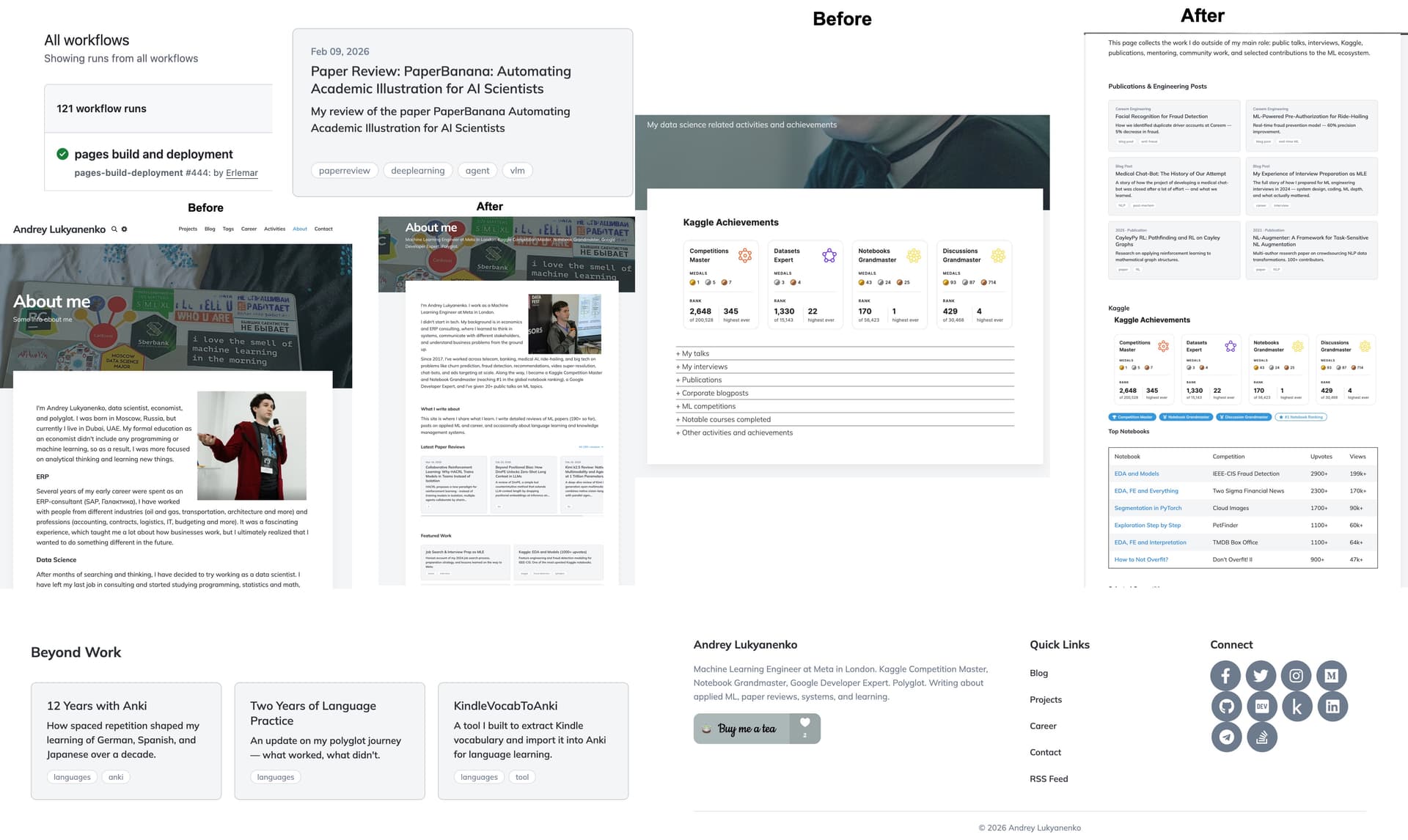
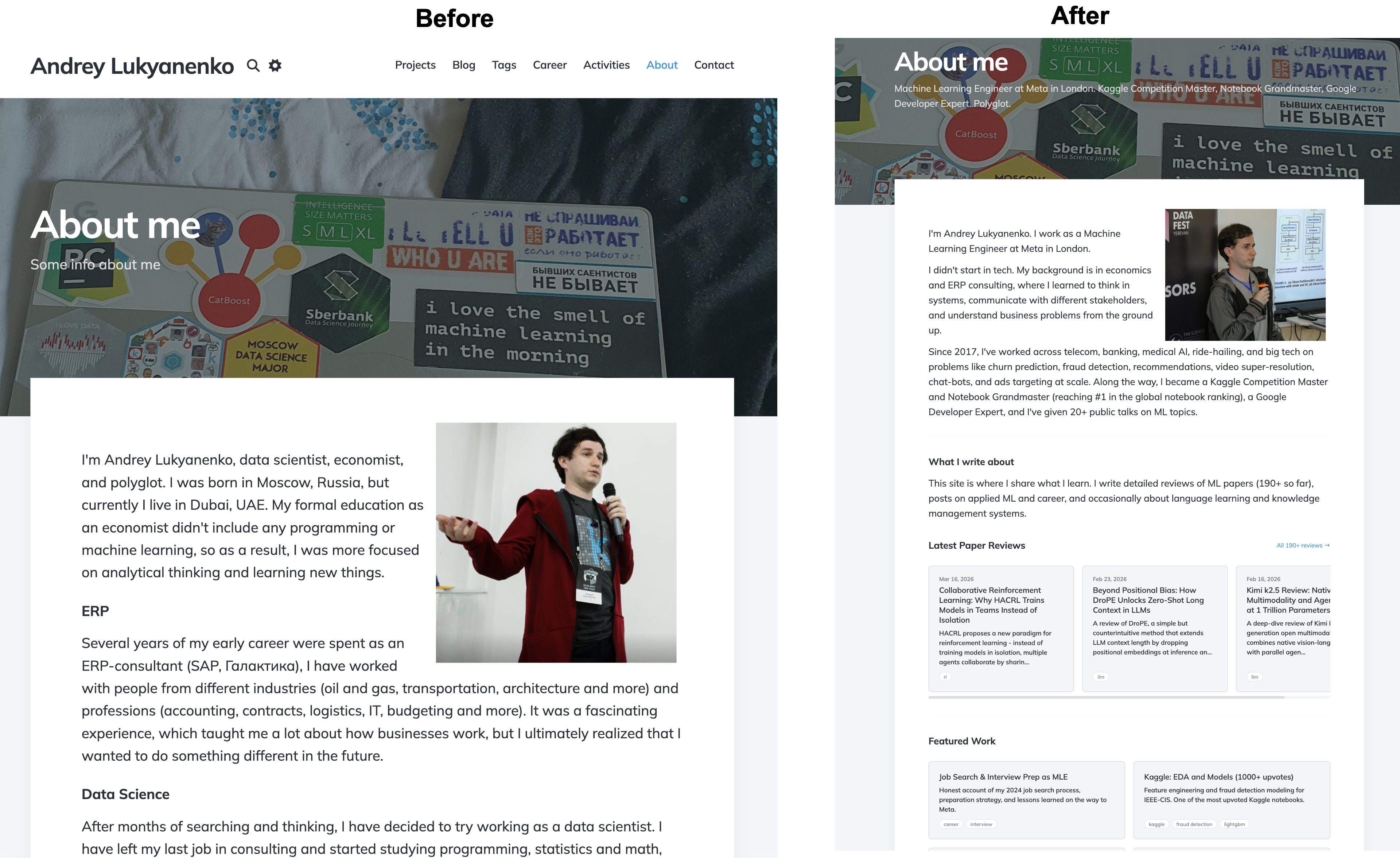
Wave 2: Content & Layout Overhaul. With a solid technical base in place, the second wave used Claude Code to tackle the actual redesign. This involved updating outdated pages (About, Career), restructuring poorly organized sections (turning a flat "Activities" list into a categorized view), and improving the overall layout and information architecture. The agentic nature of Claude Code allowed for iterative refinement of these content structures and templates.
Why It Works: Managing Complexity and Context
This two-wave approach works because it aligns with how Claude Code handles context and project scope. By separating infrastructure from content/layout, you keep each Claude Code session focused on a coherent domain. Trying to prompt for "redesign my site" in one go would likely lead to fragmented, inconsistent outputs as the model's context window juggles CSS, JavaScript, Liquid templates, and content writing all at once.
Fixing infrastructure first also creates a stable platform for the subsequent design work. You're not asking Claude to build a search feature while simultaneously redesigning a homepage; each task gets dedicated attention. This mirrors best practices in software engineering—stabilize the foundation before renovating the rooms.
How To Apply It: Your Claude Code Session Plan
You can adopt this strategy for your own site or application redesign using Claude Code.
Plan Your Waves. Clearly separate "infrastructure/backend" tasks from "frontend/content" tasks. For a typical static site, Wave 1 might be: Search, Dark Mode, Performance Optimizations, RSS/SEO improvements. Wave 2 might be: Homepage Redesign, Navigation Restructure, Content Rewrites, New Component Library.
Use Focused Prompts for Wave 1. Start a Claude Code session in your project root with a clear, technical scope:
claude code "Add client-side search to my Jekyll site. It should generate a search.json index on build and have a modal (Ctrl+K) that filters posts by title, tags, and content."Provide your
_config.ymland a sample post so Claude understands the data structure. For dark mode:claude code "Audit my site's dark mode CSS. Extend dark-mode.css to cover all components: code blocks, tables, form inputs, and the career timeline. Also, ensure the theme syncs with the Utterances comment widget."Execute Wave 2 with Reference to the New Foundation. Once Wave 1 is committed and working, start a new session for the redesign. Your prompts can now assume the new infrastructure exists:
claude code "Redesign the 'Activities' page. It's currently a flat chronological list. Please restructure it into categorized sections (e.g., 'Speaking', 'Writing', 'Projects'). Use the existing site CSS and the new dark mode classes."Use
claude code --continueto iteratively refine pages, asking for layout changes, content updates, and ensuring the new search function works well with the redesigned content.Leverage CLAUDE.md. Maintain a
CLAUDE.mdfile that documents the decisions and components from Wave 1 (e.g., "Search is implemented via/search.json"). This gives Claude Code crucial context during Wave 2 sessions, ensuring the redesign integrates seamlessly with the new infrastructure you just built.