The Technique — Writing with Claude Code While Keeping Your Voice
Andrew Wheeler, author of "LLMs for Mortals," used Claude Code to write 50% of his latest book while cutting development time from a year to two months. The key insight: LLMs can be powerful writing assistants without producing the generic "AI slop" that plagues much AI-generated content.
Why It Works — The Expert Review Advantage
Wheeler identifies two core problems with LLM writing: factual inaccuracy and a detectable AI style. His solution leverages Claude Code's strengths:
- Expert Review: Claude Code generates drafts on topics you already understand deeply, making factual errors easier to spot and correct
- Style Mimicry: By working in plain text/markdown formats, you can train Claude Code to match your writing voice through iterative refinement
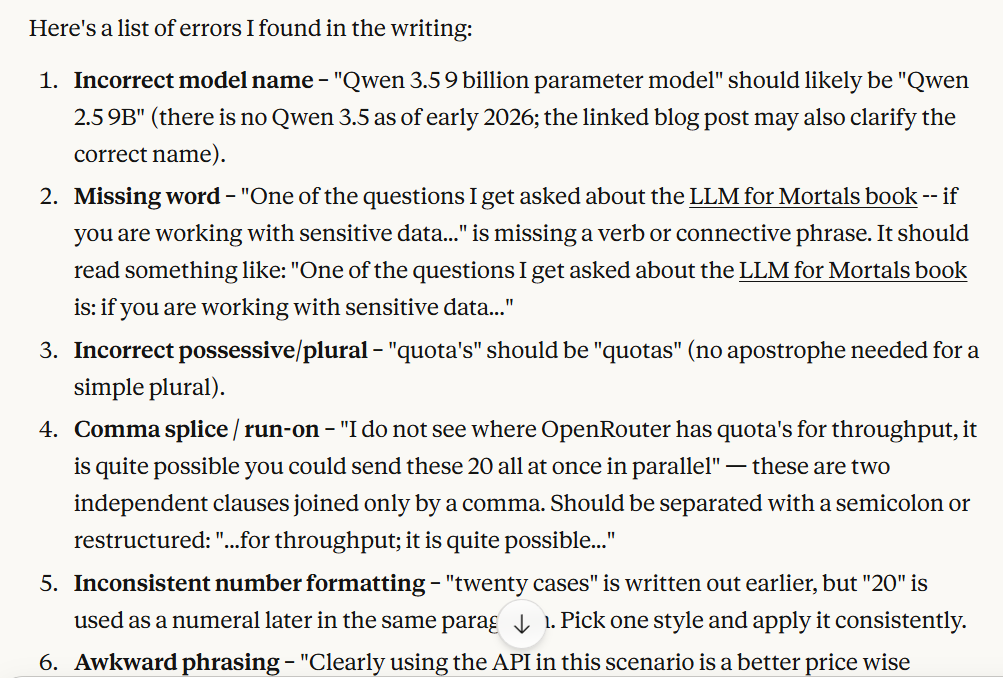
- Copy Editing: Even if you don't use Claude Code for drafting, it excels at catching grammatical errors and improving prose flow
How To Apply It — The Practical Workflow
1. Start with Plain Text
# Create your writing project in markdown
claude code init writing-project --type=markdown
cd writing-project

# Set up your CLAUDE.md for writing tasks
cat > CLAUDE.md << 'EOF'
WRITING CONTEXT:
- Target audience: Technical professionals
- Tone: Clear, direct, slightly informal
- Format: Markdown with headers, bullet points, and code examples
- Avoid: Flowery language, excessive adjectives, passive voice
EOF
2. Use Plan Mode Before Writing
From the Reddit workflow tip: Always hit Shift+Tab before major writing tasks. This makes Claude Code analyze your request, show a writing plan, and get your feedback before generating prose.
# Instead of jumping straight to writing:
claude code "write a section about API design"

# Use plan mode first:
claude code --plan "write a section about API design with 3 examples"
# Review the outline, adjust, then proceed
3. The Copy Editing Pipeline
Even if you write everything yourself, use Claude Code for editing passes:
# Take your draft through multiple editing passes
claude code "copy edit this for grammar and clarity" < draft.md > draft_v1.md
claude code "improve sentence flow and remove redundancy" < draft_v1.md > draft_v2.md
claude code "check for technical accuracy in the API examples" < draft_v2.md > final.md
4. Maintain Your Voice Through Examples
Provide Claude Code with samples of your writing to establish style patterns:
# Create a style guide from your existing work
cat your_previous_article.md > style_samples.md
cat your_blog_post.md >> style_samples.md

# Reference it in your prompts
claude code --context style_samples.md "write a new section in the same style about..."
The Results — Undetectable AI Prose
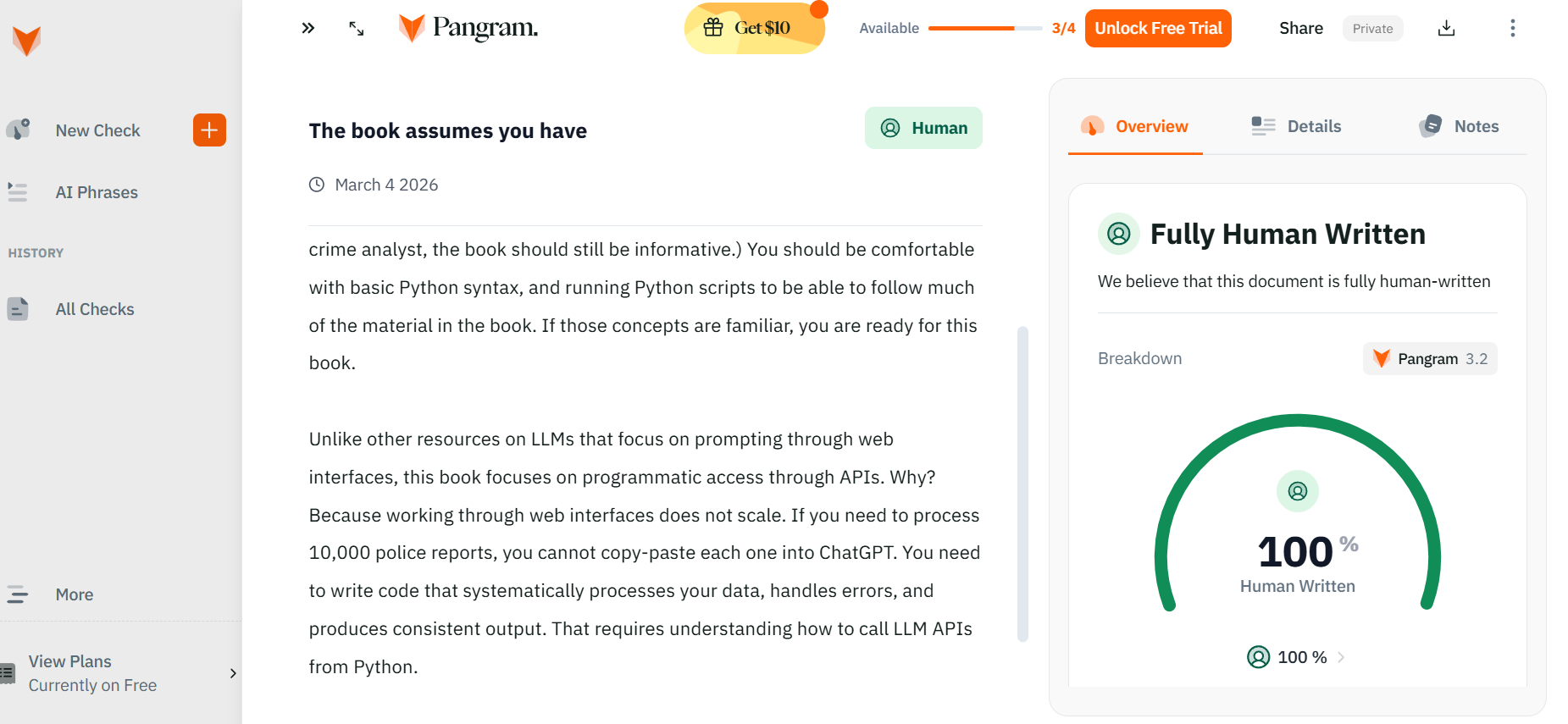
Wheeler's book passes Pangram AI detection tests despite 50% Claude-generated content. The difference comes from:
- Substantive editing: 20-30 hours per chapter of human refinement
- Expert oversight: Writing about familiar topics where you can spot errors
- Style consistency: Using your existing writing as training data for Claude Code
Try This Today
- Pick a technical topic you know well
- Have Claude Code draft a 500-word section using plan mode
- Spend 30 minutes editing it heavily
- Compare to something you wrote entirely yourself

You'll likely find the edited Claude Code output is indistinguishable from your natural writing while saving significant time.