What Changed — A New Paradigm for Desktop Automation
Anthropic has introduced a new capability for Claude Code, often referred to as "Auto Mode" or "Dispatch." This isn't just another chat feature; it's a fundamental shift from synchronous assistance to asynchronous task execution. The core promise is finished work. You can now text a task to Claude from your phone (e.g., "refactor the authentication module") and return to find the changes committed in your local repository, with tests run, all while you were away from your machine.
This follows Anthropic's previous release of the Computer Use API in late 2024, which provided the primitive for programmatic desktop control. The new "Auto Mode" is the consumer-friendly layer built on top of that, designed for developers who want results, not just a coding assistant.
What It Means For You — Workflow Execution, Not Just Assistance
For daily Claude Code users, this changes the tool from a pair programmer to a workflow executor. The key distinction is asynchronous delegation. You are no longer required to be present, watching the chat and approving each step. Claude Code can now operate your IDE, terminal, and browser to complete multi-step development tasks autonomously.
However, with great power comes great responsibility. Running an autonomous agent on your local desktop with access to all your apps and files is a significant security consideration. The source material highlights this, noting Auto Mode is "a safer way to skip permissions," implying the feature is designed with security guardrails, but configuration is key.
How To Configure It Safely — Step-by-Step Setup
You cannot just turn this on. You must set up a controlled environment. Here’s the actionable setup based on current best practices:
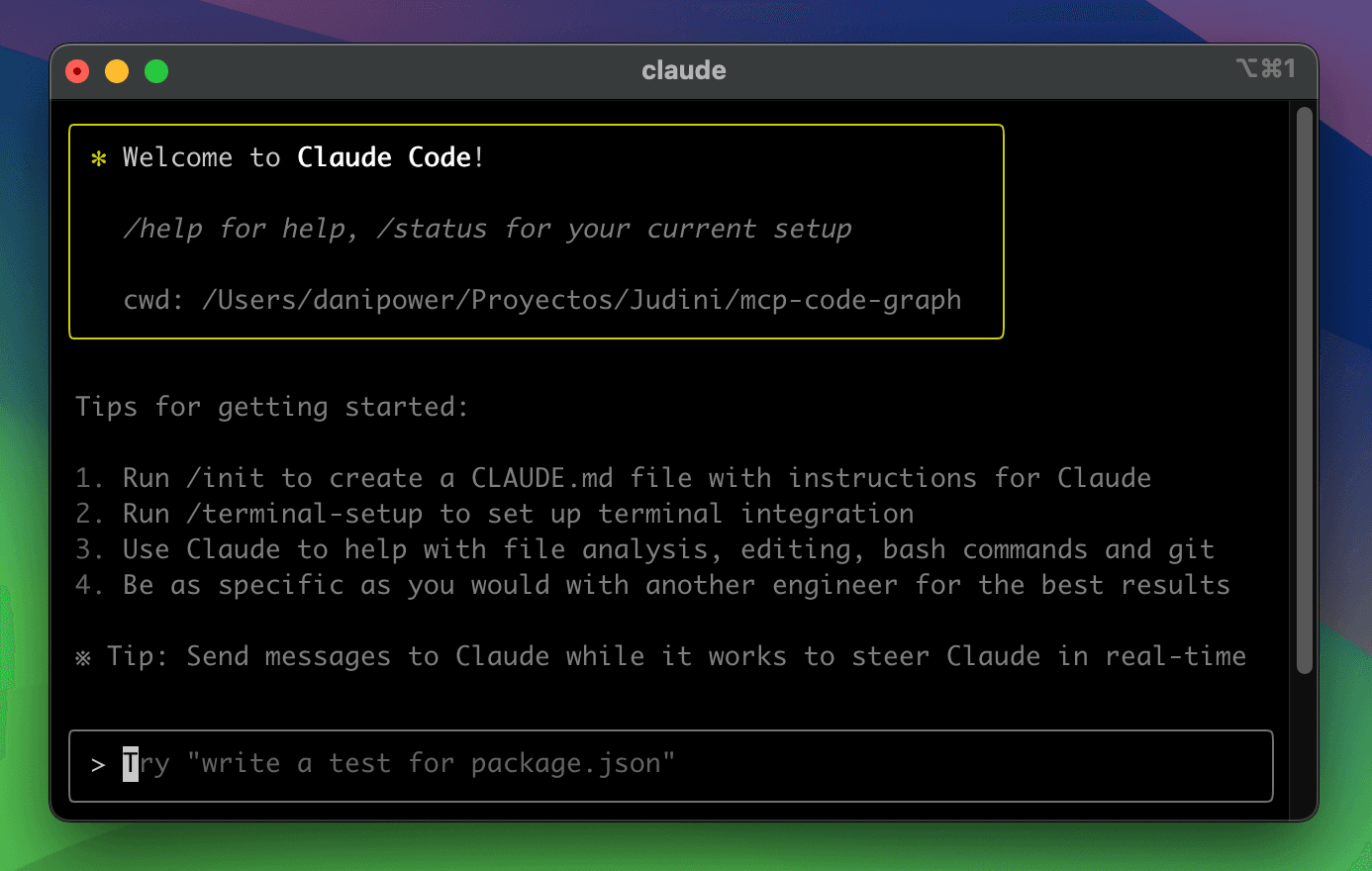
Create a Dedicated Project Sandbox: Before enabling Auto Mode for a task, ensure your Claude Code session is pointed at a specific project directory, not your entire home folder. Use the
claude codecommand with the--pathflag to scope its view.claude code --path ~/projects/current-refactorUse a
CLAUDE.mdSecurity Policy: Your project'sCLAUDE.mdfile must now include an explicit "Permissions" section. Define what the autonomous agent can and cannot do.## Permissions for Auto Mode - ALLOWED: Read/write within ./src, ./tests - ALLOWED: Run npm scripts: test, build - RESTRICTED: NO network calls to external APIs unless listed below - RESTRICTED: NO file operations outside project root - RESTRICTED: NO git push to origin/mainStart with Dry-Runs: When delegating your first major task, use a prompt that instructs Claude to first present a plan.
TASK: Refactor the `UserService` class to use the new database module.
MODE: Auto
INSTRUCTIONS: First, output a step-by-step plan of the files you will touch and commands you will run. Do not execute until I reply "proceed".
Leverage Version Control Checkpoints: Ensure your repo is clean before starting. Instruct Claude to make small, logical commits throughout the process, not one massive change at the end. This allows you to roll back specific phases if needed.
This aligns with our previous coverage on using CLAUDE.md for project context, but elevates its importance from a convenience to a critical security and scope document.
When To Use It — Ideal vs. Risky Scenarios
Use Auto Mode for:
- Boilerplate Generation: Creating multiple component files from a spec.
- Large-Scale Refactoring: Renaming a variable or function across an entire codebase.
- Test Suite Expansion: Writing unit tests for a set of modules following a defined pattern.
- Dependency Upgrades: Following a choreographed update path across
package.json, imports, and API calls.
Avoid Auto Mode for (or use with extreme caution):
- Tasks involving production credentials or secrets.
- Unbounded exploration or research.
- Any operation you haven't first seen Claude perform successfully in a supervised (non-auto) session.
The paradigm is powerful: hand off a blocking task and get finished work. But the implementation requires deliberate configuration to ensure it's safe, controlled, and effective.