The Token Burn Problem
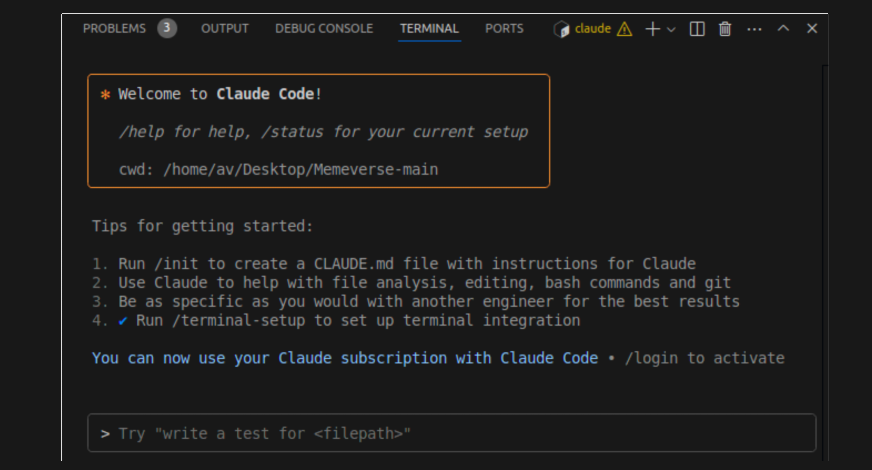
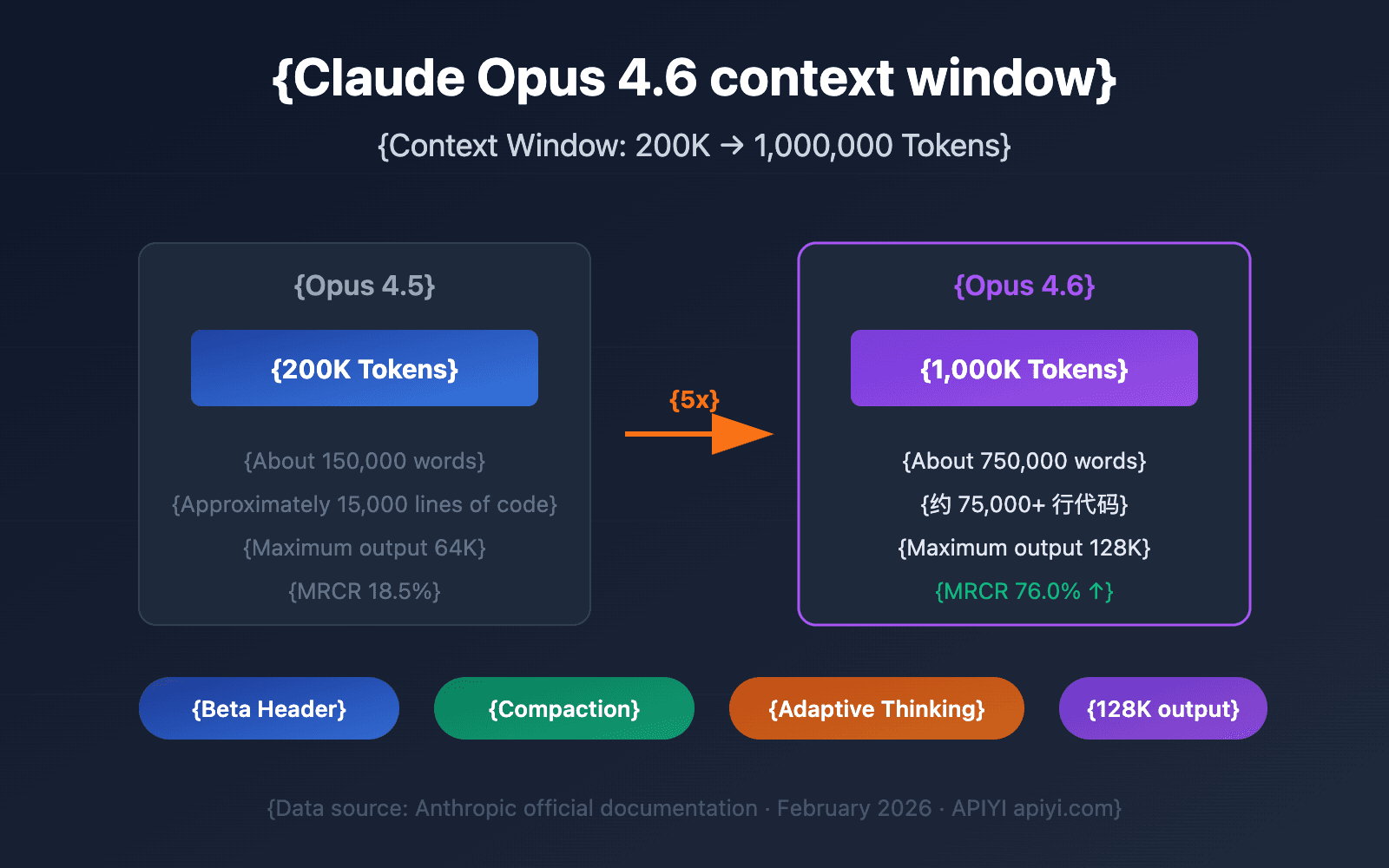
Claude Code users know the pain: asking Opus to "read this project and find complex files" can burn 500,000 tokens in a single message. With recent quota exhaustion issues and server-side token inflation in v2.1.100+, every token counts more than ever.
The Solution: Gemini Flash as Your File Reader
A developer built a simple MCP bridge that lets Claude Opus delegate file reading and research tasks to Gemini Flash—for free. Instead of burning Opus tokens on reading entire codebases, Claude sends a ~50 token instruction to Gemini, which uses its 1 million token context window to analyze files and return a compact summary.
How it works:
- Claude Opus stays as the "brain" for complex reasoning and tool use
- Gemini Flash becomes the "legwork" worker for reading, summarizing, and bulk research
- You pay ~250 tokens instead of 500,000 for the same file analysis
Setup in 15 Minutes
- Install the MCP server:
git clone https://github.com/ankitdotgg/making-gemini-useful-with-claude
cd making-gemini-useful-with-claude
pip install -r requirements.txt
- Configure Claude Code:
Add to your Claude Code MCP configuration (~/.config/claude-code/mcp.jsonor equivalent):
{
  "mcpServers": {
    "gemini-reader": {
      "command": "python",
      "args": ["/path/to/making-gemini-useful-with-claude/main.py"],
      "env": {
        "GEMINI_API_KEY": "your_key_here"
      }
    }
  }
}
- Authenticate with Gemini:
The tool uses Gemini CLI's free OAuth flow—no API key needed if you have Google Pro through a telecom provider or other free tier.
When to Use This Pattern
Perfect for:
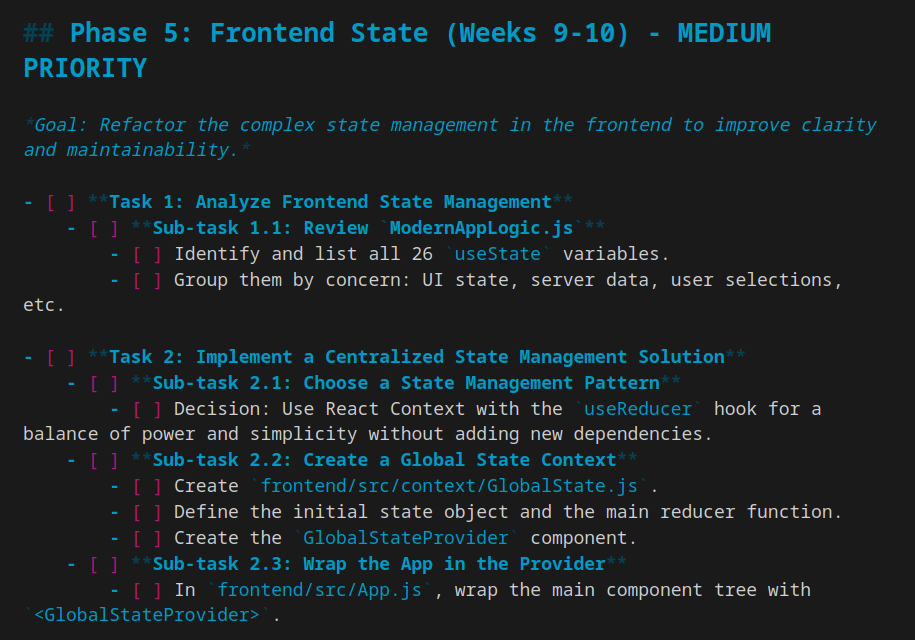
- Initial project exploration: "Read this 50-file React app and identify the most complex components"
- Documentation summarization: "Read all our API docs and create a cheat sheet"
- Bulk research: "Analyze these 20 GitHub issues and categorize them by priority"
- Security audits: "Scan this codebase for common vulnerability patterns"
Keep using Opus for:
- Complex refactoring with tool use
- Debugging sessions requiring step-by-step reasoning
- Architecture decisions needing deep understanding
- Code generation with specific constraints
The Economics
With Claude Pro Max quotas being exhausted in 1.5 hours by some developers, this approach changes the math:
- Before: 500K tokens = significant portion of daily quota
- After: 250 tokens = negligible cost
- Savings: ~99.95% reduction in token usage for file reading tasks
Limitations and Considerations
- The bridge is ~200 lines of Python—simple but effective
- Requires Gemini Flash access (free through various channels)
- Adds latency: Gemini response time + network roundtrip
- Best for async tasks where you can wait a few seconds for file analysis
Try It Today
Restart Claude Code with the MCP server configured, then prompt:
Use the gemini-reader tool to analyze the src/ directory and identify
files with cyclomatic complexity > 10. Then suggest refactoring priorities.
Claude will delegate the file reading to Gemini, get back a compact analysis, and use Opus's reasoning to prioritize the refactoring—all while saving you thousands of tokens.