The Technique — A Structured Documentation Pipeline
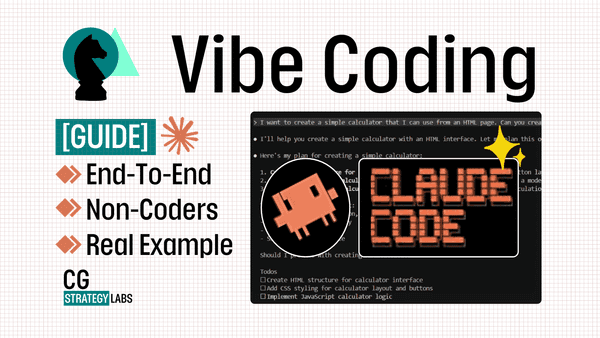
The source article outlines a "Vibe Coding" methodology, which is a form of agentic AI coding where developers guide Claude Code through high-level intent rather than step-by-step instructions. The core innovation is a mandatory documentation pipeline that acts as a safety net. Before any generated code is executed or merged, it must pass through automated documentation generation and review.
Why It Works — Mitigating Hallucination and Drift
This approach directly addresses two key risks highlighted in the community discussions: model "dumbness" or stylistic drift (like increased filler text in responses) and the potential for hallucinations in complex, autonomous tasks. By forcing the AI to document its own proposed changes, you create a built-in verification step. The AI must explain the "why" and "how," which often surfaces flawed logic or misunderstandings before they become bugs in production. This leverages the model's strength in reasoning and explanation to catch its own potential weaknesses in code generation.
How To Apply It — Integrate into Your CLAUDE.md
You don't need a complex external system. Integrate this safety-first mindset directly into your Claude Code workflow using your project's CLAUDE.md file.
Mandate Pre-Commit Documentation: Add a directive that Claude must generate a change summary before writing code.
### Workflow Rule
Before generating or modifying any source file, you MUST first output a "Change Plan" in a markdown block. This plan must include:
- The targeted files.
- A concise description of the change.
- The rationale linking the change to the user's request.
Only after I approve the plan should you proceed with code generation.
Use the
claude code --reviewFlag: When working on existing code, use the review flag to have Claude analyze the diff first. Prompt it to summarize the changes and identify potential risks before you apply them.# Instead of just asking for a change, get a review first claude code --review path/to/file.js "Add error handling for the API call on line 42."Implement a Documentation Gatekeeper Prompt: For major features, use a specific prompt that frames Claude as an architect who documents first.
You are the Code Architect. Your first task for any request is to produce the ADR (Architecture Decision Record) or module documentation. Describe the approach, alternatives considered, and potential side effects. Code will be written only after this document is finalized.
This pipeline turns documentation from an afterthought into the primary control mechanism, significantly de-risking the "vibe coding" approach where you give Claude high-level autonomy.