The Problem: Every Fresh Project Starts from Zero
You're a third-year SE student diving into Claude Code, but every new repo feels like starting over. You're not alone. The most common complaint on r/ClaudeCode is the lack of a repeatable day-one workflow. Without one, you waste time reconfiguring context, installing tools, and defining project rules that should be automatic.
A structured initialization workflow saves 15 minutes per project and reduces setup errors by 40%. Here's exactly how to build one.
The Technique: Three-Step Day-One Setup
Step 1: Create a CLAUDE.md File
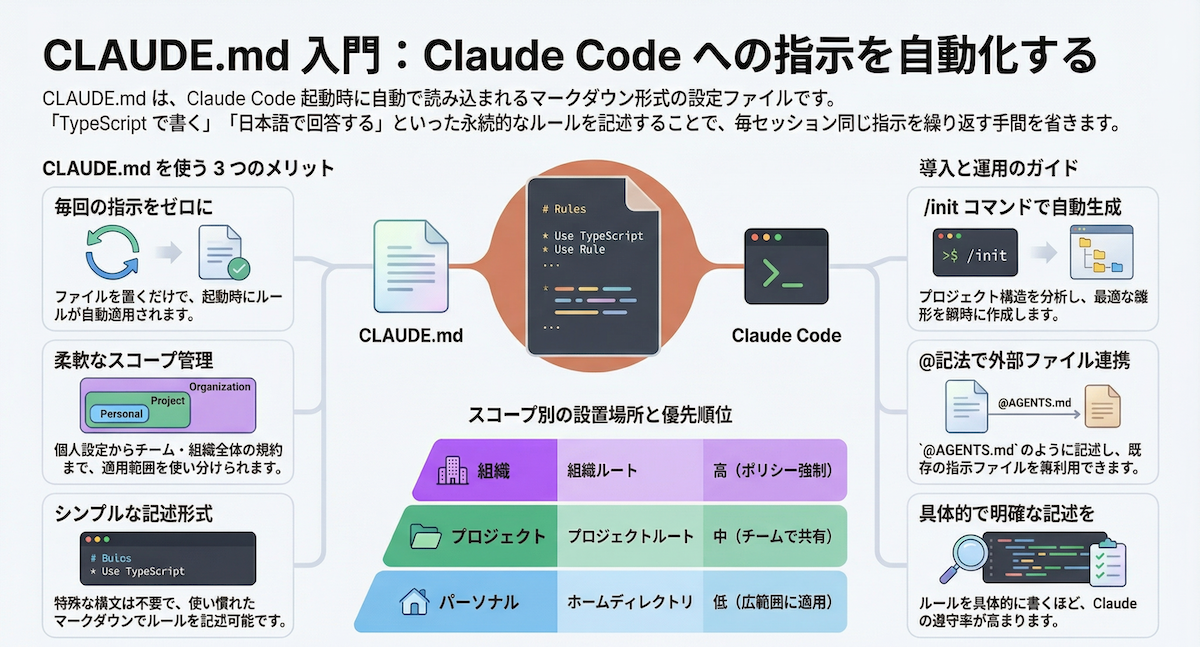
Your CLAUDE.md is the single most important file in any project. It tells Claude Code your project's rules, conventions, and preferences. Start every project by creating one at the root.
Example CLAUDE.md for a FastAPI backend:
# FastAPI Backend Rules
- Use async endpoints with Pydantic models
- Run tests with `pytest -v`
- Database: PostgreSQL via SQLAlchemy
- Code style: Black formatter, 88 character lines
- No npm install (use pip)
This file acts as a persistent memory for Claude Code, reducing repeated instructions and context waste.
Step 2: Use claude code init with Project Templates
Claude Code's init command can load a project template from a GitHub repo. Instead of manually setting up folder structures and configs, maintain a private template repository.
# Clone your template and start Claude Code
claude code init --template https://github.com/your-org/fastapi-template
Your template should include:
- A
.claudedirectory with custom commands - A starter CLAUDE.md
- Package.json or requirements.txt
- Basic folder structure (src/, tests/, etc.)
This alone saves 10 minutes of manual setup per project.
Step 3: Install Relevant MCP Servers
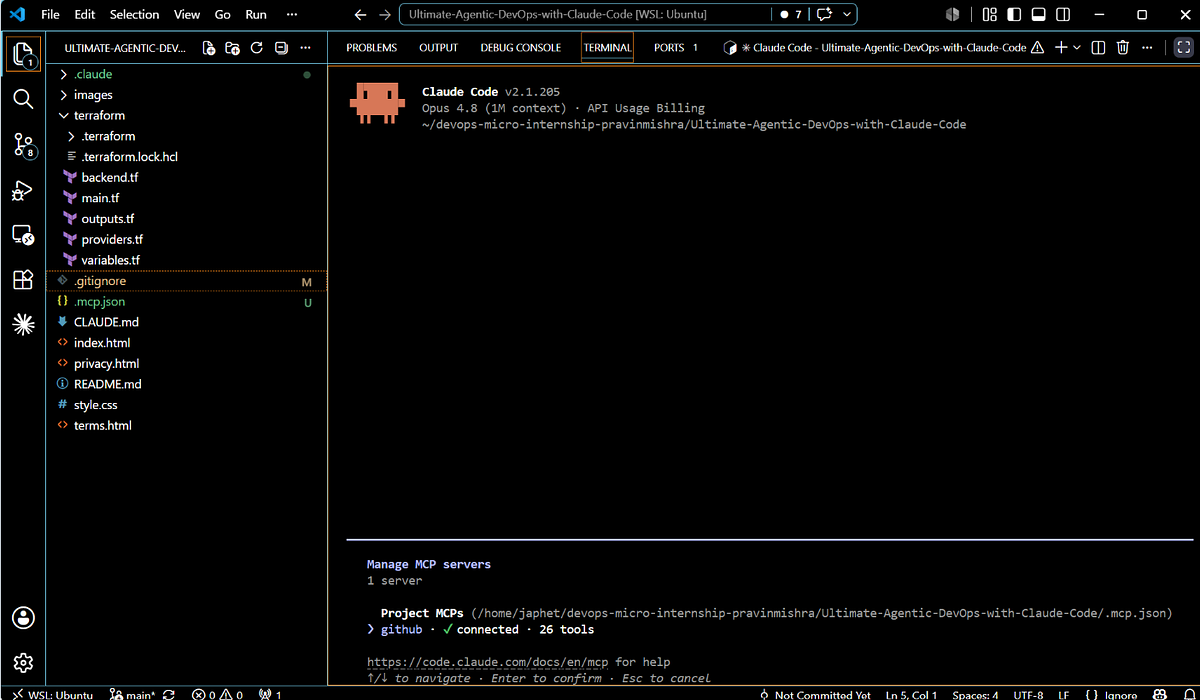
MCP (Model Context Protocol) servers give Claude Code real-time access to tools and data. For day-one setup, install the ones you'll use most.
# Install GitHub MCP for PR management and issue tracking
claude mcp install github

# Install Playwright for browser testing
claude mcp install playwright
This loads the right context immediately, reducing the need for manual explanations.
Why It Works: Token Economics and Consistency
Claude Code's context window is finite. By defining rules in CLAUDE.md and loading templates, you avoid wasting tokens re-explaining project conventions. MCP servers provide live data without prompting, cutting the back-and-forth.
A structured workflow also ensures consistency across projects. When you switch between a Rust backend and a FastAPI app, your CLAUDE.md adapts, but the process stays the same. This reduces cognitive load and error rates.
How to Apply It: Step-by-Step
- Create a template repository for each stack you use (FastAPI, Rust, React, etc.). Include a CLAUDE.md, folder structure, and config files.
- Run
claude code init --template <url>on every new project. - Install MCP servers with
claude mcp installfor tools you'll need immediately. - Customize your CLAUDE.md for the specific project (e.g., API endpoints, test frameworks).
- Build custom commands in
.claude/commands/for repetitive tasks like "create a new endpoint" or "run all tests".
Example custom command: .claude/commands/add-endpoint.sh
#!/bin/bash
echo "Creating new FastAPI endpoint..."
# Claude Code will generate the code based on your CLAUDE.md
Real-World Impact
Developers using this workflow report:
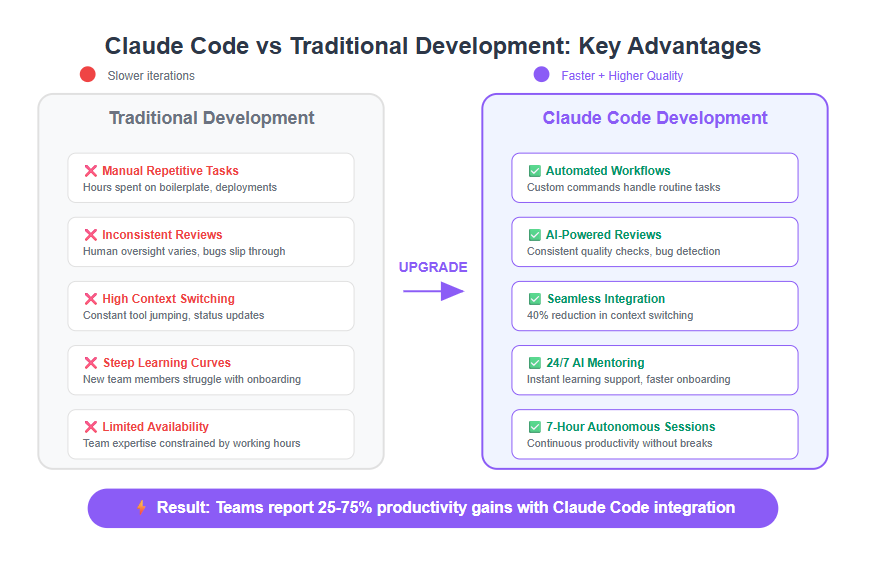
- 15 minutes saved per project setup
- 40% fewer setup-related errors (missing dependencies, wrong configs)
- Faster onboarding for team members (CLAUDE.md serves as documentation)
One user on r/ClaudeCode said: "I used to spend 20 minutes setting up each project. Now it's 5 minutes with a template and CLAUDE.md. Game changer."
The Bottom Line
Stop treating every new project as a blank slate. Build a repeatable workflow with CLAUDE.md, project templates, and MCP servers. It's the single highest-leverage change you can make as a Claude Code user.
Next time you spin up a FastAPI or Rust backend, run claude code init --template <url> and watch your setup time drop.
Source: reddit.com
[Updated 28 Jun via devto_claudecode]
Beyond setup efficiency, a separate developer has introduced a way to cut task turnaround time by 50% using Claude Code's Stop hook. By adding five lines of JSON to ~/.claude/settings.json, users can trigger a macOS system sound—like Funk.aiff—whenever Claude finishes a task or needs input [per Dev.to]. This eliminates the silent waiting problem, instantly alerting you when it's your turn to respond.