The Technique — Picking the Right Tool
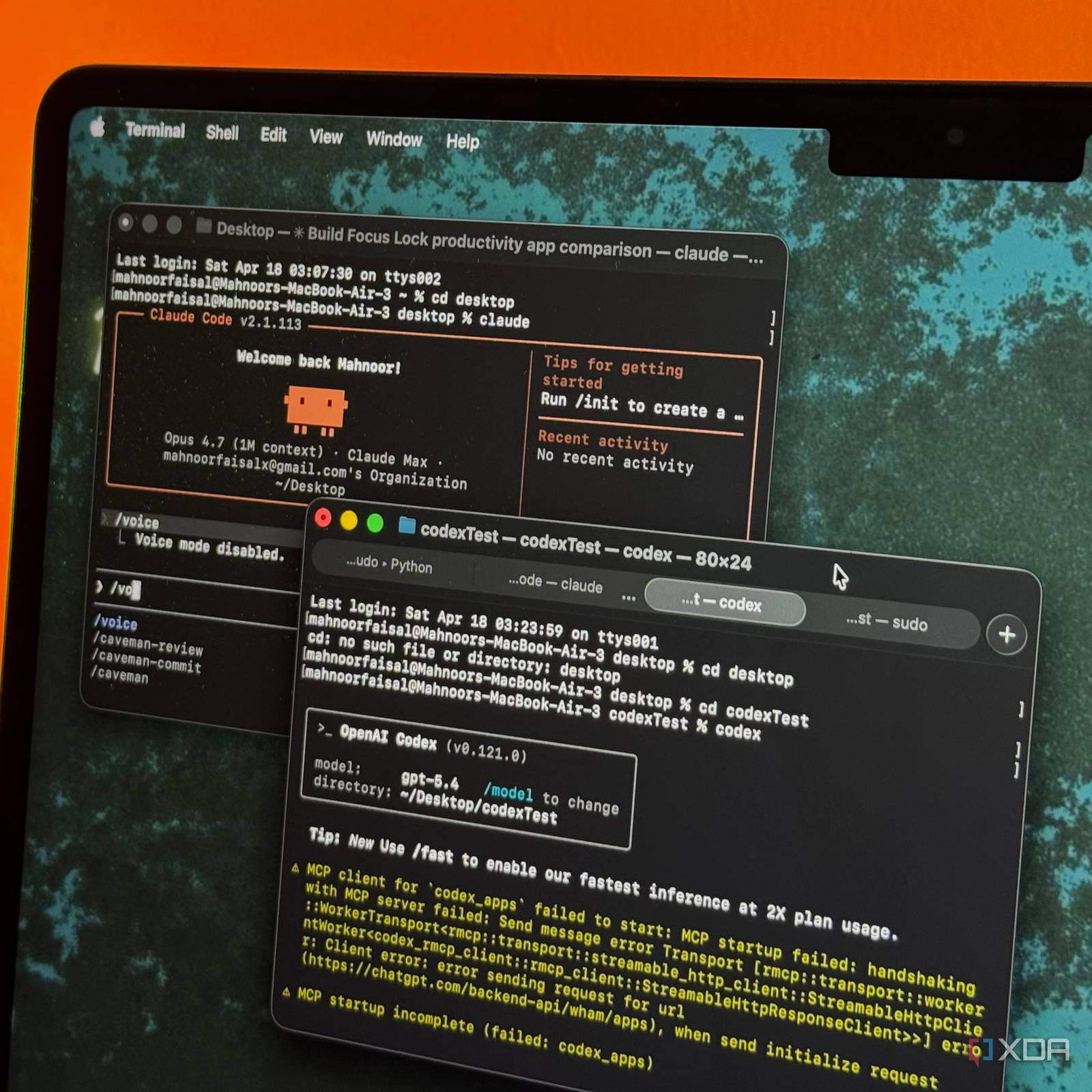
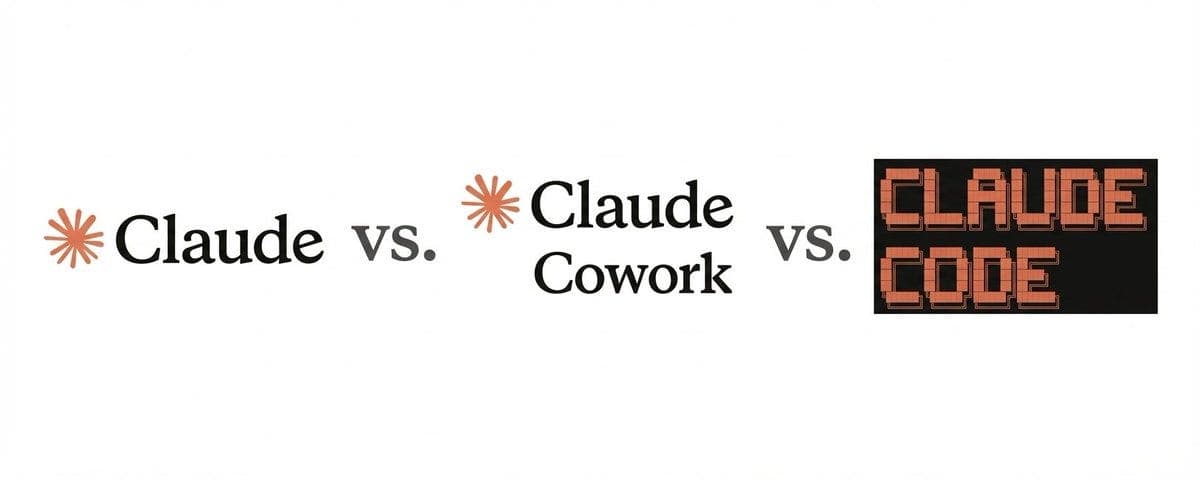
Most developers using Claude are likely using the wrong interface. The author discovered that while Claude AI (the chat interface at claude.ai) is excellent for conversation and brainstorming, Claude Code (the desktop agent) is purpose-built for autonomous, task-oriented development work. Using the general chat for coding is like using a Swiss Army knife to build a deck—possible, but inefficient.
Why It Works — Different Models for Different Modes
Claude Code isn't just a different UI; it's a different operational paradigm. It's designed as an agent that can execute commands, edit files, run tests, and operate within your local development environment using the Model Context Protocol (MCP). The standard Claude AI interface is conversational—it suggests code, but you must copy, paste, and run everything yourself. Claude Code does the work. This distinction is critical for token economics and workflow speed. Claude Code can act autonomously over long contexts, making it ideal for refactoring, debugging, and building features where you want the AI to handle the execution loop.
How To Apply It — Your New Decision Framework
Adopt this simple rule: Use Claude AI for questions, Claude Code for tasks.
When to use Claude AI (claude.ai):
- Brainstorming architecture or algorithm ideas.
- Getting explanations for complex concepts.
- One-off code snippets or examples.
- General research and Q&A.
When to switch to Claude Code (desktop agent):
- Implementing a feature:
claude code "Add a user profile edit form to the React component in /src/components/UserProfile.js" - Refactoring code:
claude code "Refactor the authentication module to use context API, starting in /src/auth/" - Writing tests:
claude code "Generate and implement unit tests for the PaymentService class" - Debugging a complex issue: Let the agent examine logs, trace execution, and propose fixes.
- Working with your local project context: It can navigate your entire codebase, not just the files you paste.
Setup Tip: If you haven't configured Claude Code with MCP servers, you're missing half its power. Install servers for your database (mcp-server-postgres), browser (mcp-server-browser), or system monitoring to give Claude Code eyes and hands in your tools.
Stop pasting code back and forth. For any development task that involves doing—not just discussing—fire up the agent. The context is your project, and the output is a changed codebase.