The Hybrid Workflow: What Expert Developers Actually Do
The most important insight from the 30-day comparison isn't which tool "wins" — it's that expert developers use both. The optimal workflow looks like this:
Use Cursor when:
- You need to rename a function/variable across one file
- You're fixing a single TypeScript type error
- You're adjusting a regex or small logic block
- The edit takes less than 30 seconds to describe
Use Claude Code when:
- The task touches 3+ files
- You need tests written or run
- You're implementing a feature with multiple components
- The task would take you 2+ minutes to do manually
Why This Works: Different Tools for Different Cognitive Loads
Cursor's Cmd+K excels at surgical precision because it operates within your existing editor context. You're already looking at the code, you highlight what needs changing, and you get immediate feedback. The cognitive overhead is minimal.
Claude Code's strength is agentic execution — it handles the file navigation, command running, and error correction that would otherwise interrupt your flow. The 12-minute rate limiting task example shows this perfectly: Claude Code handled Redis setup, middleware wiring, tier logic, and 14 tests while the developer was away from keyboard.
How To Apply This Today
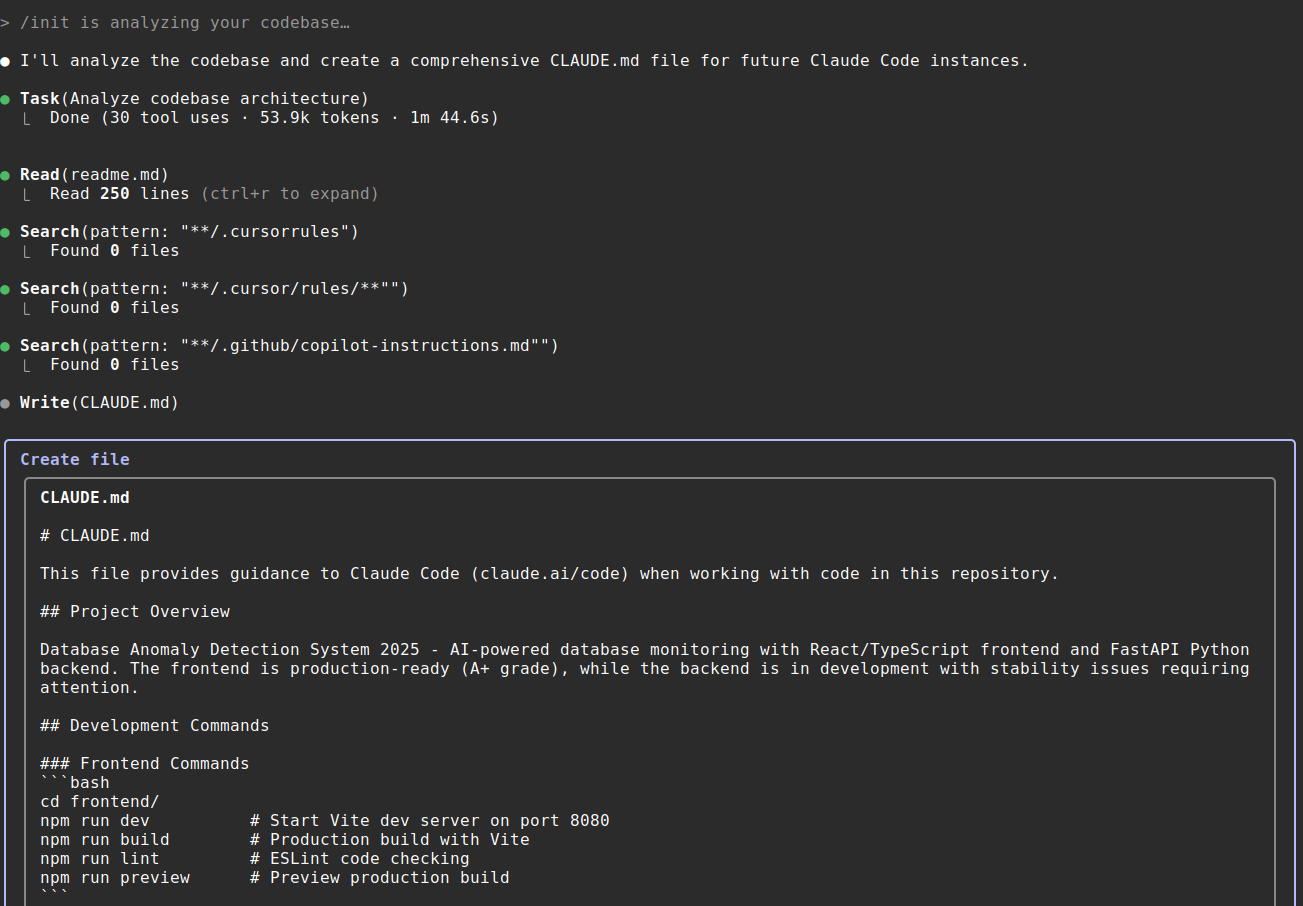
- Keep both tools running — Cursor in your IDE, Claude Code in your terminal
- Before starting any task, ask: "Is this surgical or systemic?"
- For surgical tasks: Highlight code → Cmd+K → describe change → accept/reject
- For systemic tasks:
claude "[describe outcome]"→ review plan → let it execute
Example prompts that work better in Claude Code:
# Multi-file refactor
claude "Migrate all API endpoints from Express to FastAPI. Keep the same routes and response formats."

# Feature with tests
claude "Add Stripe webhook verification to our payment service. Include tests for valid and invalid signatures."

# Bug hunt across modules
claude "Find why user sessions expire after 5 minutes. Check auth middleware, Redis TTLs, and cookie settings."
The Mental Shift: From Driver to Supervisor
The biggest adjustment isn't technical — it's psychological. With Cursor, you're still driving. With Claude Code, you're specifying destination and supervising the route.
When you give Claude Code a task like "Add rate limiting with Redis," you're not asking for code suggestions. You're delegating an engineering ticket to an autonomous agent. This changes how you structure your workday:
- Batch small edits into Cursor sessions
- Queue agentic tasks for Claude Code execution
- Review commits instead of writing line-by-line
The Toolchain That Actually Ships Code
Developers who ship fastest aren't loyal to one tool — they're pragmatic about using each for what it does best. The 30-day experiment shows the pattern:
- Morning: Use Claude Code for major feature work while fresh
- Throughout day: Use Cursor for quick fixes and adjustments
- End of day: Queue up refactors or tests in Claude Code before leaving
This isn't about choosing Claude Code or Cursor. It's about using Claude Code and Cursor in the right contexts.