Key Takeaways
- Replace CLAUDE.md rules with PreToolUse hooks in Claude Code for guaranteed enforcement.
- Hooks run as shell code, blocking dangerous commands like deploys or migrations outside the model's control.
The Problem: CLAUDE.md Rules Are Suggestions, Not Guarantees
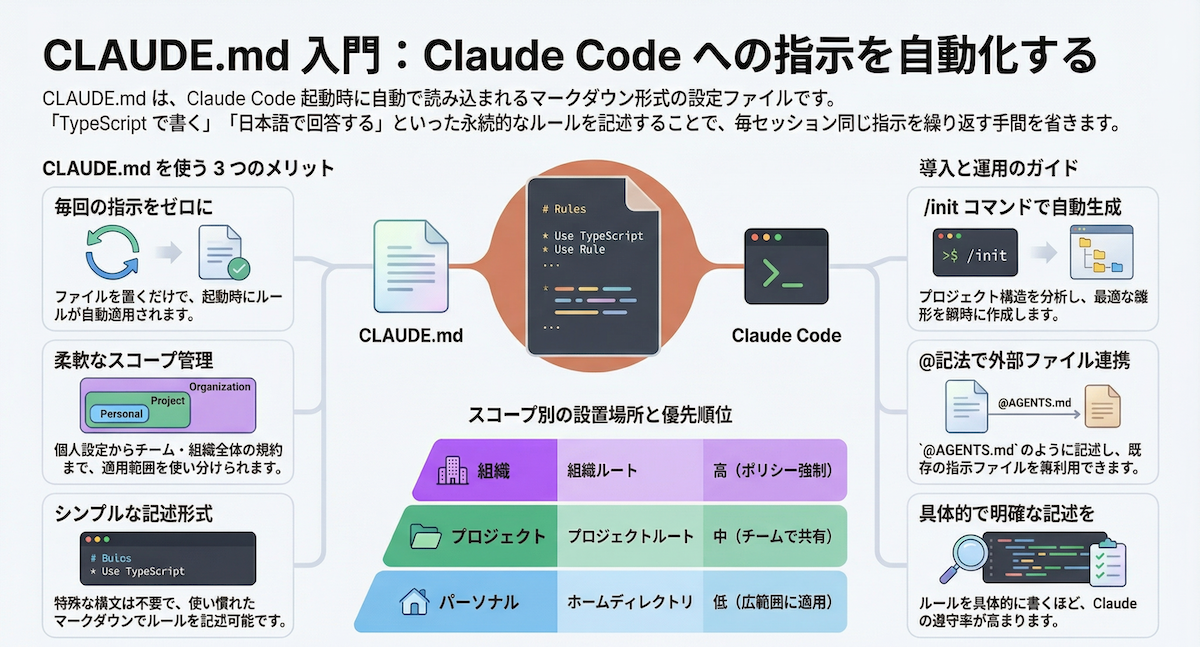
You wrote a CLAUDE.md. It has rules like "Never run the deploy script" and "Do not touch the migrations folder." Most of the time, the model follows them. But "most of the time" isn't a guarantee—and the misses happen when you're not watching.
As the developer who posted this technique on Reddit put it: "A rule that holds 95 percent of the time is not a rule. It is a default."
CLAUDE.md goes into the prompt. On a long session with a full context window, or a couple of subagents deep, that rule is one more line competing for attention. And it loses sometimes.
The Solution: PreToolUse Hooks
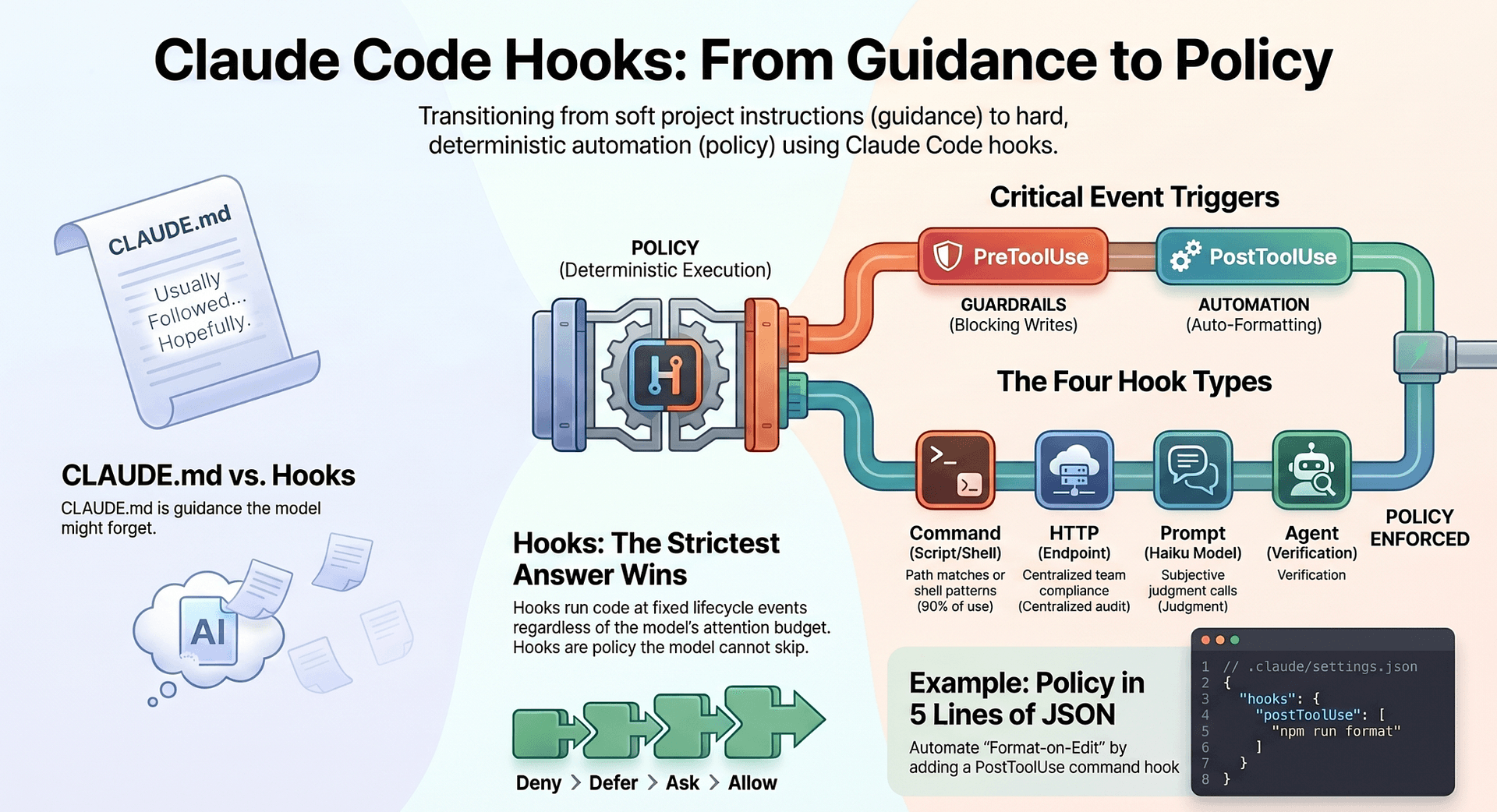
Hooks are the part of Claude Code that does not negotiate. A hook is a shell command you register in settings.json that fires at a fixed point in the loop and runs as code, outside the model. The model does not decide whether it runs. Claude Code fires it every time.
PreToolUse is the hook that changed the game. It runs before a tool executes and gets the full call as JSON on stdin, including the exact Bash command about to run. Your hook inspects it and decides: exit 2 or return a deny, and the call never happens. The model is told it was blocked and adapts.
How to Set It Up
- Open your Claude Code
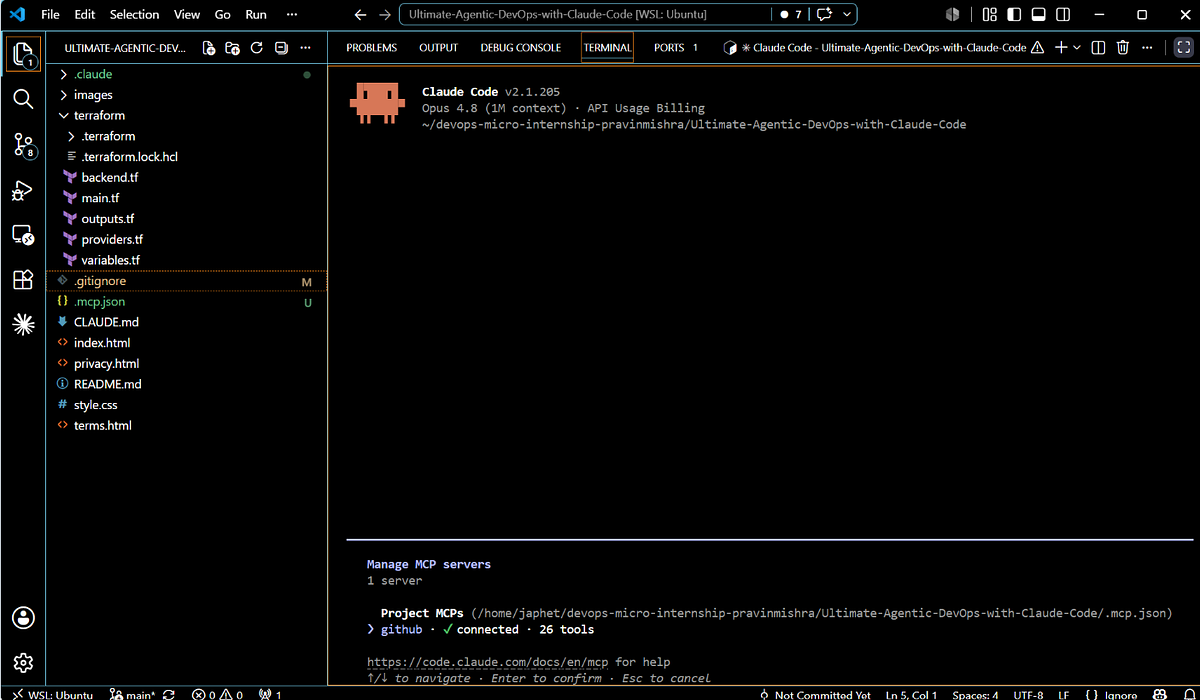
settings.json(usually at~/.claude/settings.jsonor project-level.claude/settings.json). - Add a
hookssection with aPreToolUsescript.
Example: Block the deploy script
{
  "hooks": {
    "PreToolUse": "#!/bin/bash\n# Read the tool call from stdin\nread -r input\necho \"$input\" | jq -e '.command | contains(\"./deploy.sh\")' > /dev/null 2>&1 && exit 2\nexit 0"
  }
}
This hook reads the tool call JSON, checks if the command contains ./deploy.sh, and exits with code 2 if it does. Exit code 2 tells Claude Code to deny the call, and the model receives a "blocked" message and adapts.
For a more robust version that blocks any command in the deploy/ folder:
{
  "hooks": {
    "PreToolUse": "#!/bin/bash\nread -r input\n# Only check Bash tool calls (not Edit, Read, etc.)\nif echo \"$input\" | jq -e '.type == \"Bash\"' > /dev/null 2>&1; then\n  if echo \"$input\" | jq -r '.command' | grep -E 'deploy|migrations' > /dev/null 2>&1; then\n    exit 2\n  fi\nfi\nexit 0"
  }
}
This scopes the check to Bash calls only, so it never accidentally blocks an Edit or Read tool.
Why It Works
Prompts are where you express intent. Enforcement is where you guarantee it, and that has to be code that runs whether or not the model cooperates.
- CLAUDE.md says what you would like to happen.
- A hook decides what is allowed to happen.
For the few things you cannot afford to get wrong—deploy scripts, database migrations, file deletions—stop writing them as rules and write them as hooks.
When to Use Hooks vs. CLAUDE.md
Coding style preferences CLAUDE.md Workflow steps CLAUDE.md Block dangerous commands PreToolUse hook Prevent file writes to specific paths PreToolUse hook Enforce secret scanning PreToolUse hook Guide architectural decisions CLAUDE.mdTry It Now
- Identify the one command you're most worried about Claude Code running accidentally (deploy, format, migration, etc.).
- Add a PreToolUse hook that blocks it.
- Test it by asking Claude Code to run that command—watch it get blocked and adapt.
This is the difference between hoping the model behaves and making sure it does.
References
Source: reddit.com