Key Takeaways
- Build your harness on Claude Code with CLAUDE.md, MCP servers, and slash commands.
- Skip the from-scratch agent—leverage existing tools for speed.
What Changed — The Rise of 'Harness' Talk

If you've scrolled LinkedIn recently, you've seen engineers bragging about 'my harness.' The term is everywhere, but it's confusing: are they building custom agents, or just tweaking Claude Code? The answer, as the Reddit thread reveals, is mostly the latter.
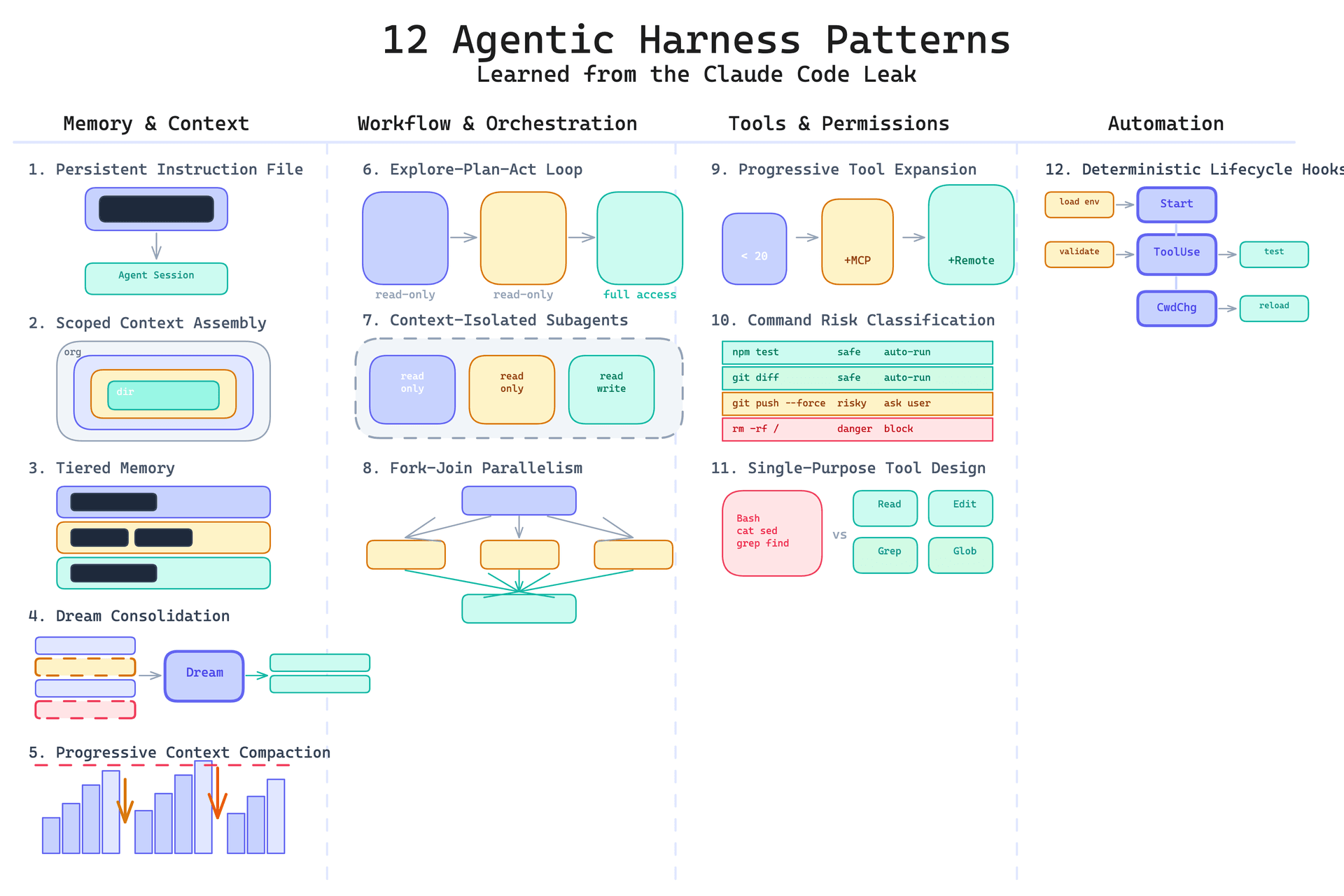
A harness is the entire environment around an AI coding agent—the prompts, tools, context files, and workflows that shape how the agent behaves. It's not the model itself; it's everything you add to make the model effective for your specific codebase.
Most developers aren't building harnesses from scratch. They're layering customization on top of tools like Claude Code. That's the key insight from the thread: 'harness' sounds exotic, but it's just your CLAUDE.md, your MCP servers, your custom slash commands, and your review workflows.
What It Means For You — Your Harness Is Already Half-Built
If you use Claude Code, you already have a harness. The question is whether you've optimized it. A default Claude Code setup with no CLAUDE.md is a bare harness. A well-tuned one includes:
- CLAUDE.md files — Project-specific instructions that Claude Code reads on every session. This is your harness's foundation. It tells the agent about your architecture, coding standards, and common pitfalls.
- MCP servers — Model Context Protocol servers add custom tools, like database access, API integrations, or internal documentation lookup. With 95 sources confirming Claude Code uses MCP, this is the standard way to extend your harness.
- Custom slash commands — Claude Code lets you define slash commands for repetitive tasks, like 'run tests' or 'deploy to staging.' These bundle multi-step workflows into one call.
- Hooks and scripts — Pre- and post-processing scripts that run around agent actions, like auto-formatting or linting after edits.
You don't need to write a new agent. You need to configure Claude Code to match your team's workflow.
How To Apply It — Build Your Harness in 3 Steps

Here's how to move from bare-bones to a serious harness, using Claude Code's native features.
Step 1: Write a Killer CLAUDE.md
Start with a project-level CLAUDE.md. Include:
- Your tech stack and key dependencies
- Coding conventions (naming, formatting, testing)
- Common gotchas (e.g., 'never modify the auth module without approval')
- Links to internal docs or architecture diagrams
Example snippet:
# Project: Payment Service
- Stack: Node.js, Express, PostgreSQL
- Tests: Run `npm test` before every commit
- Gotcha: The `auth` module is shared—ping #security before changing
- Style: Use TypeScript strict mode; no `any`
Step 2: Add MCP Servers for Your Stack
Install MCP servers that give Claude Code direct access to your tools. For example:
@modelcontextprotocol/server-postgresfor database queries- A custom MCP server that wraps your internal API docs
@modelcontextprotocol/server-githubfor issue tracking
Setup is one command: claude mcp add postgres -- npx @modelcontextprotocol/server-postgres. Now Claude Code can query your DB during coding tasks—no context switching.
Step 3: Create Slash Commands for Repetitive Work
Define custom slash commands in .claude/commands/. For example, a review command that runs lint, tests, and a security scan:
{
  "name": "review",
  "description": "Run full pre-commit review",
  "commands": [
    "npm run lint",
    "npm test",
    "claude code --check-security"
  ]
}
Now you type /review and the harness does the rest.
Why It Works — The Token Economics
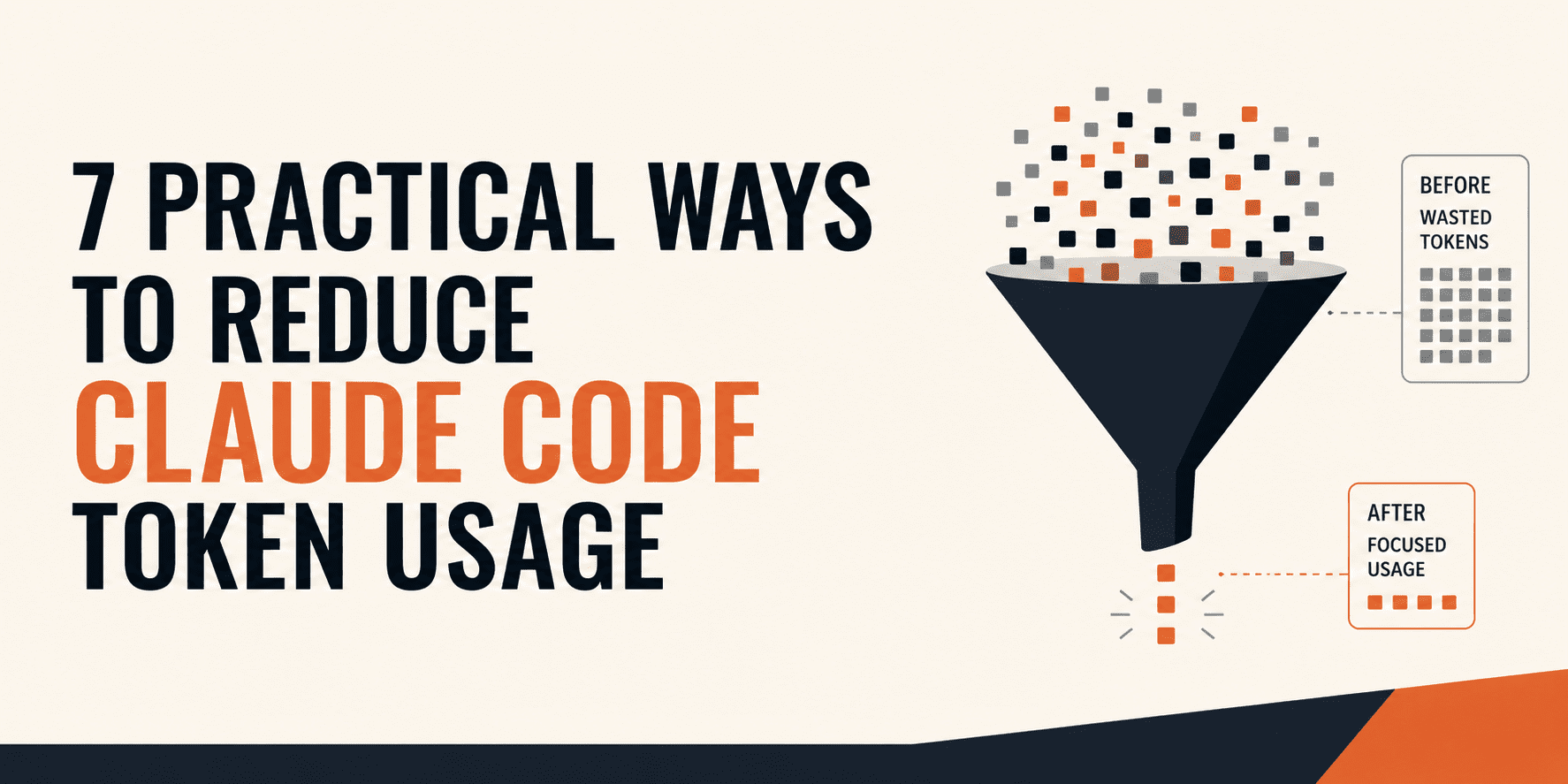
A good harness reduces wasted tokens. CLAUDE.md gives context upfront, so the agent doesn't re-discover your stack. MCP servers let it query tools directly instead of asking you. Slash commands package workflows, cutting down on back-and-forth. This isn't just convenience—it's cost savings and fewer errors.
Recent Claude Code updates, like the 2.1.224 release that removed the 200-subagent cap, make parallel workflows possible. Your harness can now spin up multiple agents for different tasks, but only if your CLAUDE.md and MCP setup can handle the load.
The Bottom Line
'My harness' is just a buzzword for your Claude Code configuration. Don't build from scratch—invest in CLAUDE.md, MCP servers, and slash commands. That's what the LinkedIn crowd is doing, and now you can too.
Source: reddit.com