Key Takeaways
- Claude Code's terminal-native design enables scriptable, parallel, and composable workflows that Cursor can't match.
- Use
claude -pfor automation and--agentsfor parallel execution to gain a real edge.
The Debate: Cursor vs. Claude Code

A Reddit user on r/ClaudeCode asked a question that's been echoing through dev circles: "Why do you prefer Claude Code over AI-native editors like Cursor? What am I missing?" They listed Cursor's strengths—diffs, file navigation, multiple agent sessions, code review, terminal access—and admitted they could do "most of this inside Cursor."
The answers from developers who switched and stayed reveal a consistent theme: it's not about a single feature, but about the fundamental architecture. Claude Code is a terminal-native harness, not an IDE plugin. That distinction unlocks capabilities Cursor can't replicate.
The Terminal-Native Advantage
1. Scriptability and Composability
Claude Code runs in your terminal, which means it composes with every Unix tool you already use. You can pipe output, chain commands, and build custom workflows. For example, you can run a headless Claude Code session and feed its output into jq, grep, or a CI pipeline:
claude -p "Refactor the auth module and list changed files" | jq '.files'
```n
Cursor runs inside VS Code. You can't pipe Cursor's agent output into a shell script or trigger it from a cron job. Claude Code's CLI is a first-class citizen—it's designed for automation.

### 2. Parallel Agent Execution

Claude Code 2.1.224 removed the old 200-subagent cap, enabling truly parallel workflows. You can spawn multiple agents to work on different files or tasks simultaneously. This is a game-changer for large refactors or codebase-wide changes.

```bash
claude --agents 10 "Update all API endpoints to use the new error format"
Cursor's agent sessions are bound to the editor. You can't launch 10 parallel agents from a terminal command. Claude Code treats agents as first-class processes, not UI panels.
3. Deep MCP Integration
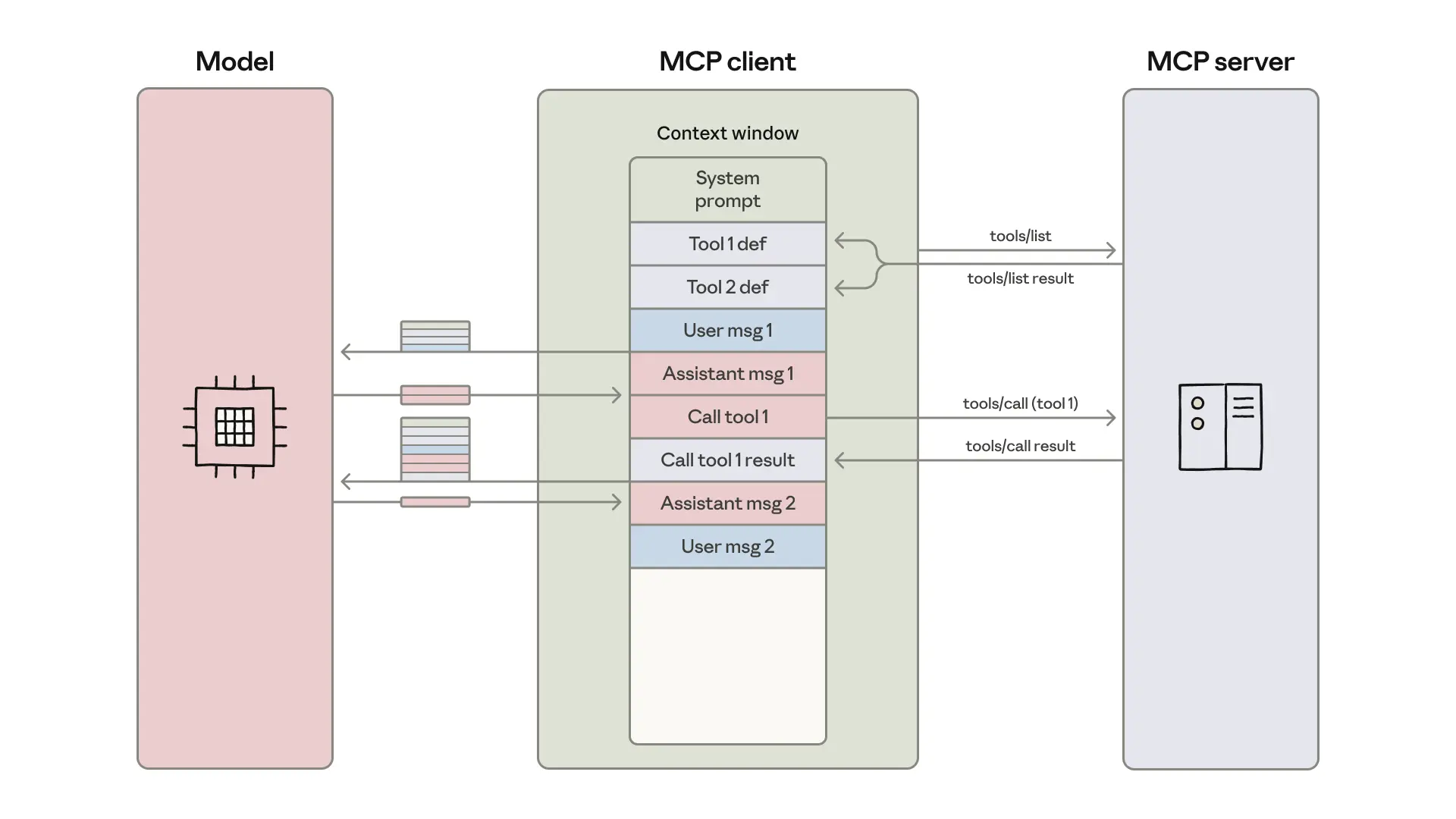
Claude Code uses the Model Context Protocol (MCP) extensively—94 sources confirm this. MCP servers like Notion, MongoDB Atlas, or custom tools can be added directly to your workflow. For example, the Notion MCP Server lets Claude Code read and write to your team's knowledge base mid-coding.
claude mcp add notion -e NOTION_API_KEY=your-key -- npx -y @notionhq/notion-mcp-server
Cursor supports MCP too, but Claude Code's terminal-native model makes it easier to chain MCP calls with shell commands. You can query a database, process the result, and feed it into the next step—all in one script.
4. Headless Automation for CI/CD
Claude Code's -p (print) mode lets you run it in CI pipelines. You can automate code reviews, generate documentation, or fix linting issues without human intervention. This is impossible with Cursor—it requires a GUI.
# In your CI pipeline
claude -p "Review the diff and suggest improvements" > review.md
5. Context Control via CLAUDE.md
Claude Code's CLAUDE.md files give you fine-grained control over the agent's behavior. You can define project-specific rules, coding standards, and context that persists across sessions. This is more scriptable than Cursor's .cursorrules—you can version it, lint it, and even generate it programmatically.
Why It Matters
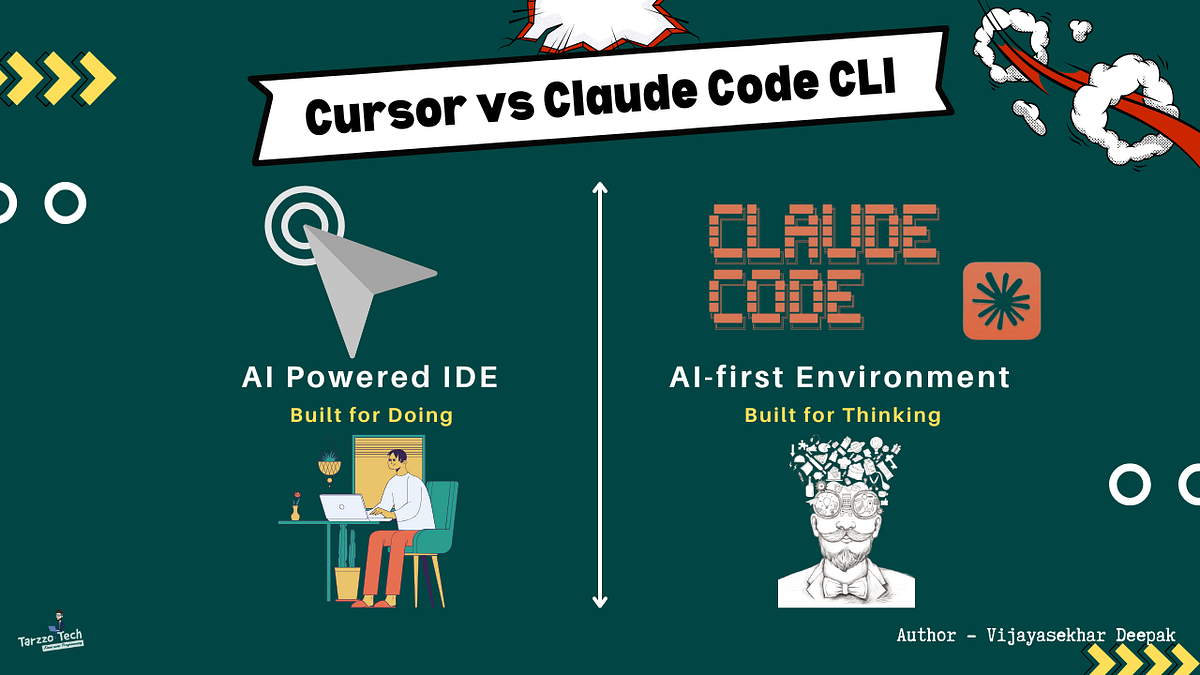
Cursor's strength is its integrated IDE experience—diffs, visual navigation, and a familiar UI. But that integration is also its ceiling. Claude Code's terminal-native design means it's not limited by the editor's boundaries. It's a tool you can bend to your will, not a product you adapt to.
Developers who switched cite this freedom as the deciding factor. They can build custom pipelines, run agents in parallel, and integrate with any CLI tool. The IDE experience is nice, but it's not worth giving up the power of a composable, scriptable harness.
Try It Now
- Run a headless session:
claude -p "Summarize the repo structure" - Spawn parallel agents:
claude --agents 5 "Fix all TODO comments" - Add an MCP server:
claude mcp add notion -e NOTION_API_KEY=... -- npx -y @notionhq/notion-mcp-server - Pipe output:
claude -p "List open issues" | grep -i bug
The gap between Cursor and Claude Code isn't about features—it's about philosophy. One is a tool inside an editor; the other is a tool for the terminal. If you want to automate, compose, and scale, Claude Code wins.
Source: reddit.com