A curated list of seven open-source projects is circulating among developers, highlighting the most effective tools for running large language models (LLMs) completely offline on consumer laptop hardware. The list, shared by developer Hasan Töre, points to a mature ecosystem of software designed to bypass cloud API costs and latency by performing inference directly on local CPUs and GPUs.
Key Takeaways
- A developer shared a list of seven key GitHub repositories, including AnythingLLM and llama.cpp, that allow users to run LLMs locally without cloud costs.
- This reflects the growing trend of efficient, private on-device AI inference.
What's in the Toolkit
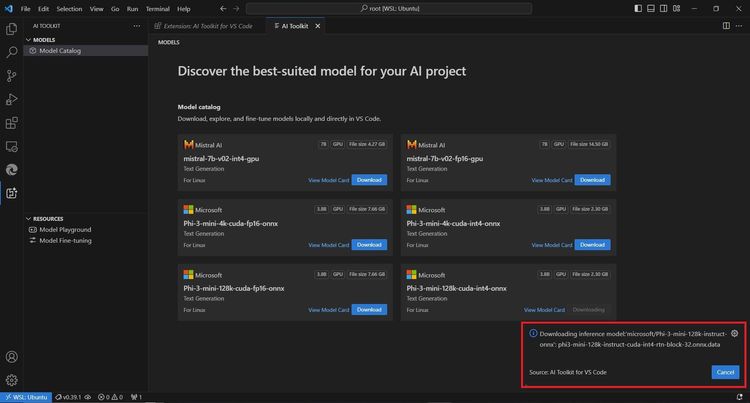
The list comprises seven established GitHub repositories, each serving a distinct role in the local LLM workflow:
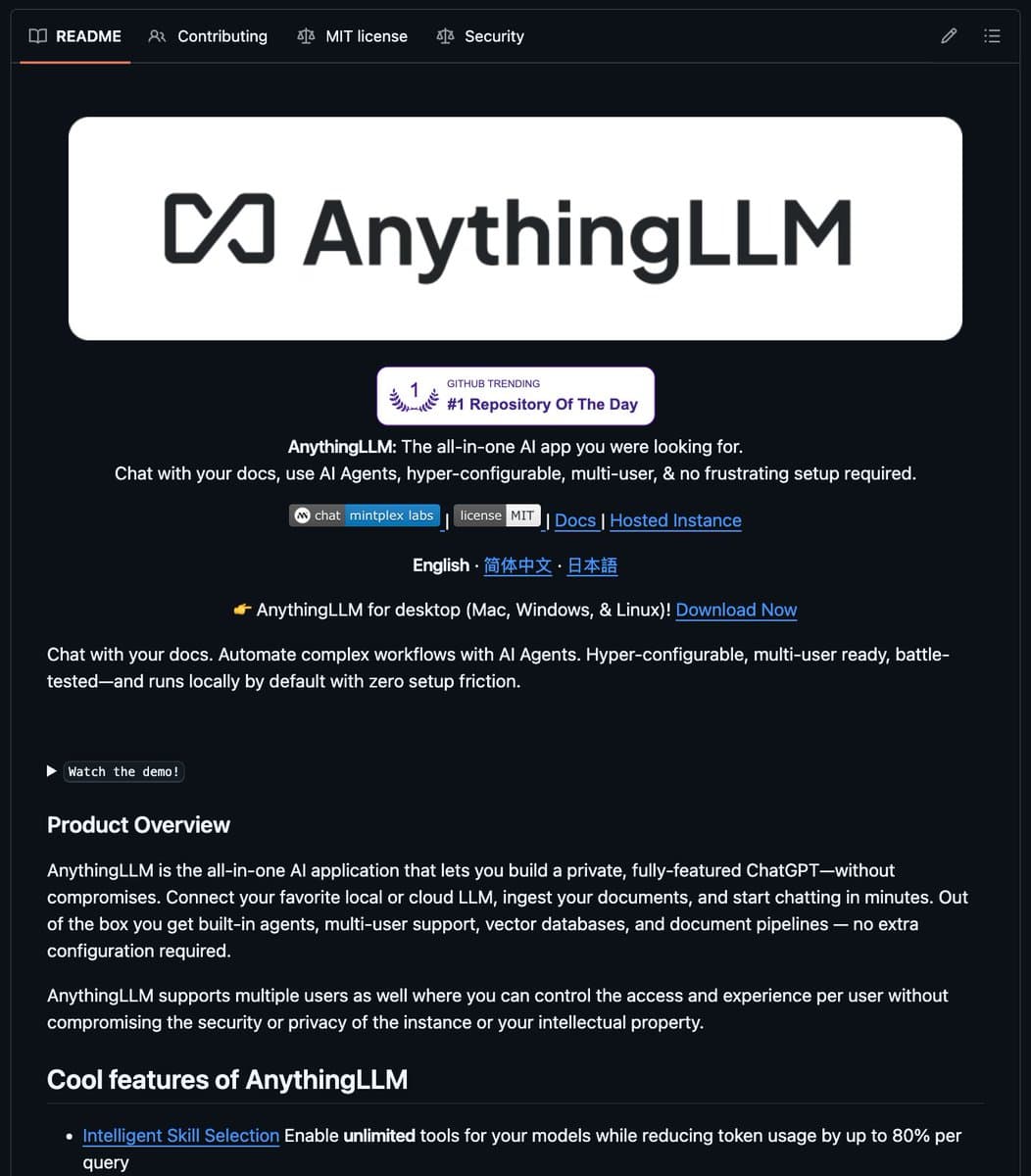
- AnythingLLM: A full-stack, desktop-based chatbot application that can ingest documents and interact with locally running models via a polished UI.
- KoboldCpp: A lightweight, one-file distribution of the llama.cpp inference engine packaged with a feature-rich storytelling/role-playing interface.
- llama.cpp: The foundational C++ inference engine for running LLMs efficiently on CPU and Apple Silicon. It's the backbone for many other tools on this list.
- Open WebUI (formerly Ollama WebUI): A self-hostable, extensible web interface designed to work with the Ollama local model runner, offering a ChatGPT-like experience.
- GPT4All: An ecosystem developed by Nomic AI that includes a desktop application, a model training suite, and curated quantized models optimized for local execution.
- LocalAI: A drop-in replacement REST API for OpenAI, but running locally. It allows developers to swap their OpenAI API calls to a local server hosting open-source models.
- vLLM: A high-throughput and memory-efficient inference engine for LLMs, originally designed for GPU servers but increasingly used for powerful local GPUs.
Technical Context: How Local LLM Inference Works
The viability of this stack rests on two key technical advances: model quantization and efficient inference runtimes.
Tools like llama.cpp and GPT4All rely heavily on quantized models—versions of larger models (like Llama 3 or Mistral) where the precision of their weights has been reduced from 16-bit or 32-bit floating point to 4-bit or 5-bit integers. This compression can reduce model size by 70-80% with a relatively minor impact on output quality, making multi-billion parameter models fit into 8-16GB of RAM.
The runtimes themselves are engineered for minimal overhead. llama.cpp, written in plain C/C++ with optimized CPU kernels, avoids the bloat of larger ML frameworks. vLLM employs innovative attention algorithms and memory management (PagedAttention) to maximize token generation speed on available VRAM.
For the end-user, the typical workflow involves: downloading a quantized model file (.gguf or .bin), selecting a compatible runtime/UI from the list, and loading the model. Performance is measured in tokens per second, with modern laptops achieving 10-50 tokens/sec on 7B-parameter models, which is sufficient for interactive use.
The Competitive Landscape for Local AI

This list represents the democratization of a capability that was largely confined to research labs just three years ago. The projects fall into complementary categories:
- Core Inference Engines:
llama.cpp,vLLM - End-User Applications:
AnythingLLM,GPT4All(app),Open WebUI - API & Developer Tools:
LocalAI,KoboldCpp(also an app)
Notably absent are other popular options like Ollama (a model runner and manager) and LM Studio, suggesting the list is focused on pure, cost-free open-source projects rather than freemium tools. The inclusion of LocalAI is particularly strategic for developers, as it allows entire applications built on the OpenAI API schema to be ported to a private, open-model backend with minimal code changes.
gentic.news Analysis
This list is less of a new development and more a signpost of maturity. The "local-first LLM" stack has solidified around a few robust, well-maintained projects. The trend it underscores is the decisive shift from whether you can run a capable LLM locally to which specialized tool is best for your specific use case—be it document analysis (AnythingLLM), API compatibility (LocalAI), or maximum performance on Apple Silicon (llama.cpp).
This maturation directly results from the aggressive release of smaller, high-quality base models by Meta (Llama 3), Mistral AI, and Microsoft (Phi-3), combined with relentless optimization from the open-source community. As we covered in our analysis of the Llama 3.2 1B and 3B model release, the frontier is pushing toward capable sub-3B parameter models that can run efficiently on phones and low-end laptops, further expanding the addressable hardware for this software stack.
The curation also hints at a quiet consolidation. While dozens of similar projects emerged in 2023, these seven have sustained developer mindshare and GitHub activity. For practitioners, this means the investment in learning one of these tools is now less likely to be wasted on an abandoned codebase.
Frequently Asked Questions
What are the minimum laptop specs needed to run these LLMs?
You can run quantized 7B-parameter models (like Llama 3.2 7B) with usable performance on a laptop with 8GB of unified RAM and a modern CPU. For better performance with 13B or 34B models, 16GB+ of RAM and a dedicated GPU (NVIDIA with 6GB+ VRAM or Apple Silicon with 16GB+ unified memory) is recommended.
Is the performance of these local LLMs comparable to ChatGPT?
For the same model size, a locally run quantized version will be less capable than the full-precision, cloud-scaled version powering ChatGPT. However, you are trading peak capability for zero cost, complete privacy, no data logging, and no rate limits. For many personal and professional tasks, a local 7B or 13B model is sufficiently capable.
How do I choose which tool from this list to use?
Start with your goal: If you want a simple chat interface, try GPT4All or Open WebUI. If you need to chat with your own documents, use AnythingLLM. If you're a developer building an app and want OpenAI API compatibility, use LocalAI. For maximum performance on CPU or to run the newest models first, use llama.cpp directly or via KoboldCpp.
Are these tools really completely free?
Yes, the software itself is free and open-source (typically MIT or Apache 2.0 licensed). The "cost" is your hardware's electricity and compute resources. You also need to download the model weights, which are freely available for most open-source models from repositories like Hugging Face.