What Changed — The 5x Gap, Measured
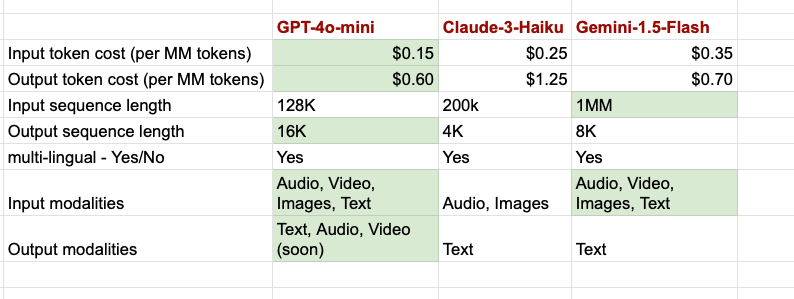
A new benchmark from tech-insider.org compared Claude Haiku, Gemini Flash, and GPT-5.4 Mini on agentic coding workloads. The result: Claude Haiku is 5x faster than both competitors in end-to-end task latency. This isn't a single metric — it's the compound effect of faster tool calls, quicker file edits, and lower per-step overhead.
For Claude Code users, this is a game-changer. Your daily workflow is a loop: read a file, edit, run a test, fix an error. Each step incurs model latency. When that latency is 5x lower, the entire loop accelerates — even if the model's raw reasoning is less sophisticated than Opus.
What It Means For You — Latency Compounds
In Claude Code, every agentic step — a read_file, edit_file, or bash command — waits for the model to respond. With Gemini Flash or GPT-5.4 Mini, those steps take noticeably longer. With Haiku, they're nearly instant. Over a 100-step session, that difference adds up to minutes saved.
But speed isn't the only factor. The benchmark also noted Haiku's reliability in tool-calling — it makes fewer malformed calls that require retries. That's a hidden latency killer: a single retry can double the time for that step. Haiku's consistency means fewer retries, compounding the speed advantage.
Try It Now — Route Subtasks to Haiku
Claude Code lets you switch models mid-session. Use the /model command to select Haiku for simple, high-frequency tasks:
# In Claude Code, switch to Haiku for quick edits
/model haiku

# Then run your task — e.g., fix a lint error
claude code "Fix the lint error in src/utils.ts"
For more control, you can use hooks or CLAUDE.md instructions to auto-route. Add this to your CLAUDE.md:
## Model Routing
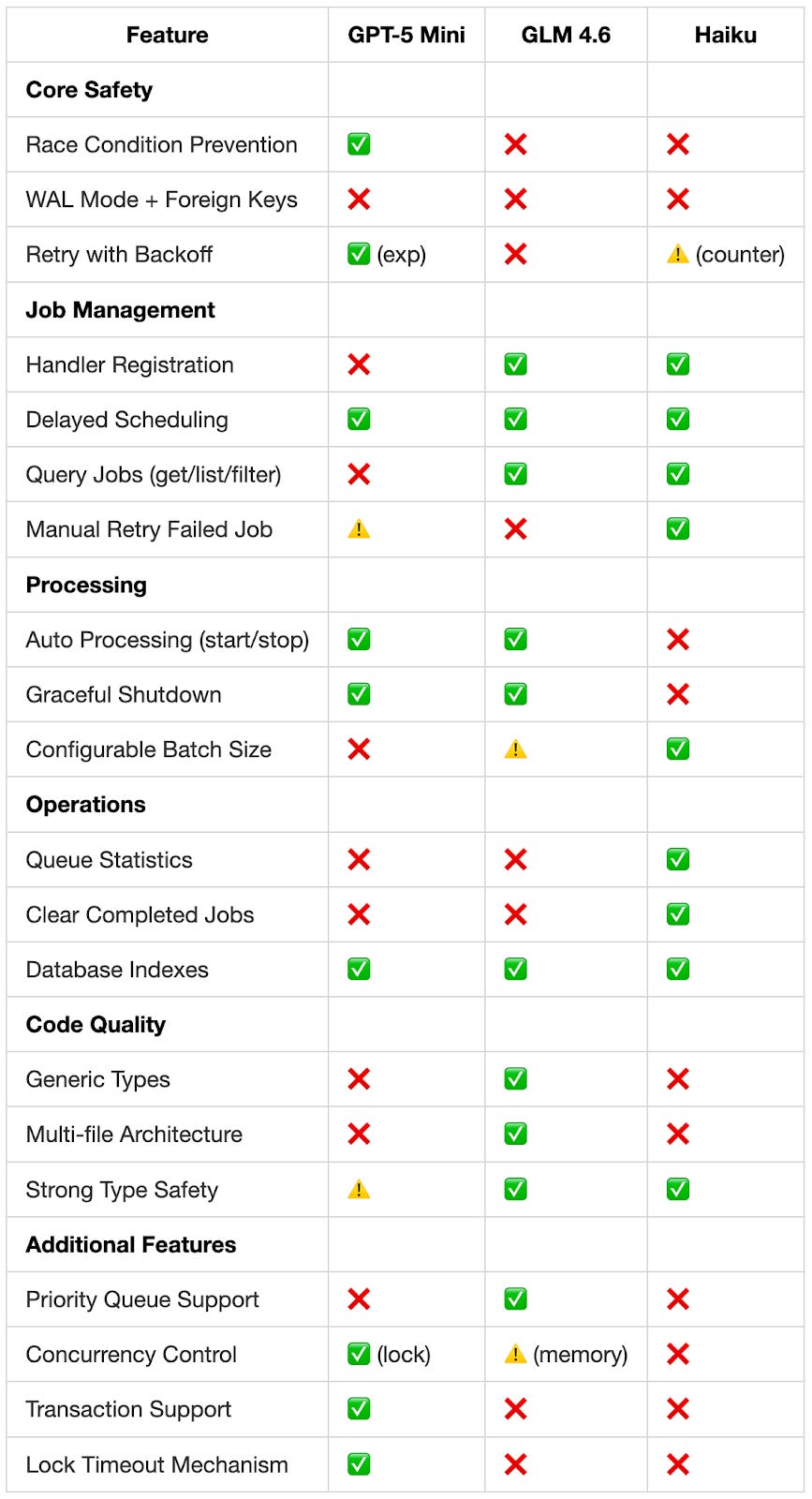
- For simple edits, file reads, or test runs, use Haiku (fast).
- For architectural design or multi-file refactors, use Opus (deep reasoning).
Then, when you start a session, set the model explicitly:
claude --model haiku "Update the README with new setup steps"
This keeps your main loop fast while reserving premium models for the 20% of tasks that genuinely need deep reasoning.
Why Not Always Use Haiku?
Haiku's speed comes with trade-offs. It's less capable at complex reasoning, nuanced code review, or understanding large codebases. For those, stick with Opus 4.6 — which Claude Code already uses by default. The key is knowing when to switch.
A practical heuristic: if a task is a "mechanical" change (rename variable, update config, run formatter), use Haiku. If it involves "architectural" thinking (design a new module, debug an obscure race condition), use Opus.
The Bottom Line
The 5x gap isn't just a benchmark — it's a productivity lever. Claude Code users who route aggressively to Haiku for simple tasks will see faster feedback loops, less context-window bloat (Haiku uses fewer tokens per step), and ultimately ship faster. Don't let premium models slow down your mechanical work.
Source: news.google.com