Key Takeaways
- Claudectl solves Claude Code's biggest pain point on Windows: losing context when switching projects.
- Install via
pipx install claudectlfor session browsing, CLAUDE.md scaffolding, and per-project MCP/M model configs.
What Changed — A Workspace Manager for Claude Code on Windows
Claude Code treats your work as a collection of chats. That's fine for a single project. But the moment you switch between three repos, onboard a new teammate, or revisit a project after a week, you're fighting context loss. Sessions pile up. CLAUDE.md files get stale. MCP servers drift out of sync.
Enter claudectl — an open-source workspace manager by developer Babar Muhammad that's purpose-built for Windows Claude Code users. It wraps Claude Code's CLI with a terminal UI that treats every project as a persistent, searchable, configurable workspace.
What It Does — The Four Pillars
1. Session Management That Doesn't Suck
Claudectl's main screen is a session browser: every Claude Code project and session, sorted by recency. Press R to rename, D to delete, F to fork a session. The killer feature? Quick-resume with ★/☆ shortcuts — mark your top sessions and jump straight back in across all projects. Search filters sessions live by name or preview.
2. Project Memory That Actually Persists
This is where claudectl solves the CLAUDE.md problem. Two approaches:
- Scaffold (C key): Build project context mechanically from git repos, recent commits, READMEs, and prior session topics. No AI cost, fast iteration.
- AI generation (A key): Claude itself deep-analyzes the codebase and writes or updates a comprehensive CLAUDE.md. You review before anything is written.
Plus a system prompt (S key) per project — AI-generate or hand-edit a prompt injected on every launch. This means your "be careful with this monorepo's test suite" instructions persist across sessions.
3. MCP Awareness at a Glance
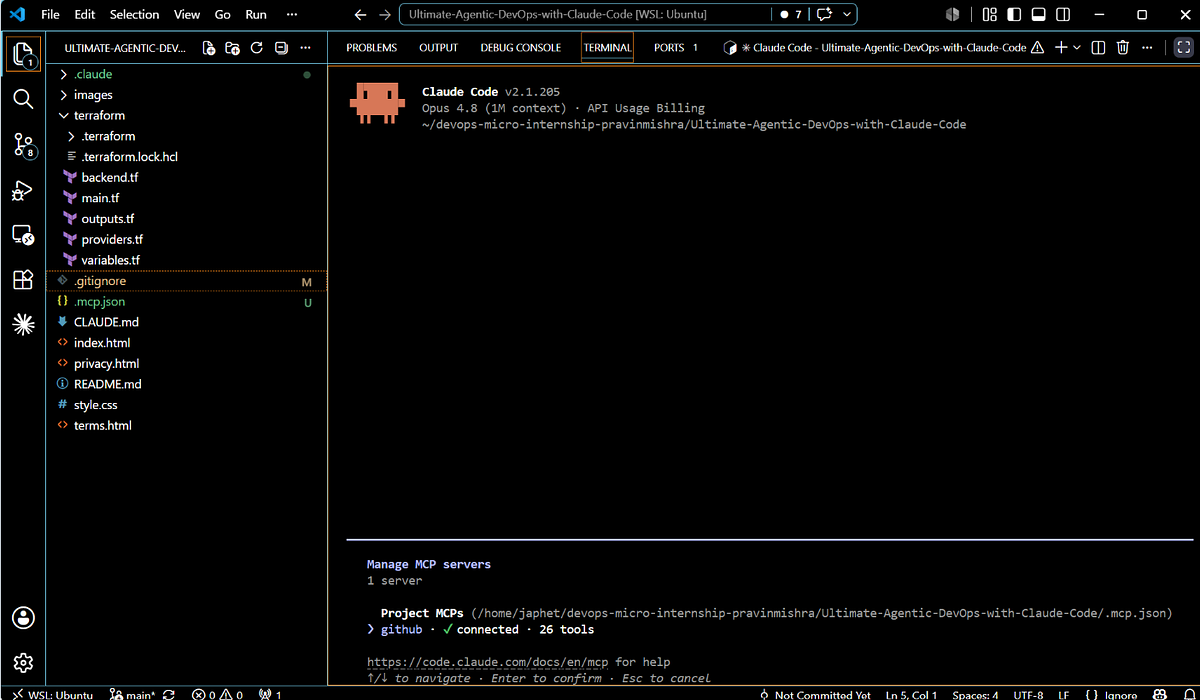
Claudectl shows connected MCP servers in the footer on startup. More importantly, it can analyze any MCP server's tools and write the docs into the global ~/.claude/CLAUDE.md so Claude knows them in every session. No more forgetting which MCP server does what.
4. Per-Project Launch Control
Before launching Claude, you pick:
- Reasoning effort (low/medium/high)
- Model override (Opus 4.6, Sonnet 4.6, etc.)
- Extra PATH entries injected into Claude's environment
Last choices are remembered per project. This is huge for teams that want Opus for architecture work but Sonnet for quick refactors.
Setup — Two Commands
pipx install claudectl
claudectl
Requirements: Python 3.10+, Windows 10 or 11, Claude Code CLI installed (auto-detected at %USERPROFILE%/.local/bin/claude.exe or on PATH).
When To Use It
- Multi-project developers: You switch between 3+ repos daily and hate losing session context.
- Teams onboarding new members: Scaffolded CLAUDE.md files give new devs instant project context.
- MCP-heavy workflows: You run multiple MCP servers and want visibility into which are connected.
- Model experimentation: You want to quickly switch between Opus 4.6 and Sonnet 4.6 per project without editing config files.
The Catch
It's Windows-only (for now). Linux and macOS users will need to wait or contribute. Also, it's a community tool, not an Anthropic product — expect rough edges and no official support.
Bottom Line
Claudectl fixes the biggest pain point of Claude Code on Windows: context loss across projects. If you're managing more than one project, install it today. The session browser alone saves 30 seconds every time you switch contexts — and that adds up fast.
Source: github.com