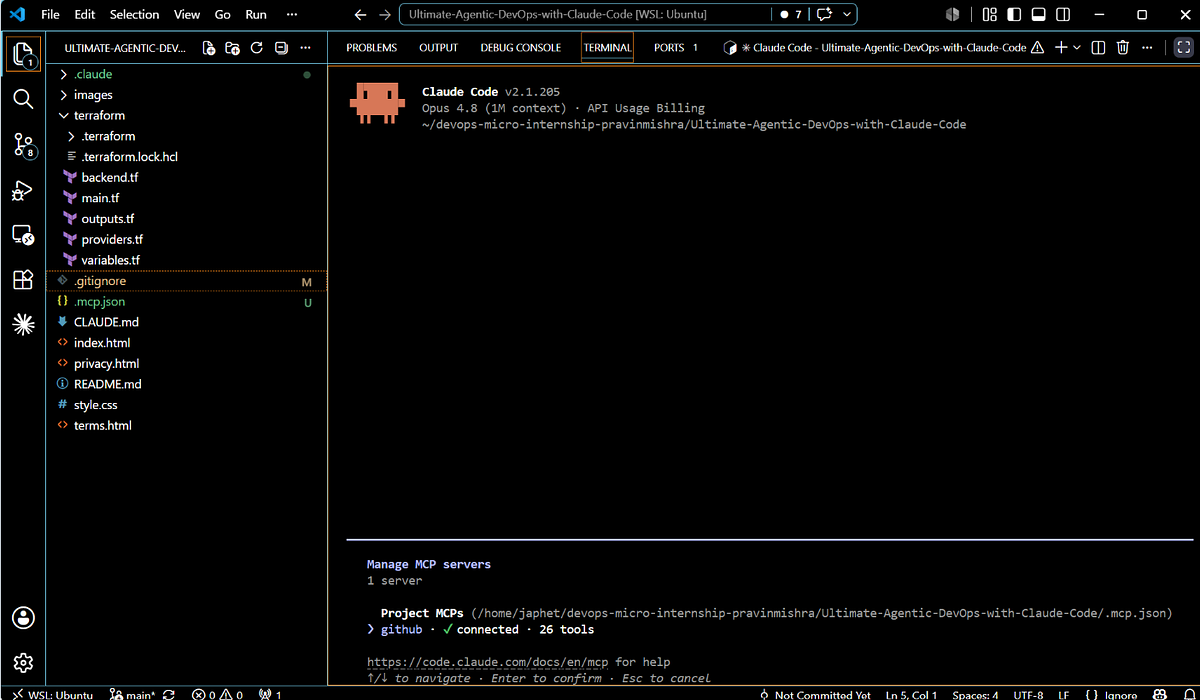
Switching from GitHub Copilot to Claude Code requires a mindset shift. Claude Code isn't just an autocomplete tool—it's a full development partner with different strengths and workflows. Based on community feedback and recent feature releases, here are the most common mistakes new Claude Pro users make when using Claude Code.
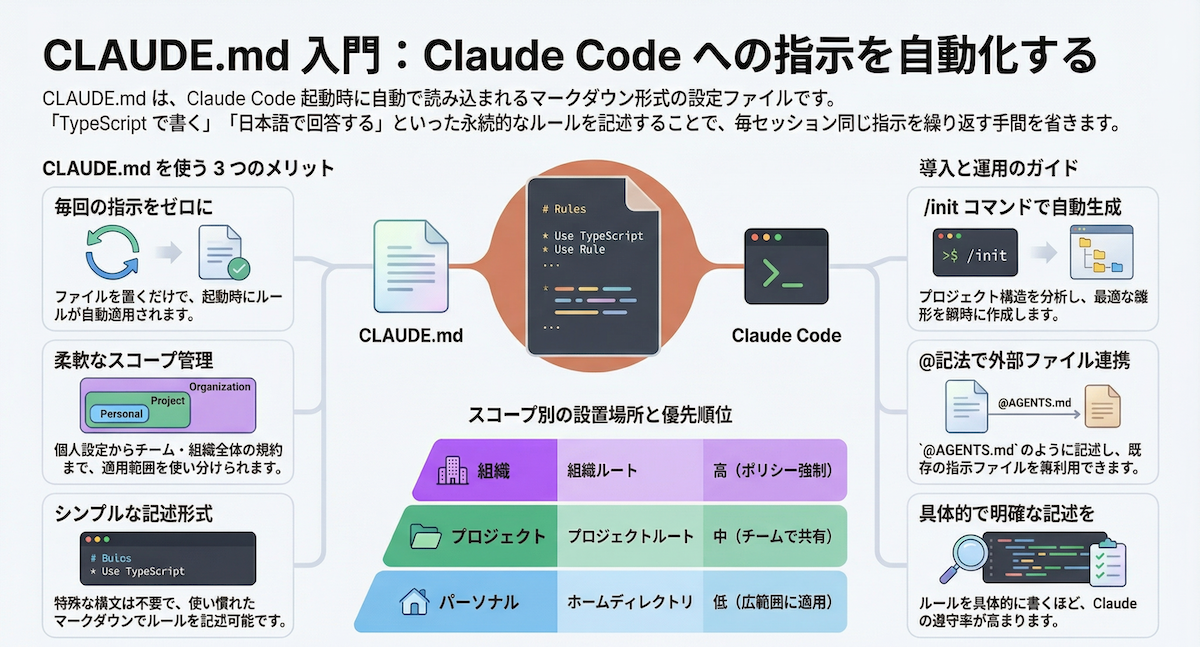
Mistake 1: Not Using CLAUDE.md From Day One
New users often jump straight into coding without setting up their project's CLAUDE.md file. This is like hiring a developer without giving them your tech stack documentation.
The Fix: Create a CLAUDE.md in your project root immediately. Include:
- Your tech stack and versions
- Project structure explanation
- Coding conventions and style guides
- Key dependencies and their purposes
- Any known quirks or workarounds
Example minimal CLAUDE.md:
# Project: E-commerce API

## Tech Stack
- Node.js 20.0
- Express 4.18
- PostgreSQL 15
- Jest for testing

## Structure
- `/src/routes` - API endpoints
- `/src/models` - Database models
- `/src/middleware` - Auth and validation
- `/tests` - Test files

## Conventions
- Use async/await, not callbacks
- Error handling with custom Error classes
- JSDoc comments for public functions
- 2-space indentation
Mistake 2: Treating Claude Code Like Copilot Autocomplete
Copilot excels at line-by-line suggestions. Claude Code works best when you give it architectural context and let it reason about larger problems.
The Fix: Use the new context import feature (launched March 13) to give Claude your entire project structure:
claude code --import-context ./your-project
Then ask for architectural changes, refactoring suggestions, or complex feature implementations—not just the next line of code.
Mistake 3: Ignoring the Phone-to-Laptop Workflow
The phone-to-laptop feature (launched March 14) isn't a gimmick—it's a productivity multiplier that new users often overlook.
The Fix: Use your phone to:
- Capture error messages or console output with photos
- Sketch architecture diagrams on paper and share them
- Record voice notes about bugs or feature ideas while away from your desk
- Review code changes during commute time
Claude Code can process these visual inputs directly, creating a seamless cross-device workflow.
Mistake 4: Not Using Inline Visual Generation
Beta launched March 13, this feature lets Claude create charts, diagrams, and visual explanations within chat. New users stick to text-only conversations.
The Fix: When discussing:
- Database schemas: "Create an ER diagram for this model"
- API flows: "Show the request/response sequence"
- Architecture: "Visualize the component relationships"
- Data structures: "Diagram this tree implementation"
Use [diagram] or [chart] in your prompts to trigger visual generation.
Mistake 5: Underutilizing Persistent Memory
With Claude's persistent memory feature (March 14), your conversations and decisions are remembered across sessions. New users start fresh every time.
The Fix: Reference previous decisions explicitly:
- "Based on our conversation yesterday about authentication..."
- "Remember when we decided to use Redis for caching?"
- "Continue from where we left off with the payment module"
This reduces repetition and creates continuity in your development process.
The Biggest Mindset Shift
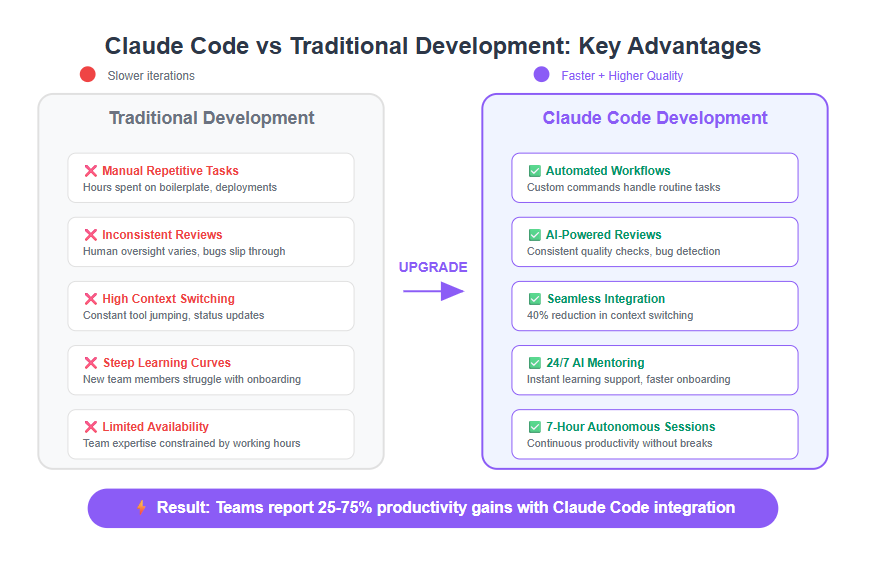
Copilot suggests code. Claude Code understands your project. The difference is profound. One Reddit user reported cutting debugging time by 70% after properly implementing these practices. The key is treating Claude as a team member who needs context, not as a tool that guesses your next keystroke.
Start with a solid CLAUDE.md, use the new visual and context features, and leverage persistent memory. You'll quickly see why developers are switching—and staying.