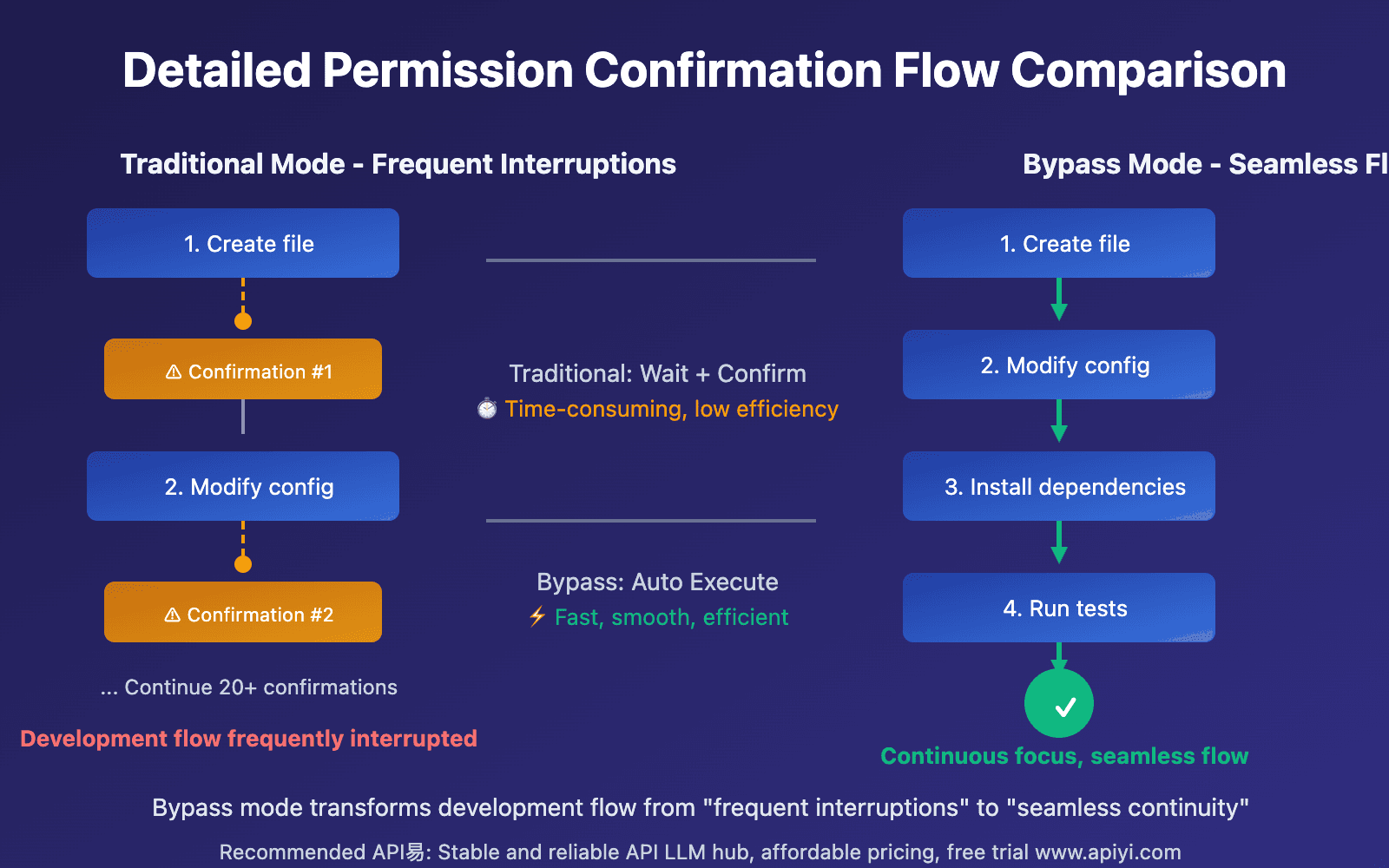
The Permission Pipeline: Code Over Confidence
When Claude Code needs to decide whether to execute a command like rm -rf /, it doesn't ask Claude. According to analysis of the source code, the permission system is almost entirely deterministic code—rule matching, glob patterns, regex validators, and hardcoded path checks. The LLM is kept out of the loop where security matters most.
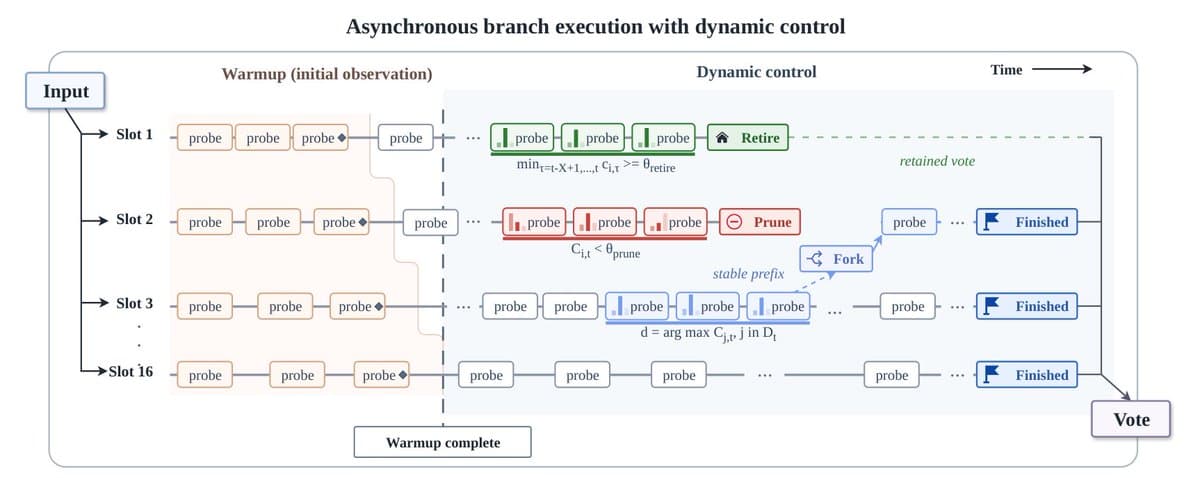
Every tool call runs through hasPermissionsToUseToolInner() before execution. The logic follows a strict priority chain:
- Tool-level deny/ask rules (glob pattern matching against settings)
- Tool's own
checkPermissions()method (per-tool code, not LLM) - Bypass-immune safety conditions (sensitive paths, content rules)
- Bypass mode check (if active and nothing above fired, allow)
- Tool-level allow rules
- Default: ask the user
This is all just code. No model inference, no classification, no probability distributions. A tool call either matches a rule or it doesn't.
The Bash Tool's 6-Stage Security Pipeline
The bash tool alone has a sophisticated 6-stage pipeline in its checkPermissions() step:
- Compound command splitting
- Safe wrapper stripping
- Rule matching per subcommand
- 23 independent security validators
- Path constraint checks
- Sed/mode validation
What's particularly clever: the system pre-computes four different views of each command:
- Raw/unchanged:
bash -c "rm '$target'" - Double-quotes stripped:
bash -c rm '$target' - Fully unquoted:
bash -c rm $target - Quote-chars preserved:
bash -c " ' '"
Each validator picks the right representation without re-parsing. Validators cover command substitution patterns, Zsh-specific dangerous builtins, IFS injection, brace expansion, unicode whitespace tricks, and more.
Bypass-Immune Checks: The Hard Lines
Some checks cannot be bypassed regardless of permission mode. Writes to .git/, .claude/, .vscode/, and shell config files always prompt the user. This is hardcoded.
Same goes for tools that require user interaction and content-specific ask rules. These fire before the bypass check in the pipeline, so there's no mode, flag, or setting that can skip them. The order of operations is the guarantee—the bypass literally cannot run before the immune checks have had their say.
The One LLM Path: Auto Mode
There's exactly one place where an LLM participates: auto mode, gated behind the TRANSCRIPT_CLASSIFIER feature flag. Anthropic has shipped auto mode publicly with the explicit caveat that it "reduces risk but doesn't eliminate it."
Crucially: the deterministic pipeline still runs first. The classifier only runs as a fallback. If the code-based pipeline can resolve the permission (allow or deny), the LLM never gets involved.
What This Means For Your Workflow
- Permission settings are predictable—they follow clear rules, not model whims
- Sensitive operations are protected by code—not probabilistic reasoning
- Auto mode adds a layer—but the hard rules still apply first
This architecture explains why Claude Code feels more "contained" than pure LLM agents. When it comes to file system and shell access, Anthropic chose determinism over delegation.