
Key Takeaways

- Navan's MCP server lets Claude Code users book travel and manage expenses with one command, replacing 8 manual steps.
- Install it via the MCP config.
What Changed
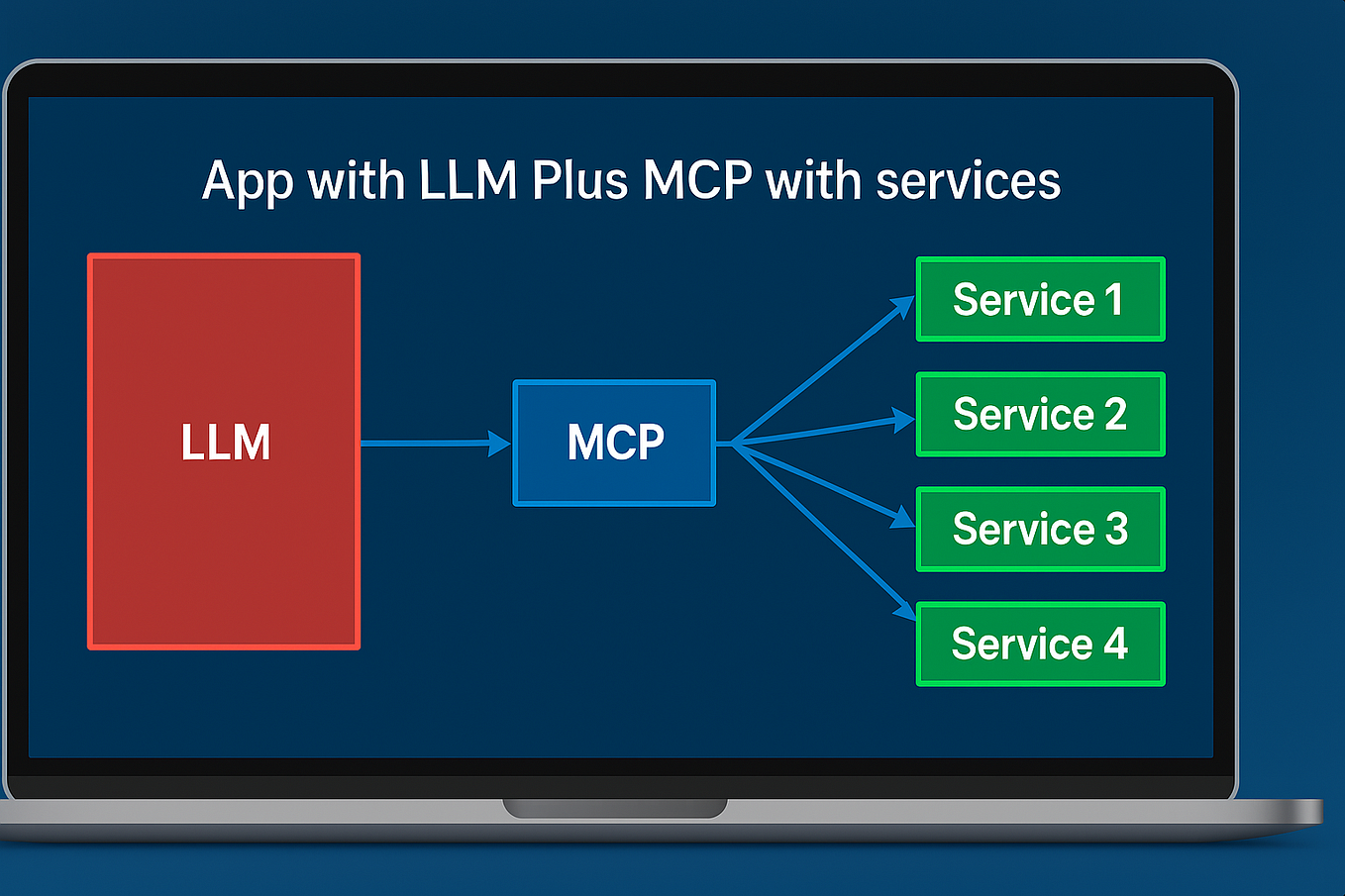
Navan, the travel and expense management platform, has launched an official Model Context Protocol (MCP) server. This means you can now book flights, hotels, manage expenses, and view itineraries directly from Claude Code—no more tab-hopping between Slack, your browser, and Navan's app.
The MCP ecosystem has grown to over 13,000 servers as of late June 2026, and this is one of the first major enterprise SaaS platforms to ship an official MCP integration. Google Cloud also shipped an official MCP server on July 1, 2026, signaling a trend: companies are building MCP servers to let AI agents interact with their platforms directly.
What It Means For You
If you handle travel booking or expense reporting for your team (or yourself), this saves serious time. Instead of: opening Navan → searching flights → comparing options → booking → copying confirmation → filing an expense report later, you can now do it all from your terminal.
Claude Code can:
- Search for flights and hotels based on natural language requests
- Book travel within your company's policy limits
- Retrieve and manage expense reports
- View upcoming itineraries
This is especially powerful for developers who travel frequently and want to automate the boring parts of trip planning. You can chain travel booking with other MCP servers—for example, having Claude Code book a flight, then add the event to your calendar, then send a Slack message to your team.
Try It Now
Setup
Add the Navan MCP server to your Claude Code configuration. In your claude_desktop_config.json or project-level MCP config:
{
  "mcpServers": {
    "navan": {
      "command": "npx",
      "args": ["-y", "@navan/mcp-server"],
      "env": {
        "NAVAN_API_KEY": "your-api-key-here",
        "NAVAN_COMPANY_ID": "your-company-id"
      }
    }
  }
}
You'll need a Navan account with API access. Generate your API key from the Navan admin dashboard under Integrations > API.
Example Commands
Once configured, try these in Claude Code:
Book a flight from JFK to London Heathrow for next Monday, returning Friday. I prefer morning departures.
Show me my upcoming travel itinerary for this month.
Find hotels near the Moscone Center in San Francisco for the week of July 15th under $300/night.
Submit my expense report for last week's trip to Chicago.
Pro Tips
- Combine with other MCP servers: Use the Google Calendar MCP server to auto-add booked trips to your calendar.
- Set policy defaults in CLAUDE.md: If you always book economy and prefer window seats, add that context to your CLAUDE.md so Claude Code remembers.
- Use
/compactfor long booking sessions: If you're comparing many options, the/compactflag reduces token usage by 40%.
When To Use It
This MCP server shines when:
- You're already in your terminal and need to book travel quickly
- You want to automate repetitive booking workflows (e.g., weekly commuter flights)
- You need to combine travel booking with other tasks (e.g., "Book a flight to Denver and then create a PR for the project updates I'll present there")
It's less useful if your company has strict approval workflows that require manual sign-off—though Navan's policy engine still enforces rules server-side.
The Bottom Line
Navan's MCP server is a practical addition to the growing ecosystem. It turns travel booking from a multi-tab chore into a single Claude Code command. If you use Navan, install it today and save yourself the context switching.
Source: news.google.com






