Key Takeaways
- Google Cloud's MCP support in Vertex AI lets Claude Code users query BigQuery and GCS directly.
- Set up MCP servers to replace custom scripts with a standardized protocol.
What Changed — Google Cloud Adds MCP to Vertex AI

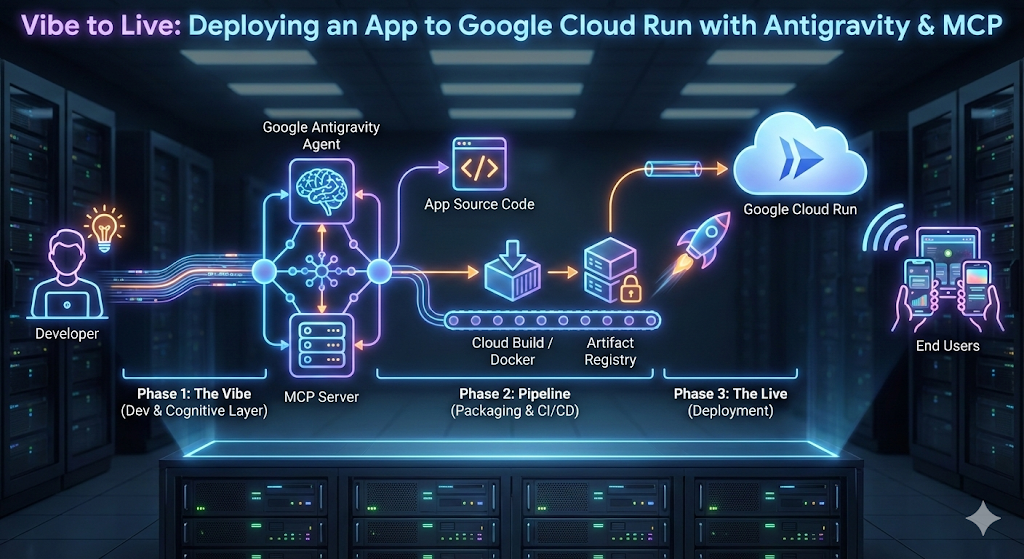
Google Cloud has officially added support for the Model Context Protocol (MCP) in Vertex AI, its managed AI platform. This update, announced in late July 2026, allows developers to connect AI models—including Claude Code—to Google Cloud services like BigQuery, Cloud Storage, and Vertex AI Search via standardized MCP servers.
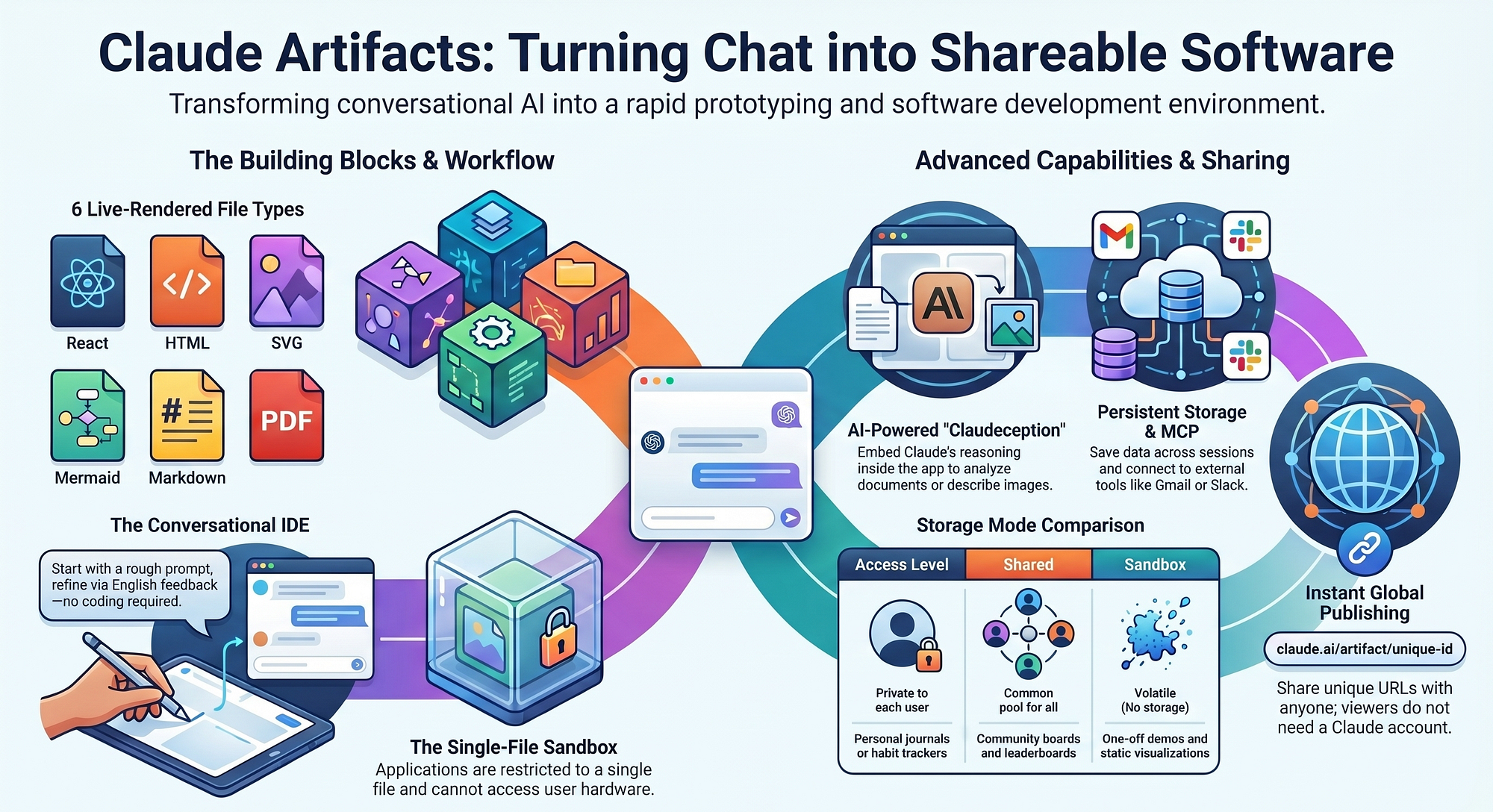
This is a major shift. Previously, connecting Claude Code to Google Cloud required custom scripts, API wrappers, or third-party tools. Now, MCP provides a single, open protocol for data access. Google Cloud joins Anthropic, GitHub, and others in adopting MCP, making it the de facto standard for AI-tool integration.
What It Means For You — Direct Access to Enterprise Data
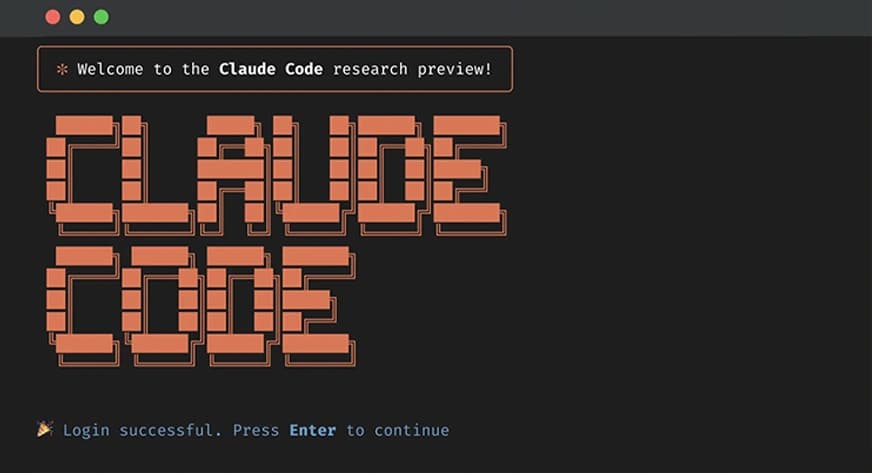
For Claude Code users, this means you can now query BigQuery tables, read Cloud Storage files, and search Vertex AI indexes directly from your Claude Code session—without leaving the terminal or writing boilerplate code.
Key benefits:
- No custom integrations: MCP servers handle authentication, query formatting, and data retrieval.
- Enterprise security: Google Cloud's IAM policies control what data MCP servers can access.
- Reduced context bloat: MCP servers return only relevant data, not entire datasets.
This is especially powerful for developers working in data-intensive environments. Instead of dumping CSV files into your prompt, you can run live queries against production databases.
Try It Now — Setting Up MCP Servers in Vertex AI

Here's how to connect Claude Code to Google Cloud using MCP:
1. Enable MCP in Vertex AI
In your Google Cloud project, navigate to Vertex AI > Model Garden and enable the MCP integration. This creates a managed MCP endpoint.
2. Configure a BigQuery MCP Server
Create a claude_mcp.json file in your project root:
{
  "mcpServers": {
    "bigquery": {
      "type": "vertex_ai",
      "project": "your-project-id",
      "location": "us-central1",
      "service": "bigquery",
      "auth": "application_default"
    },
    "cloud_storage": {
      "type": "vertex_ai",
      "project": "your-project-id",
      "location": "us-central1",
      "service": "storage",
      "bucket": "your-bucket"
    }
  }
}
3. Use It in Claude Code
Start Claude Code and ask:
"Using the bigquery MCP server, find the top 10 customers by revenue in the sales dataset for Q2 2026."
Claude Code will:
- Connect to the BigQuery MCP server
- Run the query (with your IAM permissions)
- Return the results directly in the chat
4. Add Vertex AI Search
For unstructured data, add:
"vertex_search": {
  "type": "vertex_ai",
  "project": "your-project-id",
  "location": "us-central1",
  "service": "search",
  "data_store": "your-data-store-id"
}
Now Claude Code can search internal documentation, support tickets, or product catalogs without manual indexing.
What's Next — Google's MCP Roadmap
This is just the beginning. Based on Google's trajectory, expect MCP support to expand to:
- Spanner and Pub/Sub (within months)
- Cloud Run and GKE (for deploying MCP servers as microservices)
- Gemini API (direct MCP support for Google's own models, competing with Anthropic's Claude)
Google's investment in MCP signals a strategic shift: instead of building proprietary connectors, they're betting on an open standard. For Claude Code users, this means fewer integration headaches and more time building.
The Bottom Line
Google Cloud's MCP support in Vertex AI turns Claude Code into a direct pipeline to enterprise data. Set up your MCP servers today, and you'll replace hours of custom scripting with a single configuration file.
Source: news.google.com