Key Takeaways
- Add a decision matrix to CLAUDE.md to stop Claude Code from mixing legacy and new architecture patterns during migrations.
- This technique from a 827-commit Flutter project cut migration time ~30%.
What Changed — The Real Problem with AI-Assisted Migrations
When you ask Claude Code to fix a bug in legacy code, its default instinct is to "improve" it. It sees a try/catch block and wants to refactor it into a fancier error-handling pattern. That instinct is correct for new features — and catastrophic during a migration.
One developer documented this exact problem across 827 commits in a Flutter e-commerce app for a Swiss retailer. The app had an 85% crash-free rate and three different error handling styles. The fix wasn't a smarter model. It was a CLAUDE.md file with architecture guardrails.
What It Means For You — Decision Matrices Over Guidelines
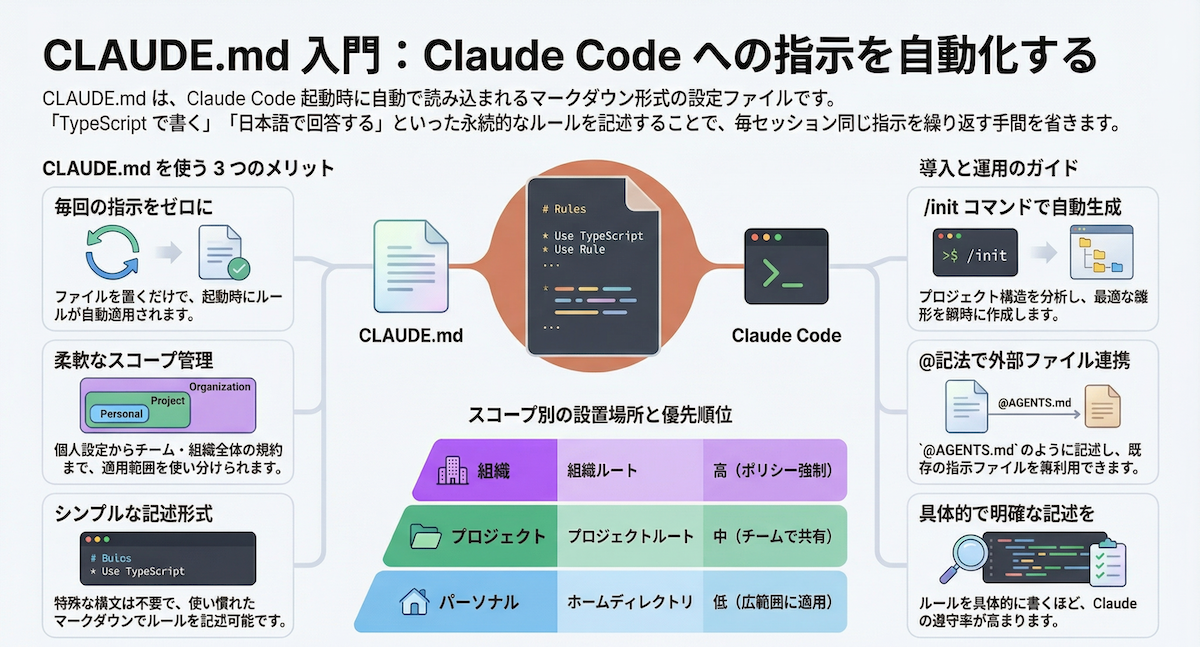
Most CLAUDE.md files list architecture rules like "use Clean Architecture" or "prefer Riverpod for state management." That's not enough. The AI needs conditional logic — a decision matrix that tells it which pattern to use depending on what it's doing.
Here's the simplified decision matrix from that production project:
## Architecture
This project uses Clean Architecture with feature-first organization.

### Decision Matrix
- Touching existing unmigrated code? -> Follow legacy patterns
- Writing a new feature? -> Use Clean Architecture
- Migrating an existing feature? -> Follow migration checklist
### Error Handling
- New code: TaskEither<AppFailure, T> from fpdart
- Legacy code: existing try/catch (do NOT refactor)
### State Management
- New features: Riverpod with code generation
- AsyncNotifier for async state
- Do NOT use ChangeNotifier, StateNotifier, or Bloc
The key insight: the decision matrix is not documentation for humans. Humans have context from standups and PR reviews. This is documentation for the AI — explicit, unambiguous, with decision trees instead of guidelines.
Try It Now — Build Your Own Guardrails
Step 1: Map your codebase's architectural states
Identify every valid pattern currently in production. For the Flutter app, that meant:
- Legacy code:
try/catch,ChangeNotifier - New code:
TaskEither,AsyncNotifierwith Riverpod - Transition code: half-migrated features (follow migration checklist)
Step 2: Create custom skills for each mode
Custom skills are slash commands in Claude Code that override baseline context. Create three:
/migration — Enforces a strict sequence (domain layer first, then data, then presentation, then tests).
/legacy-code — "Follow existing patterns. Do not introduce Clean Architecture imports. Match the style of surrounding code."
/new-feature — "Use Clean Architecture with Riverpod and TaskEither. Follow the project's current conventions."
Step 3: Test with a real task
Ask Claude Code to fix a bug in legacy code without the guardrails. Then ask again with /legacy-code active. Compare the diffs. The second version should only touch the bug, not refactor surrounding code.
Why This Works — The Token Economics of Context
The AI's instinct to "improve" code comes from its training data, where writing clean code is rewarded. During a migration, "best code possible" is context-dependent. A bug fix in unmigrated code should follow legacy patterns. The same logic written during migration should follow the new architecture. No model training covers that distinction — it has to be configured per project.
The result from this production project: ~30% faster migration timeline. Not because the AI wrote perfect code, but because it handled the mechanical parts while the developer made decisions requiring judgment.
Source: dev.to