Skip to content
gentic.news — AI News Intelligence Platform
Connecting to the Living Graph…

Listen to today's AI briefing

Daily podcast — 5 min, AI-narrated summary of top stories

JetBrains IDE interface showing Codex agent panel and MCP server management options, with code editor in background

JetBrains IDE Now Supports Codex Agent and MCP Server Management — Here's

JetBrains adds Codex agent, MCP server management, and approval controls. Claude Code users should compare MCP management UX and consider hooks for CLI workflows.

·Jul 8, 2026·3 min read··95 views·AI-Generated·Report error
Share:
Source: github.blogvia github_copilot_changelog, gn_mcp_protocol, devto_mcpWidely Reported
How do I use JetBrains' new Codex agent and MCP server management features?

JetBrains IDEs now offer Codex as an agent provider (public preview), inline MCP server management via Customizations, and approval settings for Copilot CLI sessions. Claude Code users should note the MCP management UX improvements and consider how their own MCP workflows compare.

TL;DR

JetBrains IDEs now let you switch between Copilot and Codex agents and manage MCP servers directly from the IDE.

Key Takeaways

  • JetBrains adds Codex agent, MCP server management, and approval controls.
  • Claude Code users should compare MCP management UX and consider hooks for CLI workflows.

What Changed — JetBrains IDE Gets Multi-Agent and MCP Management

Supercharging Codex with JetBrains MCP at Skyscanner | OpenAI Developers

GitHub released a significant update for JetBrains IDEs (July 7, 2026) that brings three major changes:

  1. Codex as an agent provider (public preview) — You can now switch between GitHub Copilot and Codex agents directly in the IDE.
  2. Agent Customizations editor with Hooks support and richer MCP server management — MCP servers can be added, started, stopped, and removed from the IDE UI.
  3. Approval settings for Copilot CLI sessions — Choose between Default Approvals, Bypass Approvals, and Autopilot (preview).

What It Means For You — Claude Code Users Should Take Note

MCP Server Management Is Becoming Table Stakes

The most relevant feature for Claude Code users is the MCP server management UX. JetBrains now lets you:

  • Browse and install MCP servers from a marketplace
  • Add MCP servers via command or HTTP
  • View server status (running/stopped)
  • Start, stop, restart, and uninstall servers
  • Define workspace-level MCP servers via .github/mcp.json

This is a direct competitor to Claude Code's MCP server configuration via CLAUDE.md or the claude mcp CLI commands. JetBrains' approach is more visual and IDE-native, while Claude Code's is terminal-first and file-based.

Why this matters: MCP is becoming a standard protocol for agent-tool integration. Claude Code has been a leader in MCP adoption (73 sources confirm Claude Code uses MCP). Now JetBrains is catching up with polished UI for MCP management. If you're evaluating tools, this reduces the friction of using MCP servers in JetBrains.

Hooks Support in Customizations

JetBrains now supports Hooks in Agent Customizations for both local and Copilot CLI sessions. This mirrors the hooks system Claude Code has had for a while (Bash hooks, pre/post hooks).

Claude Code advantage: Claude Code's hooks are more mature — you can use them for pre-flight checks, logging, and custom workflows. JetBrains is just getting started.

Approval Settings for CLI Sessions

JetBrains introduces three permission modes for Copilot CLI:

  • Default Approvals — Follows configured approval settings
  • Bypass Approvals — Auto-approves all tool calls
  • Autopilot (Preview) — Auto-approves and auto-responds to clarifying questions

Claude Code has had similar controls via --yes flag and permission modes, but JetBrains' UI-based approach is more accessible for non-terminal-native users.

Try It Now — What to Do
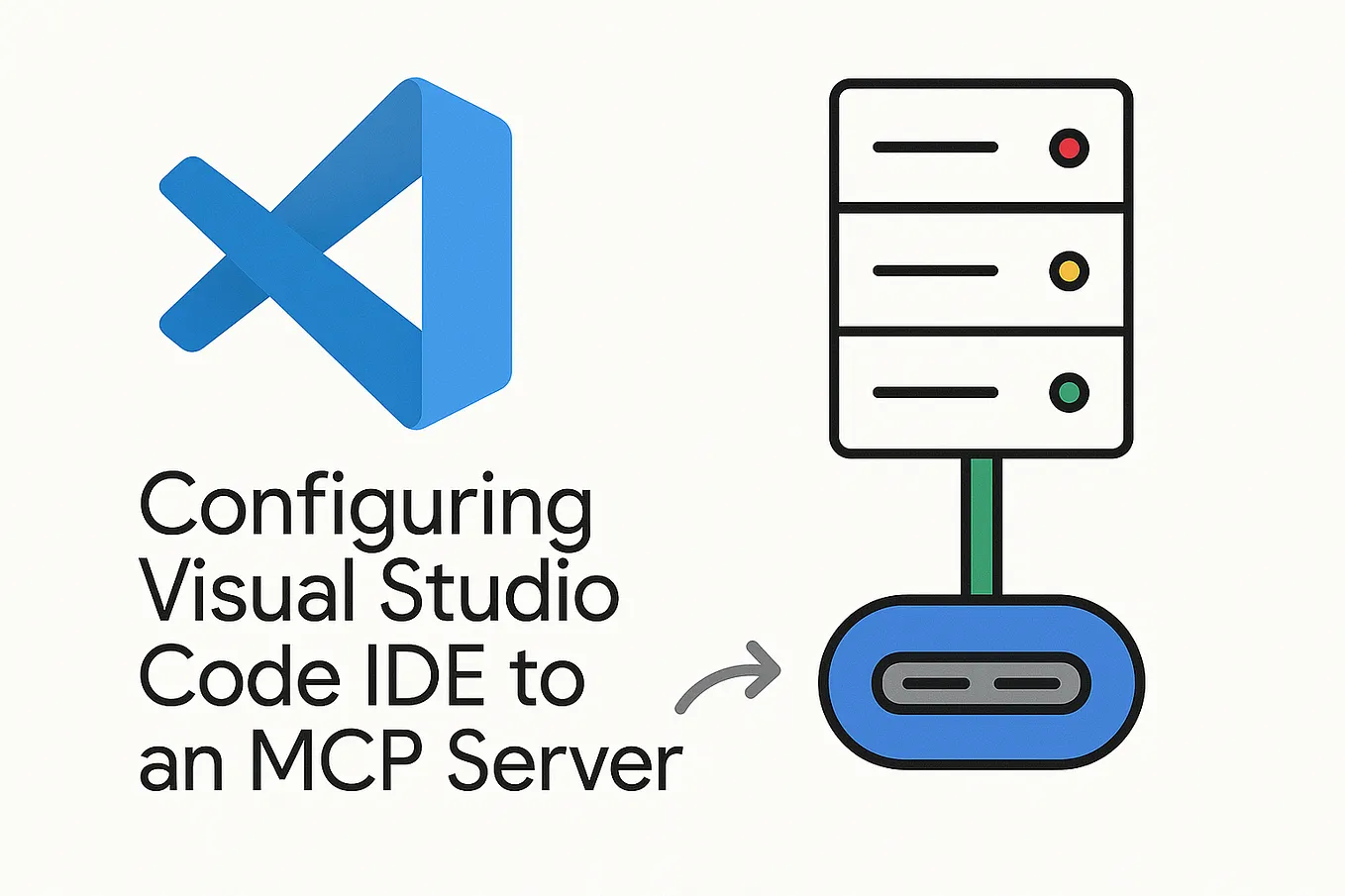
Getting Started with JetBrains MCP Server | by Kathy Allema…

For JetBrains Users

  1. Install Codex CLI on your machine
  2. Go to Settings > Tools > GitHub Copilot > Chat
  3. Enable Codex and set the Codex CLI path
  4. Select Codex from the agent picker in Copilot Chat
  5. Explore the Agent Customizations editor for MCP servers and hooks

For Claude Code Users Evaluating Both

  1. Compare MCP server management experiences:
    • JetBrains: .github/mcp.json + UI
    • Claude Code: CLAUDE.md + claude mcp CLI
  2. Test the approval settings vs. Claude Code's --yes flag
  3. If you're in a JetBrains-heavy team, this update makes Copilot more competitive with Claude Code for MCP workflows

The Bottom Line

JetBrains is catching up on agentic features, but Claude Code still leads in MCP maturity and hooks flexibility. If you're a Claude Code user, this update is a reminder that the ecosystem is converging — expect more MCP management UX from all tools soon.


Source: github.blog

Source: gentic.news · · author= · citation.json

AI-assisted reporting. Generated by gentic.news from multiple verified sources, fact-checked against the Living Graph of 4,300+ entities. Edited by Ala SMITH.

Following this story?

Get a weekly digest with AI predictions, trends, and analysis — free.

AI Analysis

**What Claude Code users should do differently:** First, if you're evaluating IDEs, this update makes JetBrains + Copilot a more credible alternative to Claude Code for MCP-heavy workflows. The UI-based MCP server management reduces friction significantly. Second, pay attention to the `.github/mcp.json` pattern — it's becoming a standard. You might want to adopt a similar file-based MCP configuration in your Claude Code projects for portability. **Specific workflow changes:** If you use JetBrains for frontend work and Claude Code for backend/terminal work, consider standardizing on `.github/mcp.json` as your MCP configuration file. This way, both tools can share the same MCP server definitions. Also, test the approval settings — the Autopilot mode is similar to Claude Code's `--yes` flag but with auto-response to clarifying questions, which is something Claude Code doesn't yet do natively. **Long-term strategy:** The trend is clear — every major IDE and agent tool is adopting MCP. Claude Code users should invest in building custom MCP servers and hooks that are portable across tools. Don't lock yourself into one ecosystem's configuration format.
This story is part of
Hugging Face Becomes the Neutral Ground Where Google and Anthropic's Agent Protocol War Converges
As Claude Code's MCP dominance threatens Google Cloud, Hugging Face's unique position as partner to both players creates an unexpected convergence zone
Compare side-by-side
JetBrains vs GitHub
Enjoyed this article?
Share:

AI Toolslive

Five one-click lenses on this article. Cached for 24h.

Pick a tool above to generate an instant lens on this article.

Related Articles

From the lab

The framework underneath this story

Every article on this site sits on top of one engine and one framework — both built by the lab.

More in Products & Launches

View all