Key Takeaways
- The Model Context Protocol's power comes with risk: servers you install can run code on your system.
- Learn how to audit and manage MCP server permissions.
The Core Security Model
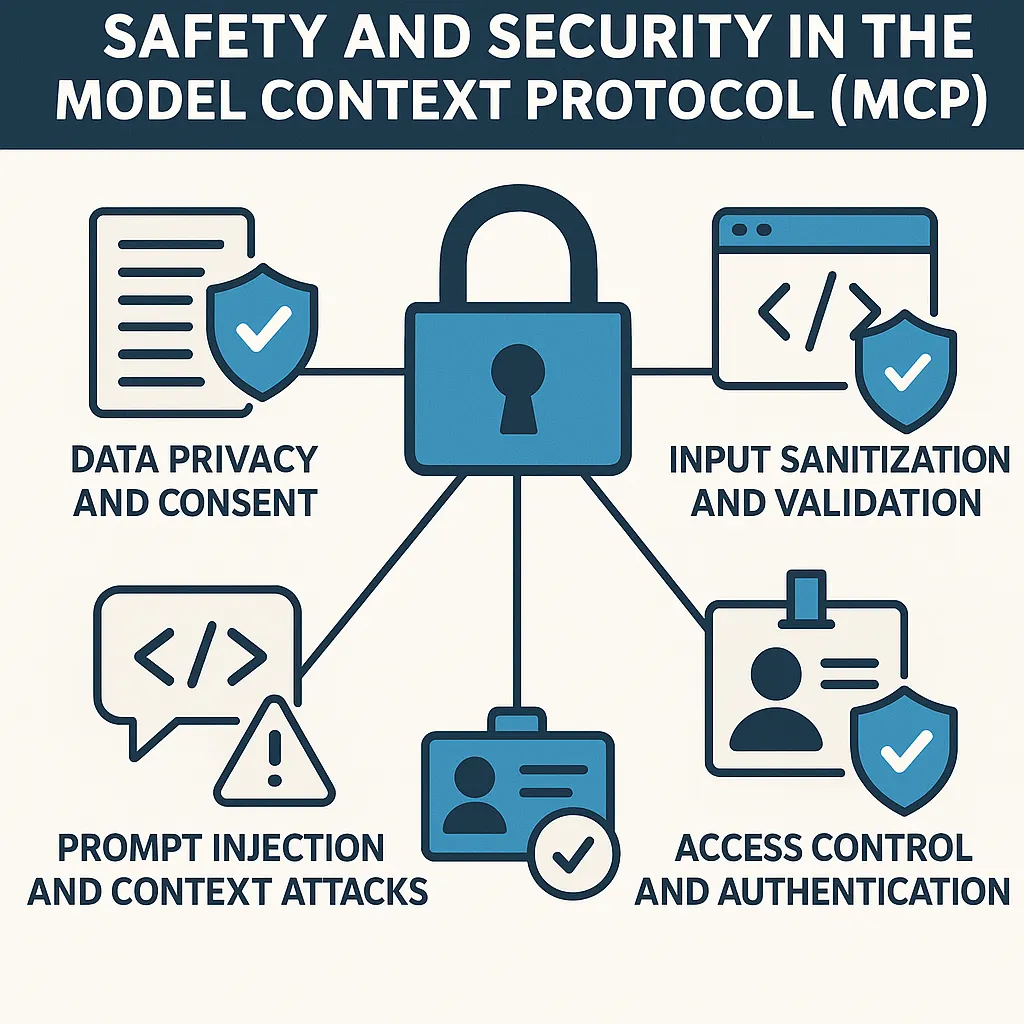
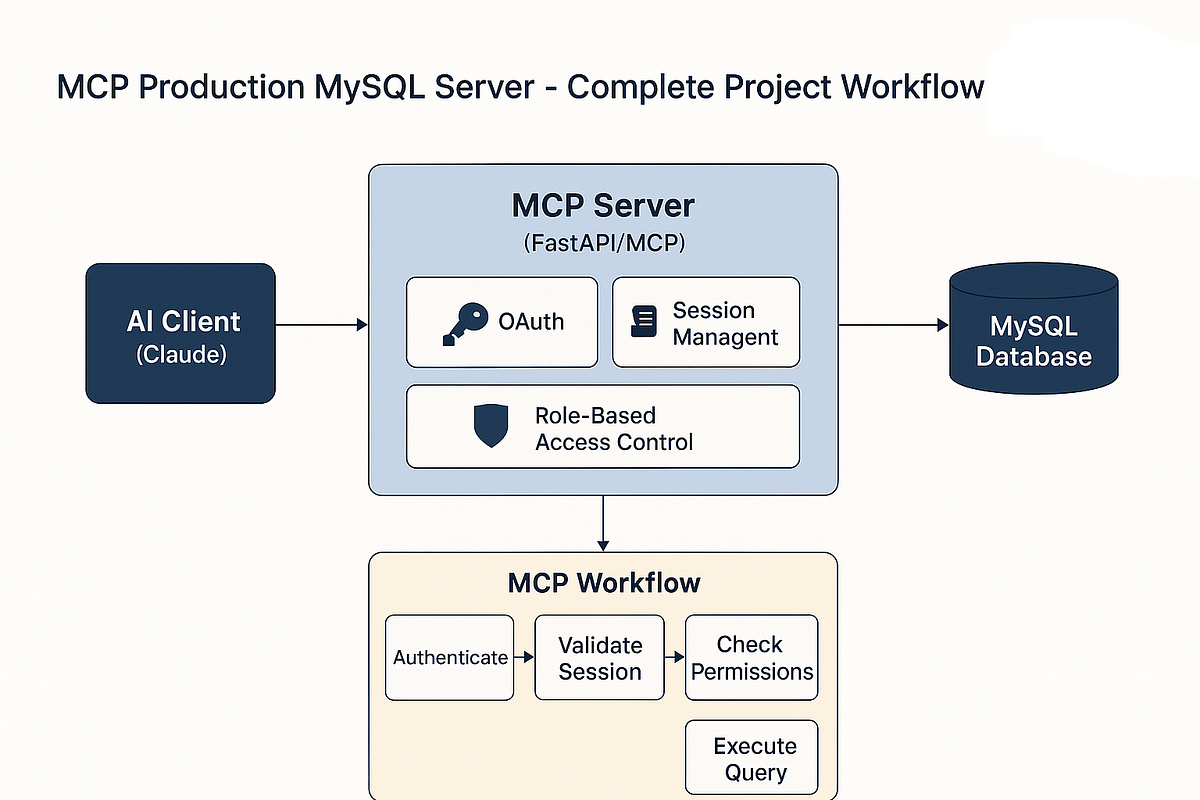
The Model Context Protocol (MCP) gives Claude Code incredible power—access to databases, filesystems, APIs, and system tools. This power comes from MCP servers that run locally on your machine. The "by design" security flaw isn't a bug—it's the fundamental architecture: any MCP server you install can execute arbitrary code with your user permissions.
When you run claude code with MCP servers enabled, those servers operate in the same security context as your terminal session. A server with filesystem access can read sensitive files. A server with command execution can run scripts. This isn't malicious—it's how MCP enables tools like mcp-server-filesystem to edit your code or mcp-server-git to manage repositories.
What This Means For Your Workflow
Every time you add a new MCP server to your Claude Code configuration, you're granting that server permission to interact with your system. The popular claude desktop configuration often includes multiple servers by default:
// ~/.config/claude-desktop/config.json
{
  "mcpServers": {
    "filesystem": {
      "command": "npx",
      "args": ["-y", "@modelcontextprotocol/server-filesystem", "/path/to/allowed/dir"]
    },
    "git": {
      "command": "npx",
      "args": ["-y", "@modelcontextprotocol/server-git"]
    }
  }
}
Each server definition includes a command that gets executed on your machine. While official Anthropic servers are trustworthy, the ecosystem includes community servers with varying levels of vetting.
How To Secure Your MCP Setup
1. Audit Your Current Servers
Run claude code --mcp-list (or check your config file) to see all installed servers. Ask yourself:
- Do I recognize every server?
- What permissions does each have?
- When was the last time I updated them?
2. Use Sandboxing Where Possible
Some servers support sandboxing. For filesystem access, specify restricted directories:
"filesystem": {
  "command": "npx",
  "args": ["-y", "@modelcontextprotocol/server-filesystem", "/Users/you/projects"]
}
This limits the server to your projects directory instead of your entire home folder.
3. Vet Community Servers
Before installing a community MCP server:
- Check the GitHub repository for activity and issues
- Review the source code for what commands it runs
- Look for security disclosures or audits
- Consider running in a Docker container for untrusted servers
4. Implement Least Privilege
Don't grant filesystem access if you only need git. Don't enable command execution unless necessary. Start with minimal permissions and add only what you need.
When This Actually Matters
For most developers using official Anthropic servers (filesystem, git, browsers), the risk is minimal—these are well-maintained and focused. The concern arises with:
- Niche community servers that interact with sensitive systems (databases, cloud credentials)
- Self-hosted servers you or your team writes
- Servers that execute shell commands as part of their functionality
The Tradeoff: Power vs. Security
MCP's design isn't accidental—it's what makes Claude Code so powerful compared to sandboxed alternatives. The protocol assumes trust between you and the servers you run. This follows Anthropic's philosophy of giving developers maximum flexibility, similar to how package managers like npm or pip operate.
This aligns with our previous coverage of "How MCP Turns Claude Code into Your Development Copilot"—the very capabilities that make MCP transformative require system access. The security model is essentially: "If you run it, it can do what you can do."
Actionable Checklist for Claude Code Users
- Review your current MCP config today
- Remove unused servers from your configuration
- Update regularly—server updates often include security fixes
- Consider separate configurations for different projects with different risk profiles
- Monitor Claude Code's MCP logs when trying new servers:
claude code --verbose --mcp-log-level=debug
MCP isn't "insecure"—it's powerful. Like any powerful tool (Docker, Kubernetes, system package managers), it requires understanding what you're running. The responsibility shifts to you, the developer, to manage what gets access to your system.
This security model is likely why Anthropic has been relatively conservative with officially supported MCP servers while encouraging community experimentation. As the ecosystem grows, expect more tooling around server vetting and permission management.